
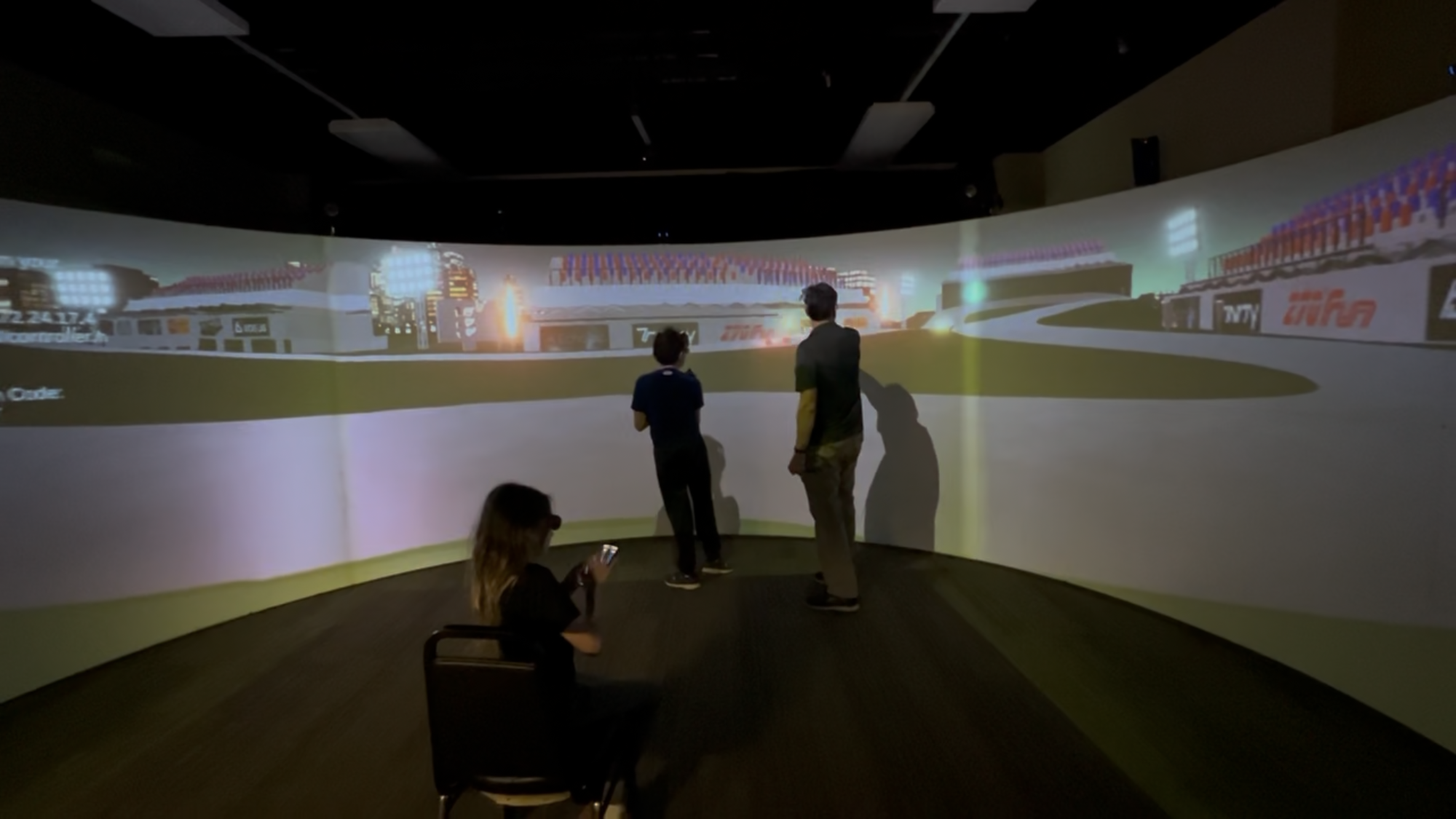
This week, we focused on improving the overall look of our environment and implementing VFX that helps players better understand the gameplay. We also added a skybox to enhance the atmosphere.
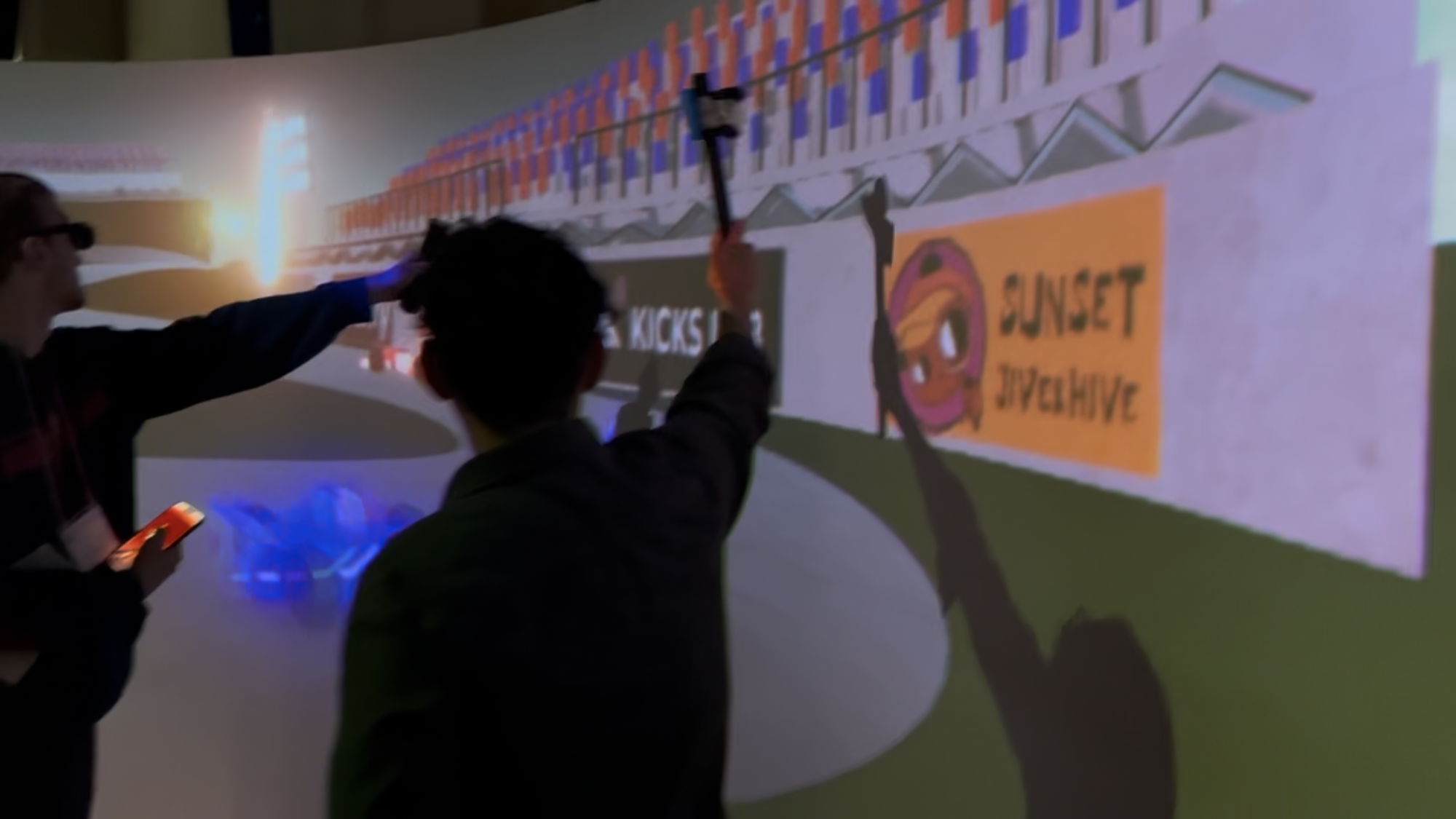
To prepare for Saturday’s playtest and deliver a stronger player experience, we optimized both environment art and VFX.
Environment & UI Updates
To enrich the environment and UI, we completed the following:
- Finished the audience seat textures
- Created a new scoreboard
- Added a skybox to the environment
- Completed the phone UI designs
Gameplay & VFX Improvements
Based on feedback from previous playtests, we focused on clarifying the cheering system and its VFX feedback:
- Differentiated cheering energy ball colors for each team
- Added emission to the car during acceleration
- Created a storyboard to clarify the game rules during onboarding
- (This will be turned into a video in the following weeks.)
- Implemented a new ending scene featuring a scoreboard zoom-in to clearly show the final score
- Adjusted flame duration to correspond to the player’s tapping frequency
Playtest Feedback
Although most playtesters were not part of our target audience and sessions were small (3–4 people), we still received valuable insights:
- Players were unsure when to click the button due to the unclear cheering energy bar
- Uncertainty about which part of the phone UI was interactive
- Players could not tell how many laps were left
- The environment appeared too dark, especially when viewed through the 3D glasses