This week marked the final preparations for Playtest Day and as a result, a lot of work had to be done.
To start off with, Harley continued working on the particle system for the zombies, as well as getting the first iteration of the level placed in the map, creating the environment we would use for playtest day.
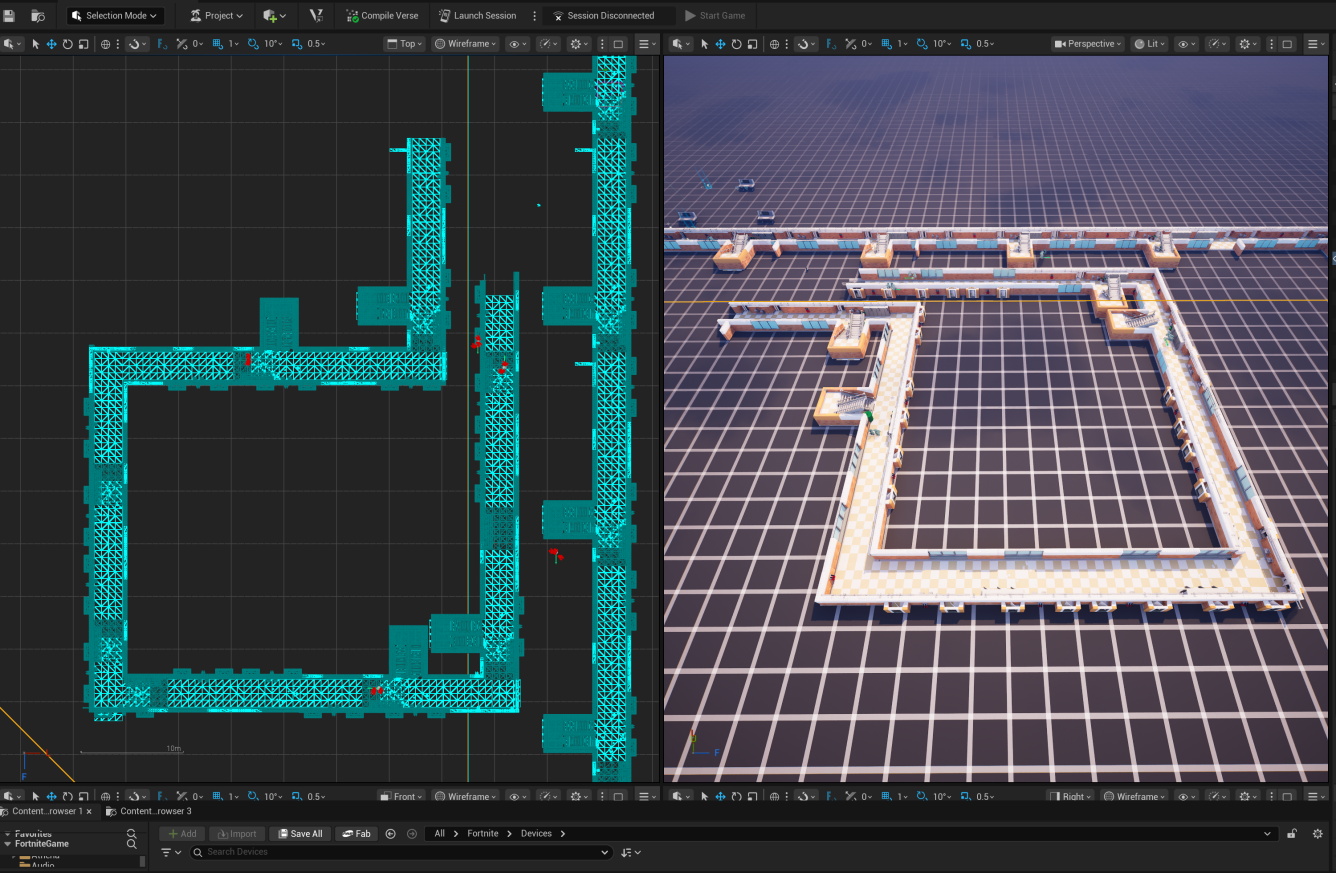
Arthur got a working demo of everything working, including an ending for the level and making sure the admin mode worked to have a camera that could follow the players moving through the level.
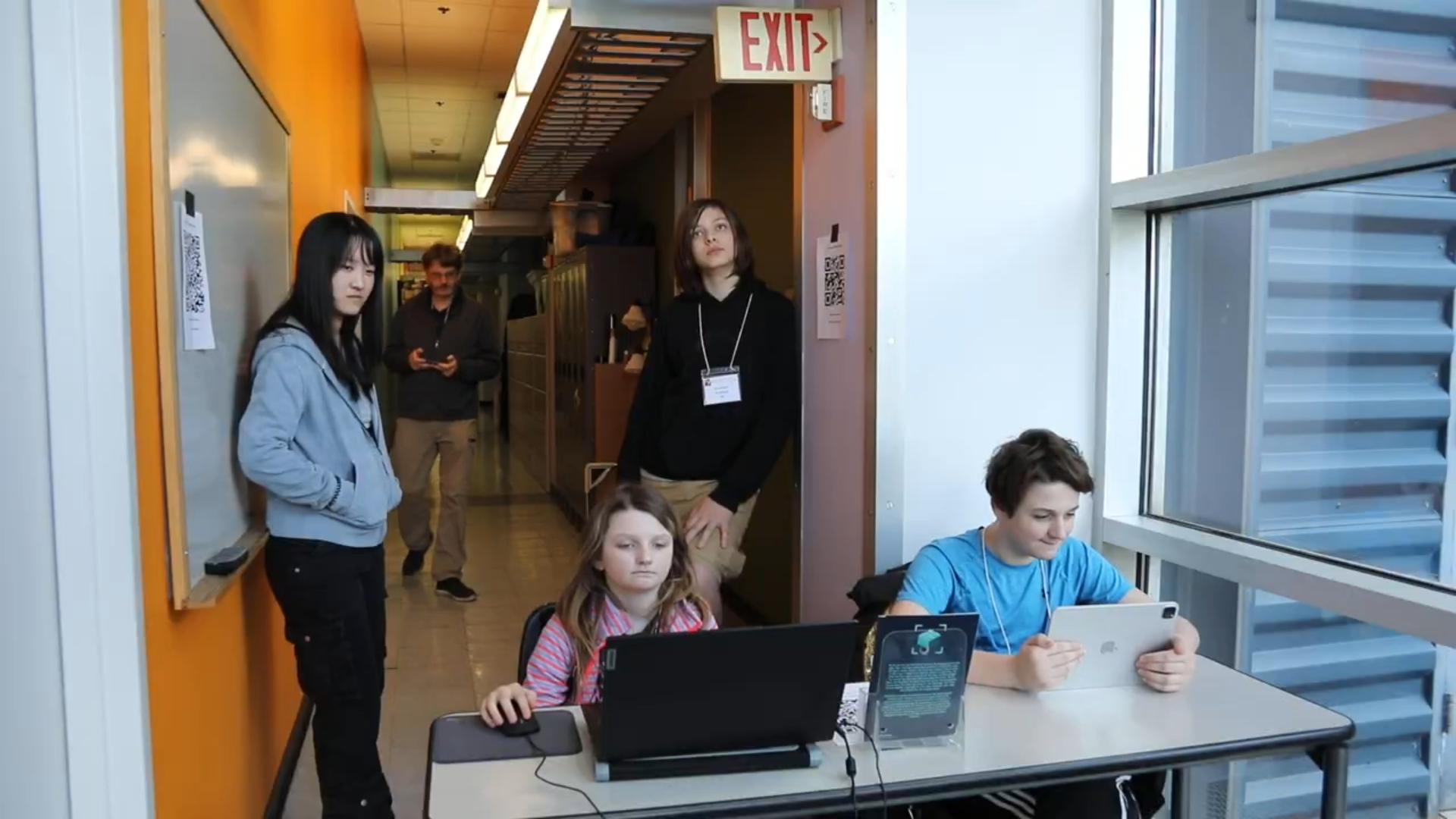
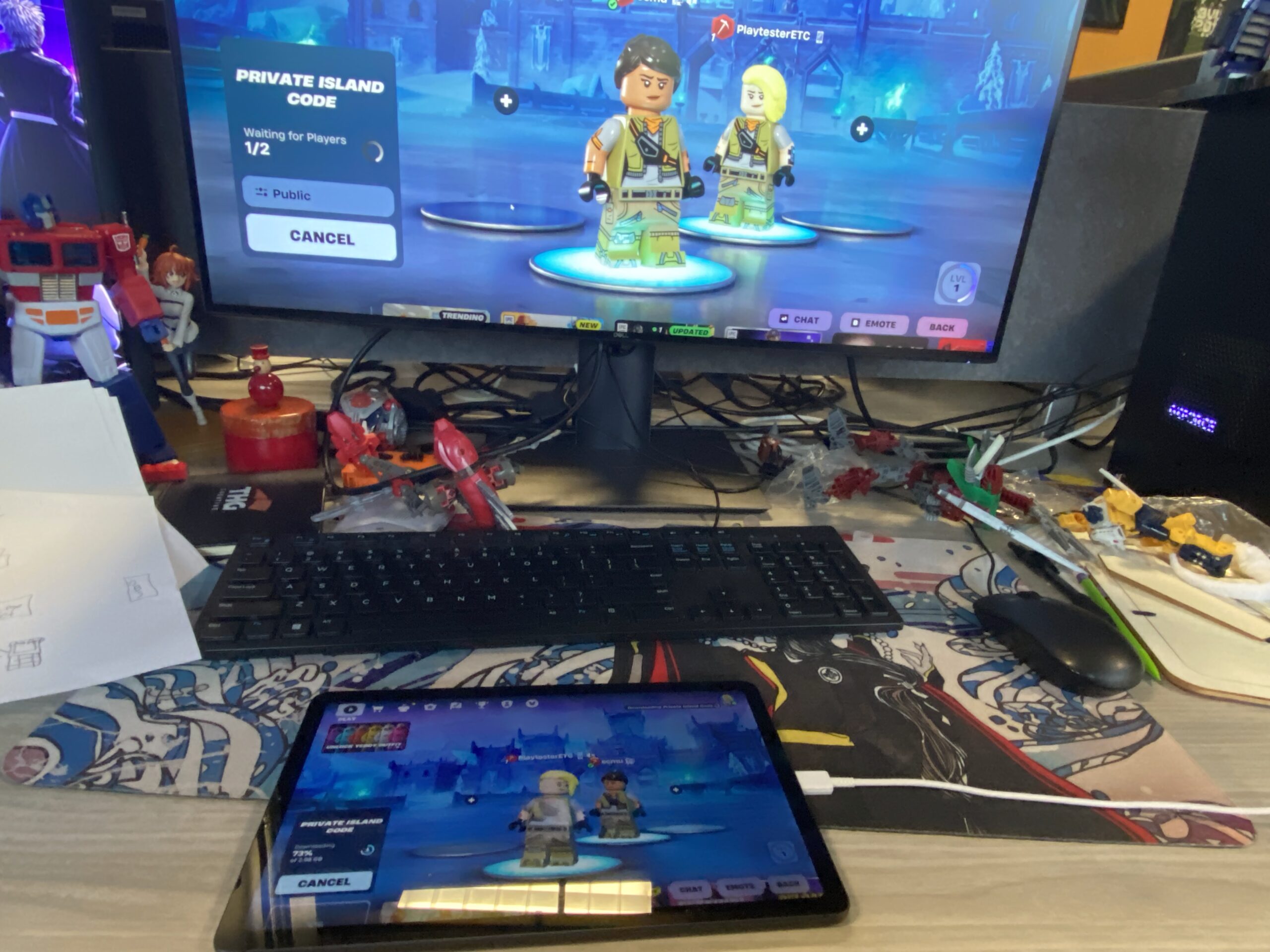
Ean experimented with getting Fortnite up and running on a Chromebook, as it’s the device kids would have the most access to in middle school, as well as on a Samsung Tablet. He managed to get Fortnite running on both, but with noticeable drawbacks. The Chromebook used XBox Cloud Gaming to access it, which allowed for lower latency at the cost of lower graphic quality. Using the Samsung tablet was even worse as it had both low graphic quality and would lag heavily if you weren’t looking at the floor. For Playtest Day, we made the decision to pivot and use one of our own laptops and an iPad for our playtesters to use.
Esther was at work turning the storyboards into an intro animatic to provide narrative context for our game and what the role of the playtesters were.
Ean also recorded some footage to work as a demo for the ending cutscene where the zombies catch up to the human, just to show off a more practical example of what our final footage would look like.
Esther also focused on creating the assets for the in-game lobby area so we could have more control over when the game started, though it wasn’t ready to go by Playtest Day.
Isabella finished up creating the survey, focusing on questions that would allow us to track how involved the players were in both the Lego Fortnite game, as well as the livestream.
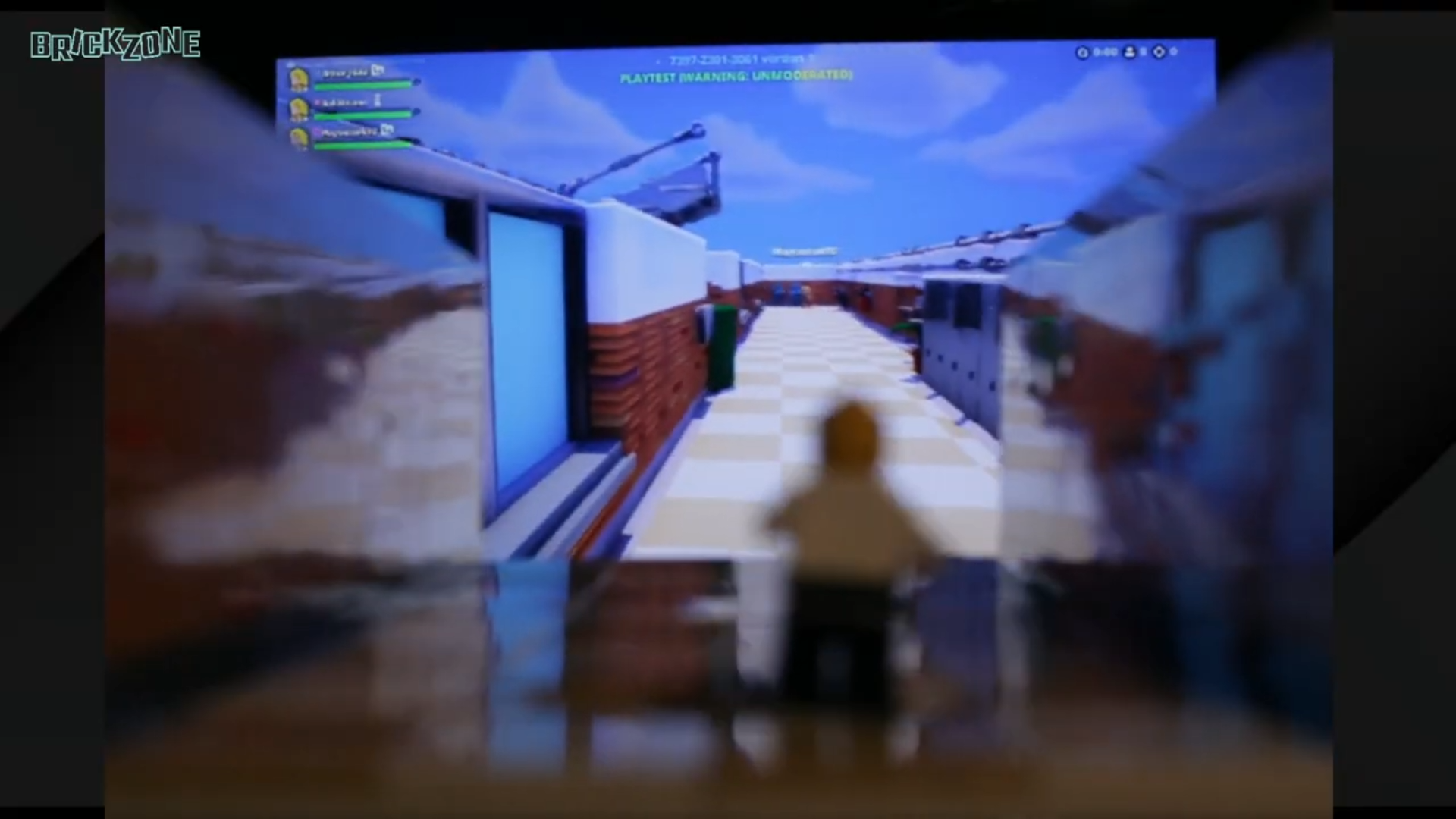
The team worked on getting the Greenscreen room set up for Playtest Day, arranging the lights, testing to make sure the camera switches and pre-made media worked. We also aligned the image of the in-game Fortnite camera with our physical set to make it look like the players are chasing after the physical minifigure. We noticed however that the camera we were using had difficulties focusing in on both the minifigure and the background gameplay, so we decided to place the focus on the in-game footage to hopefully achieve this goal. We also decided to have a monitor hooked up to a laptop to show a player’s in-game view so that the host could commentate on the livestream. The last phase of this was actually getting the livestream set up. The initial plan was to stream to YouTube but that requires 24 hour approval before it, so we eventually settled on using Twitch to stream.
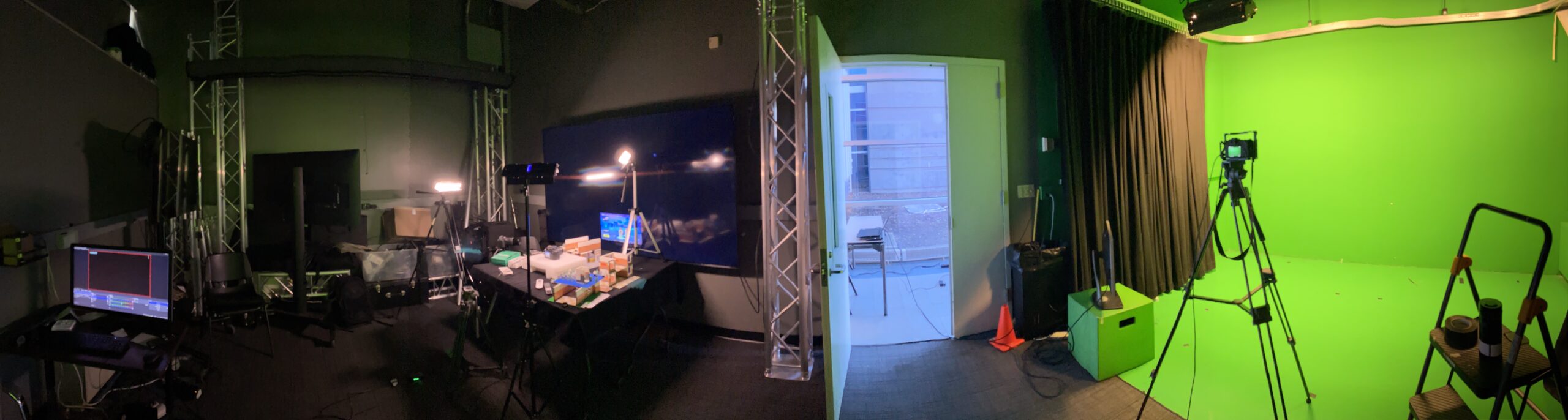
We also delegated roles to who would be performing what task during the playtest. Ean agreed to host, Arthur agreed to run backwards in the level to get the desired virtual production effect, Esther would manage the OBS and cameras, Isabella would observe the playtesters out in the hall, and Harley would flex into different rolls as needed.
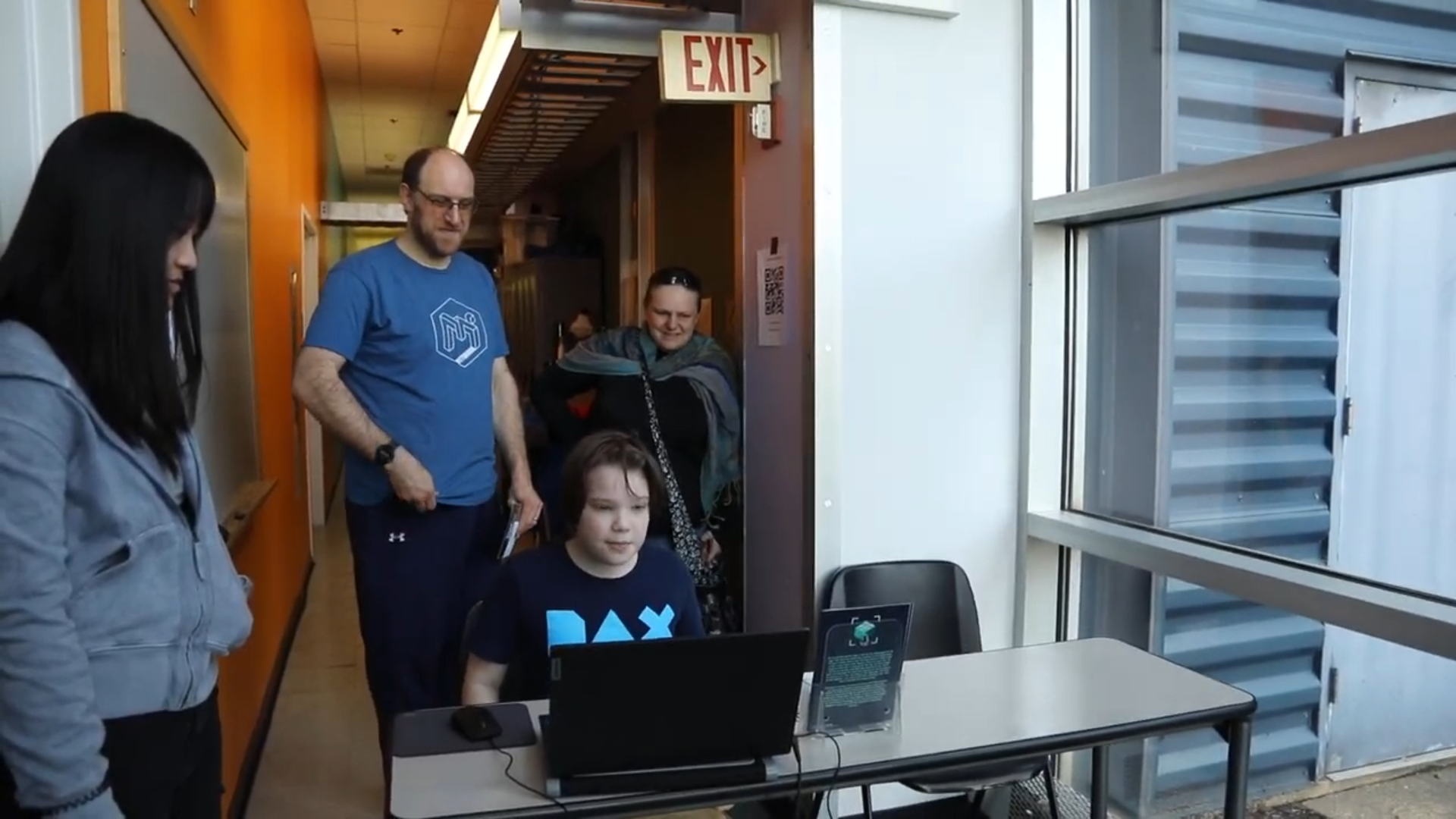
The actual Playtest Day itself was very hectic, we had a lot of people come through but it also gave us a lot of great feedback that we could iterate on over the next few weeks leading up to softs. Some of the things we observed were that tablets were more difficult to control than computers, so we’re going to be focusing solely on using laptops. In addition, we observed that our playtesters focus wasn’t evenly split between the game and the livestream, and they only ever looked up at the beginning and at the end. We also observed that running backwards through the hallways to get an in-game camera on the players was very difficult, so we’d have to revise how we accomplished that.