
Rendering & Pipeline Updates
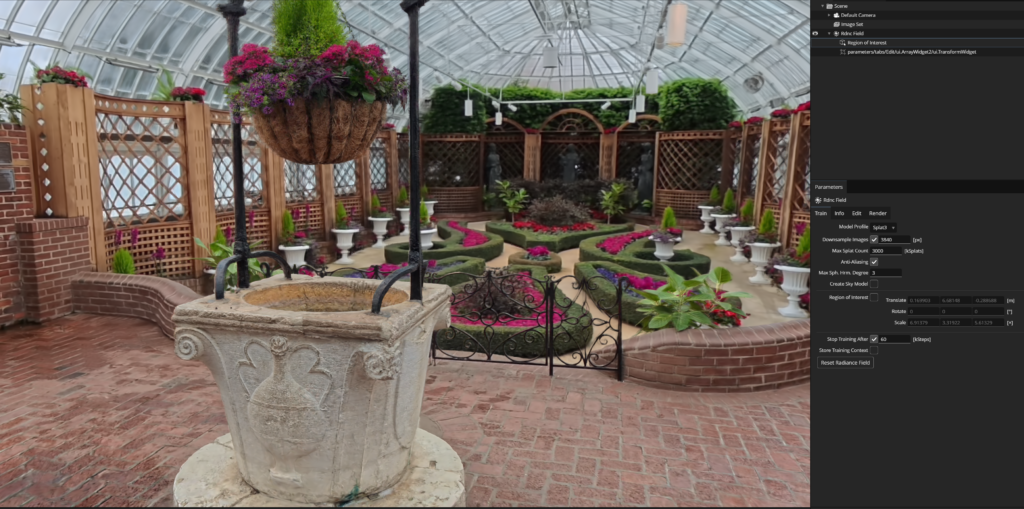
We’ve finally established a pipeline to utilize the render farm graciously set up by the ETC tech team. We can now remote into four dedicated PCs for rendering, which keeps our own PCs free for other work while PostShot handles the heavy lifting.
Iterative Testing: More is Better
Our recent tests confirmed that more footage and more training steps consistently yield better results. Here is the progression of our parameters across recent versions:
| Version | Parameters |
| V1 | 1 set of videos, Splat3, 80K steps |
| V2 | 3 sets of videos, Splat MCMC, 80K steps |
| V3 | 3 sets of videos, Splat MCMC, 100K steps |
| V4 | 3 sets of videos, Splat MCMC, 200K steps |
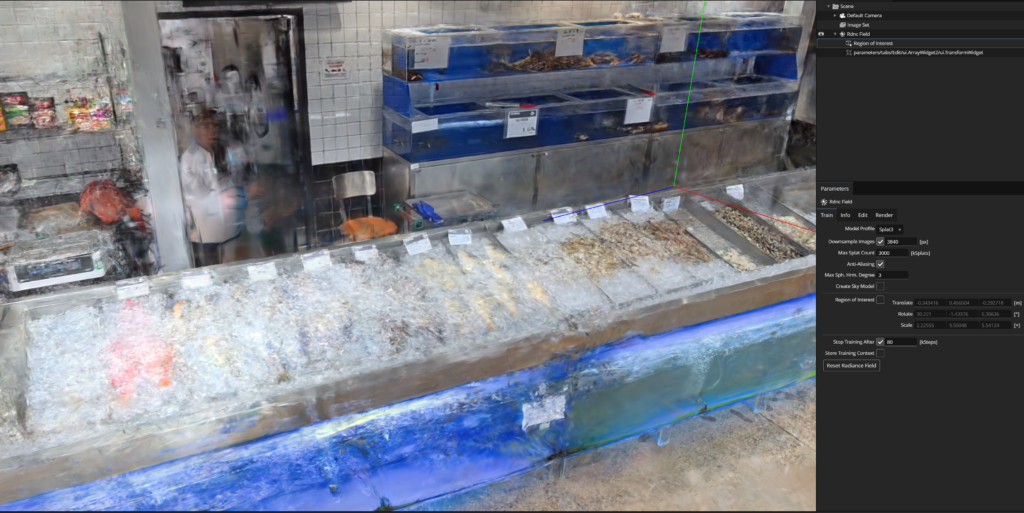
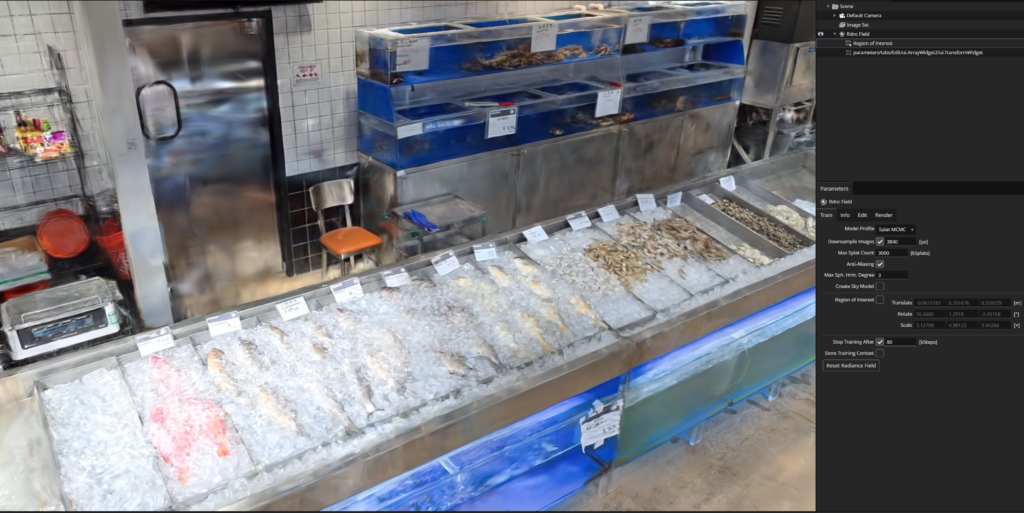
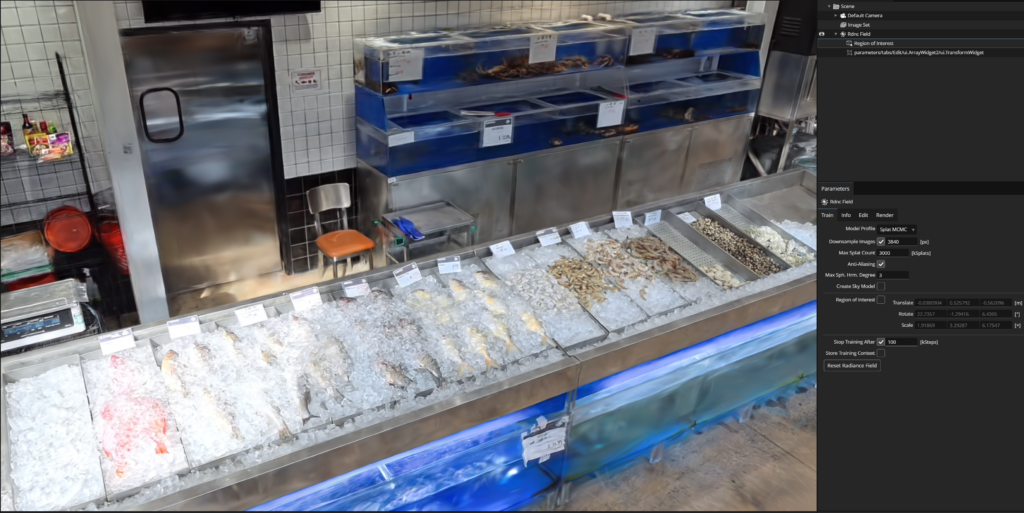
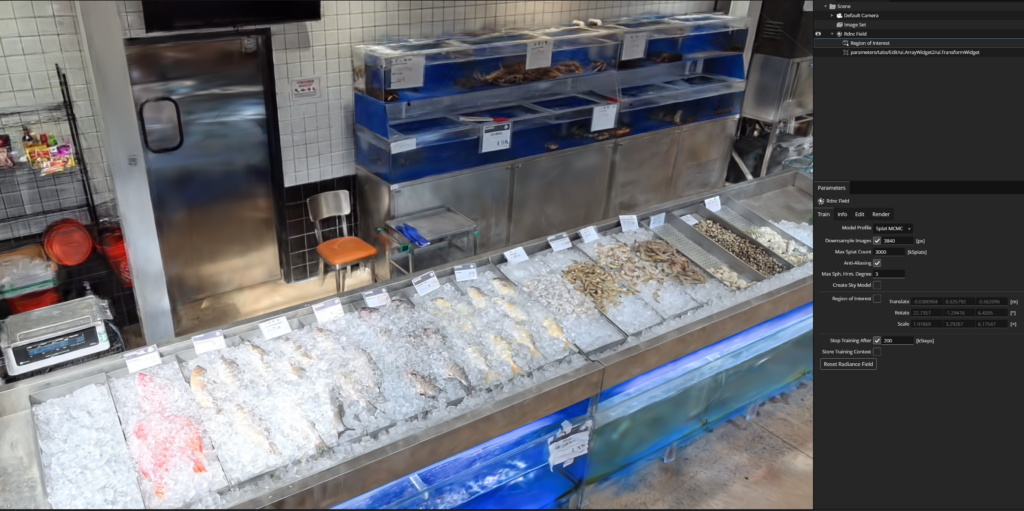
We saw similar improvements with our Supermarket Scene:
- V1: 1 set original videos, Splat3, 100K steps
- V2: 3 sets edited videos (increased exposure/contrast), Splat3, 150K steps
- V3: 2 sets original videos, Splat3, 100K steps
- V4 (Final): 3 sets original videos, Splat MCMC, 200K steps
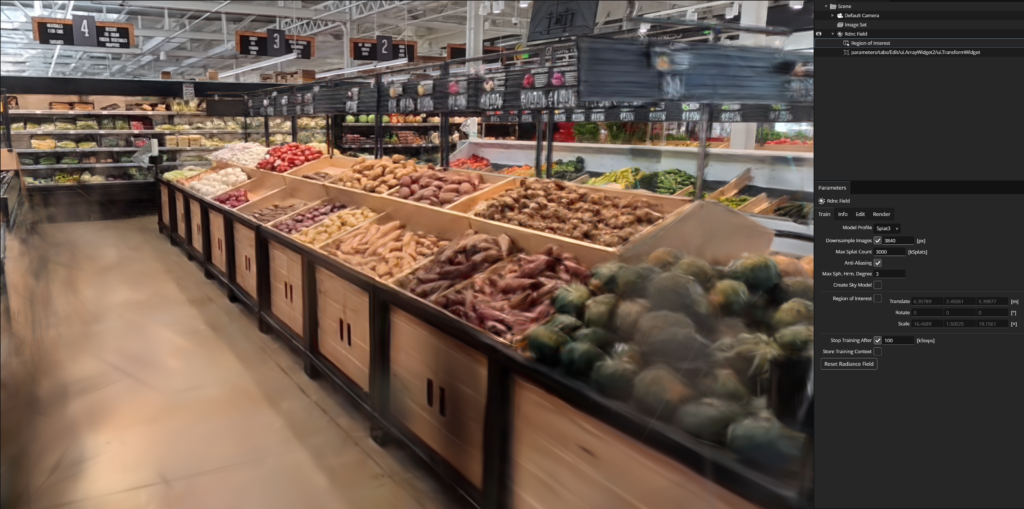
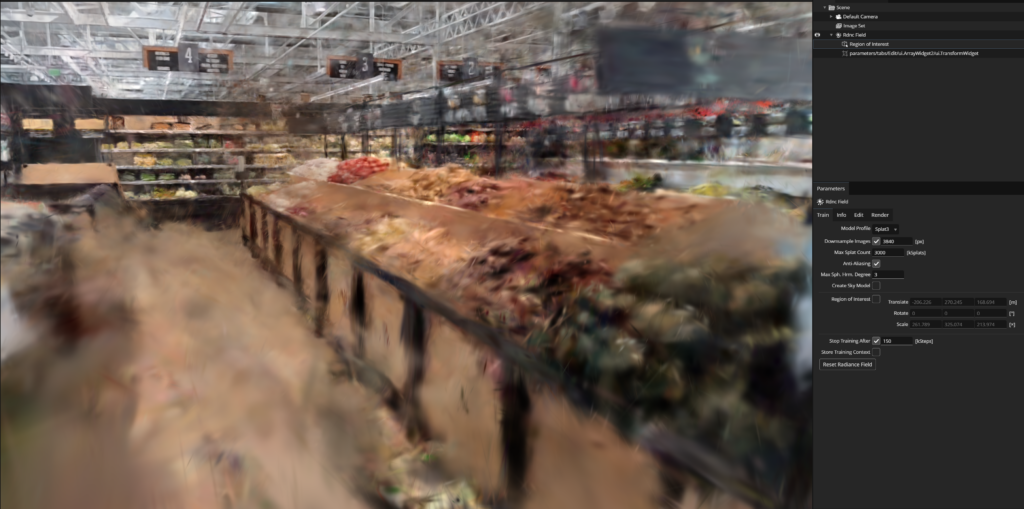
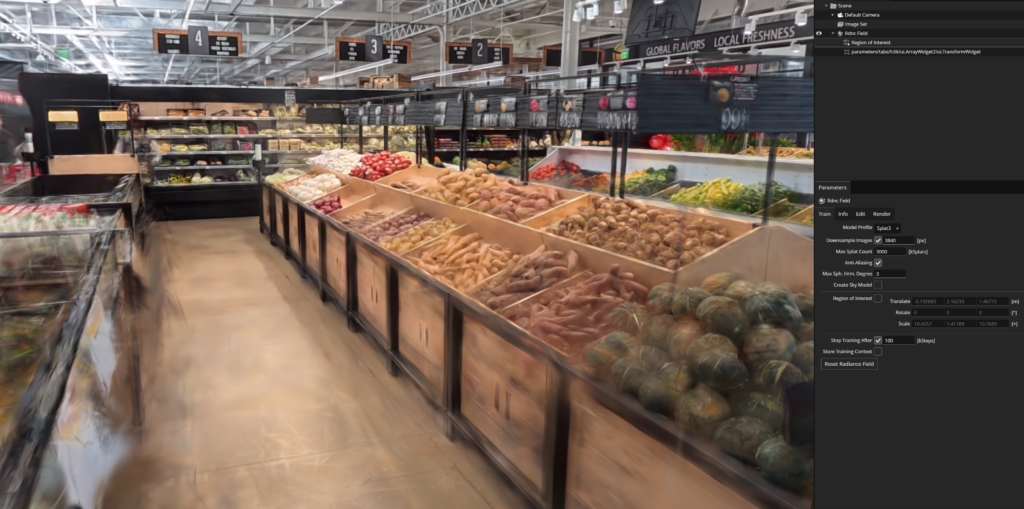
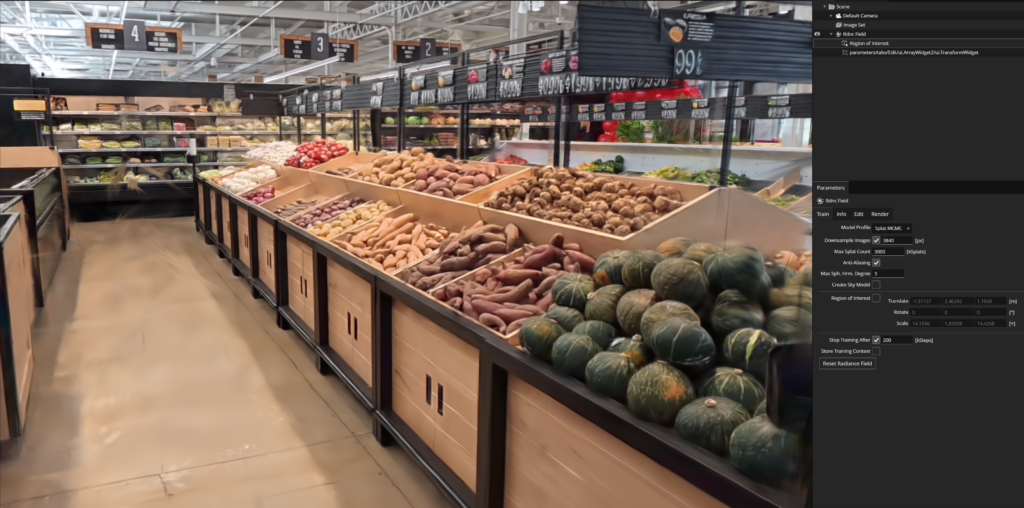
Why the jump to 200K?
To put it into perspective, smaller objects like our Well only require about 60K steps to look great. However, for the Supermarket, the drastic increase in physical area required us to scale up our training significantly.
Research vs. Execution
While we’ve used a mix of Splat3 and MCMC models, we have too many variables to draw a scientific conclusion on the differences between them yet. If this were a pure research project, we’d be changing only one variable at a time — but we’re moving fast!
For our upcoming Halves presentation, we’re branding our project as a Research + Artistic endeavor. Unlike regular execution-based projects, our “plan” is a general direction: testing how different techniques interact with 3DGS. This branding helps set faculty expectations, focusing on our discoveries rather than just a checklist of completed assets.
Audio-Visual Experiments (TouchDesigner)
We started playing with TouchDesigner. Our sound designer, Oliver, has been experimenting with getting our splats to “pulse” in sync with the beat of the music.
Hardware Lessons: Why Insta360 X5 Cameras?
We’ve learned the hard way why iPhones aren’t always the best tool for 3DGS.
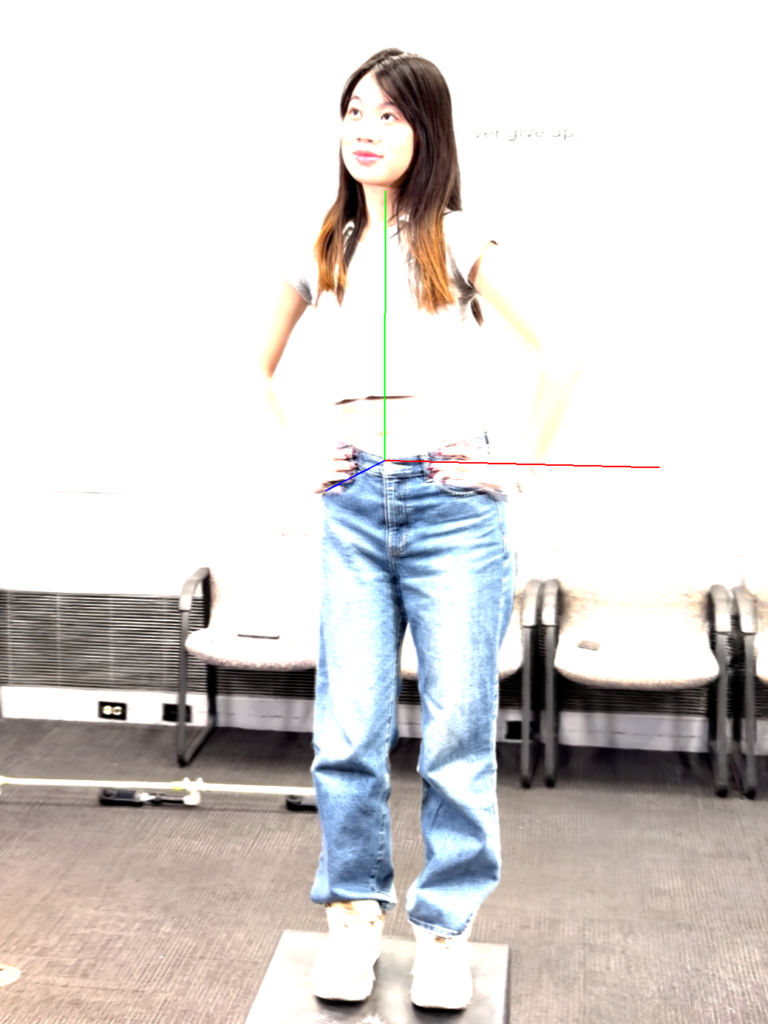
- Lighting: The iPhone doesn’t handle harsh lighting well. We tested this by filming Hazel under identical conditions using both an iPhone 17 Pro Max and the Insta360 X5 — the difference is clear.
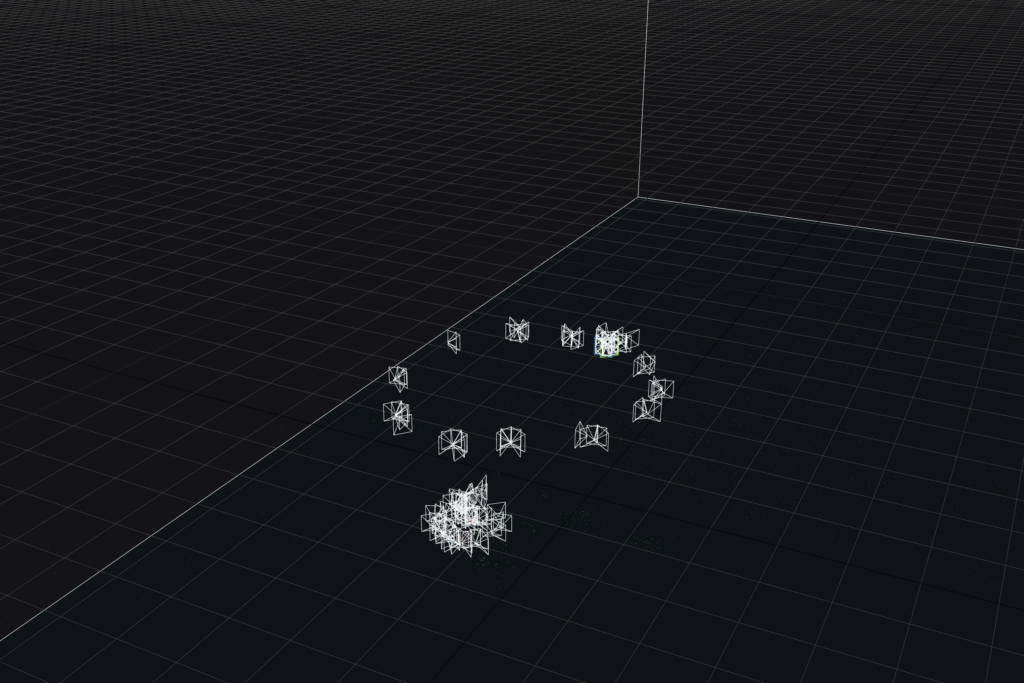
- Proximity: Getting too close to an object breaks the 3DGS algorithm, which needs movement and perspective to make sense of the visuals.



Mixed Mediums
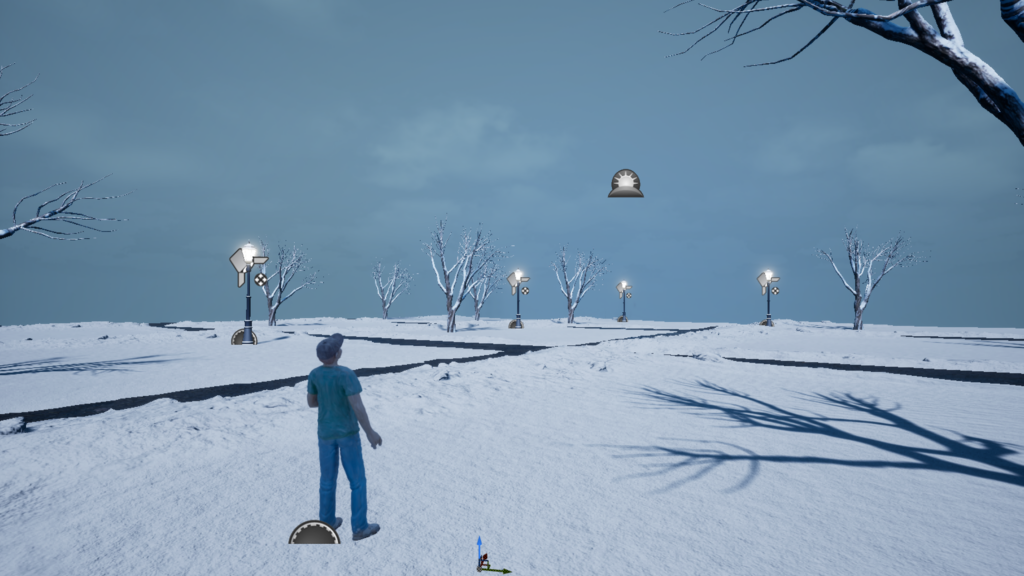
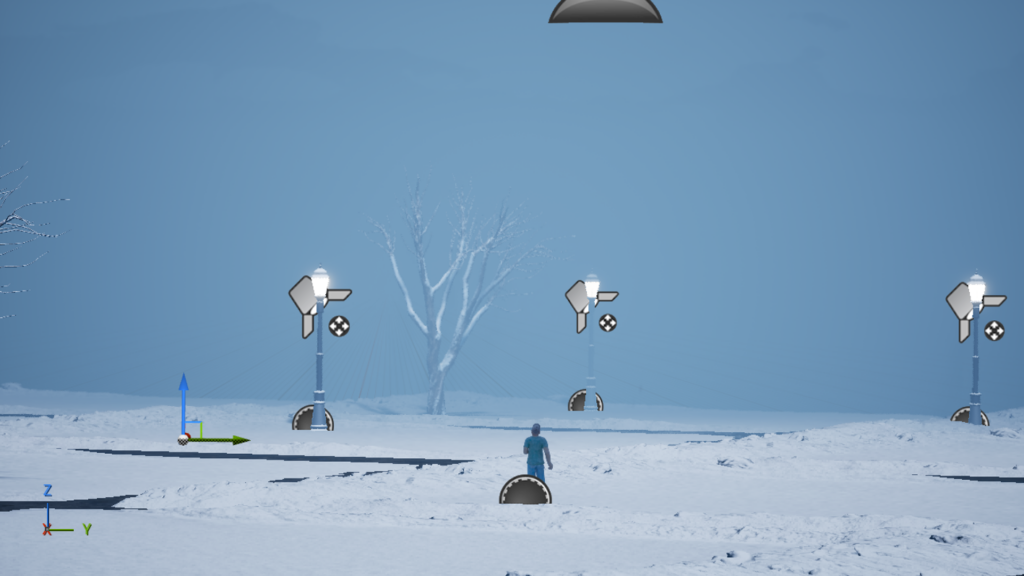
Our artists, Hazel and Alivia, are beginning to experiment with blending mediums. Here’s an early look at a 3DGS statue integrated into a digital environment featuring digital trees, lamps, and snow. A lot more work needs to be done still, such as giving the statue a shadow.
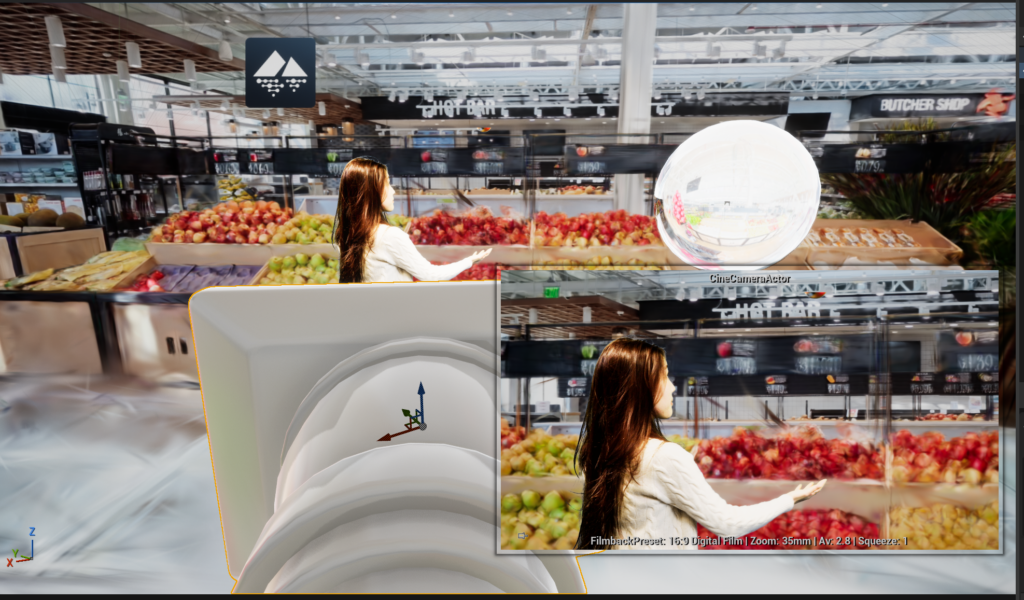
Here’s an early look at our supermarket scene, where we are trying to put a greenscreen footage into a 3DGS environment.
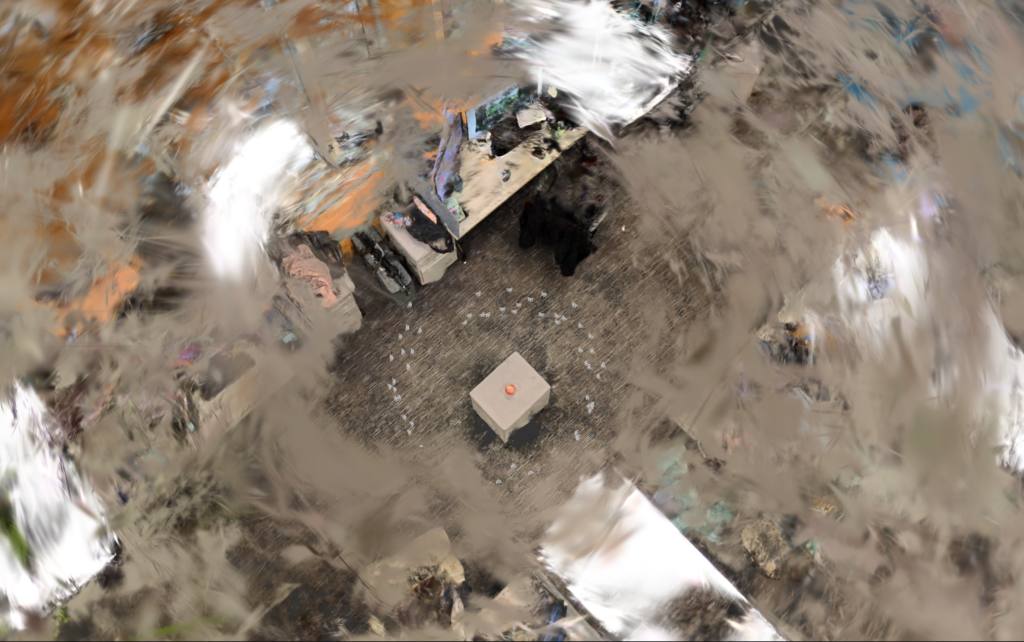
Let’s end this week with some cool videos and a cool visual:
2/16-2/20/2026