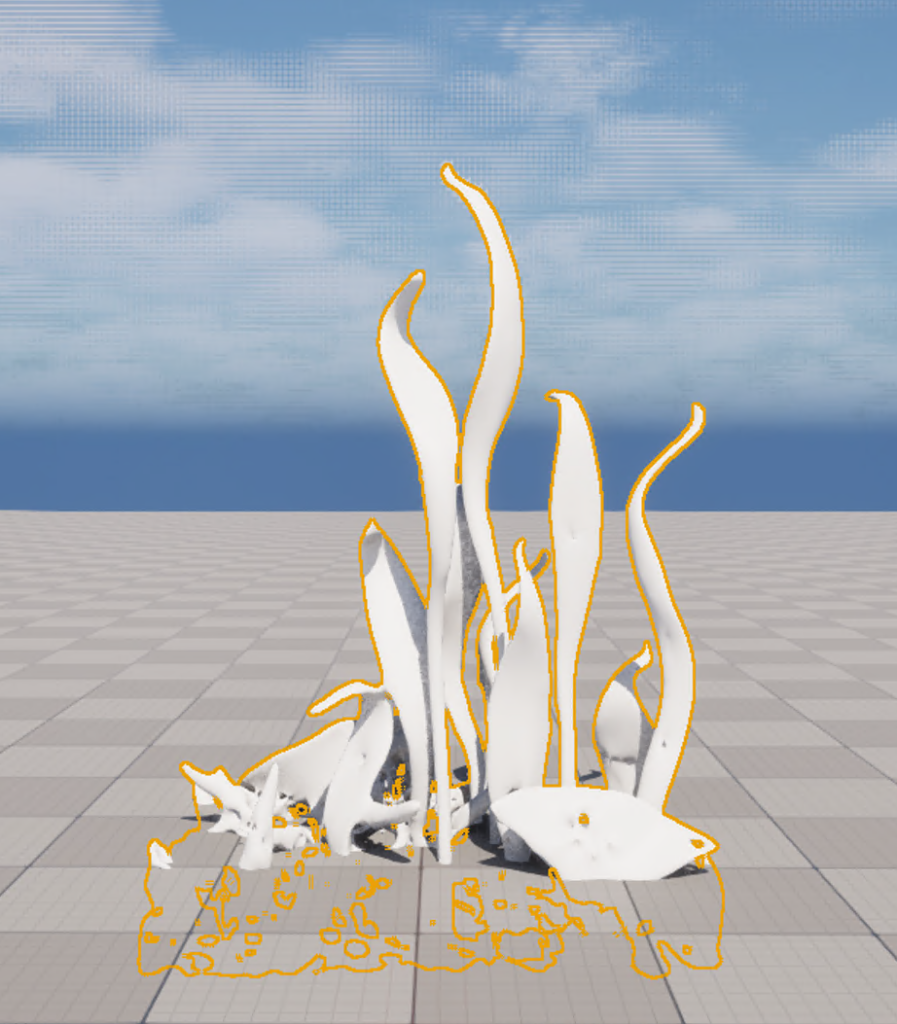
Edited Gaussian Particles with Mesh in Houdini.

- To import the mesh to Unreal, I installed the Houdini engine Unreal Plugin, following the steps in the SideFx docs: https://www.sidefx.com/docs/houdini/unreal/install_houdiniengine.html#houdini-launcher
- Once the Houdini engine tab appeared in Unreal, the steps to import them were as follows:
- Houdini Engine > Create Session > Select Houdini Project.
- Copy the path of the node mesh; in my case, it was selecting the QUAD node and clicking CTRL + C.
- Then back in Unreal, select Houdini Engine > Houdini Node Sync > paste the path file in Houdini Paths to Fetch, put a name in Unreal Asset Name and click Fetch.
- It should appear as an unreal asset in the Content folder.
- Refer to this tutorial: https://www.youtube.com/watch?v=beHrTHcK_Cs
- Glass Plant Mesh in Unreal