
Motion capture device:
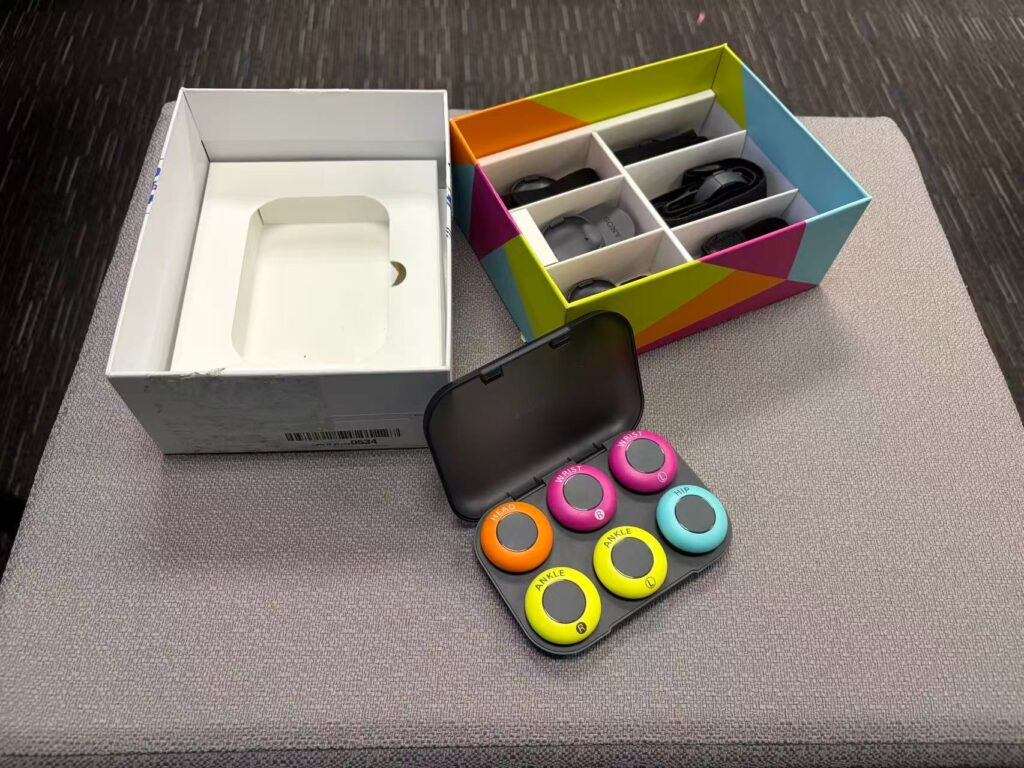
- Here is the Sony’ s portable Motion capture device.
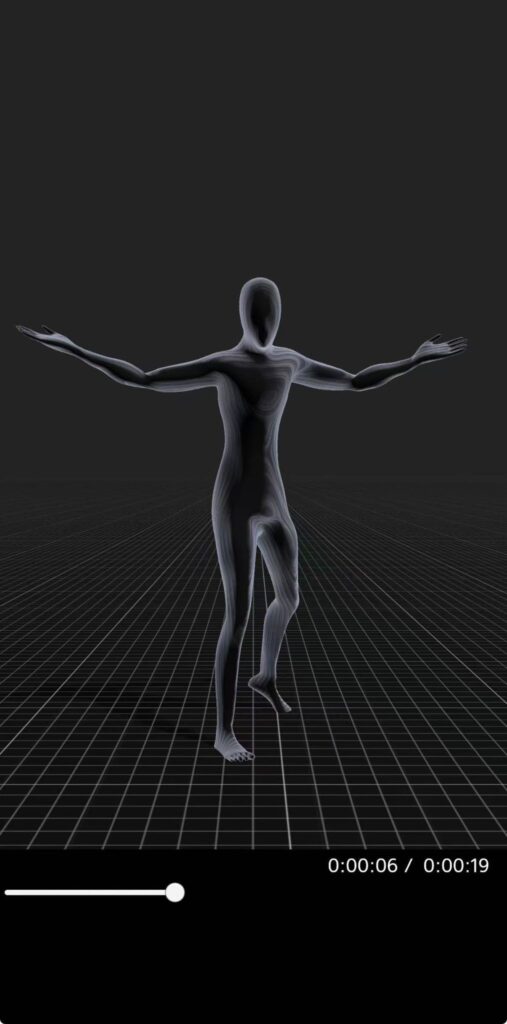
- Then we use the “mocopi” app to record the keyframe data using mobile phone.
At your computer:
- Import the OBJ and BVH files.
- Install the Rokoko plugin.
- Go to the first frame of the BVH, and then align the poses of the BVH skeleton and the OBJ skeleton.
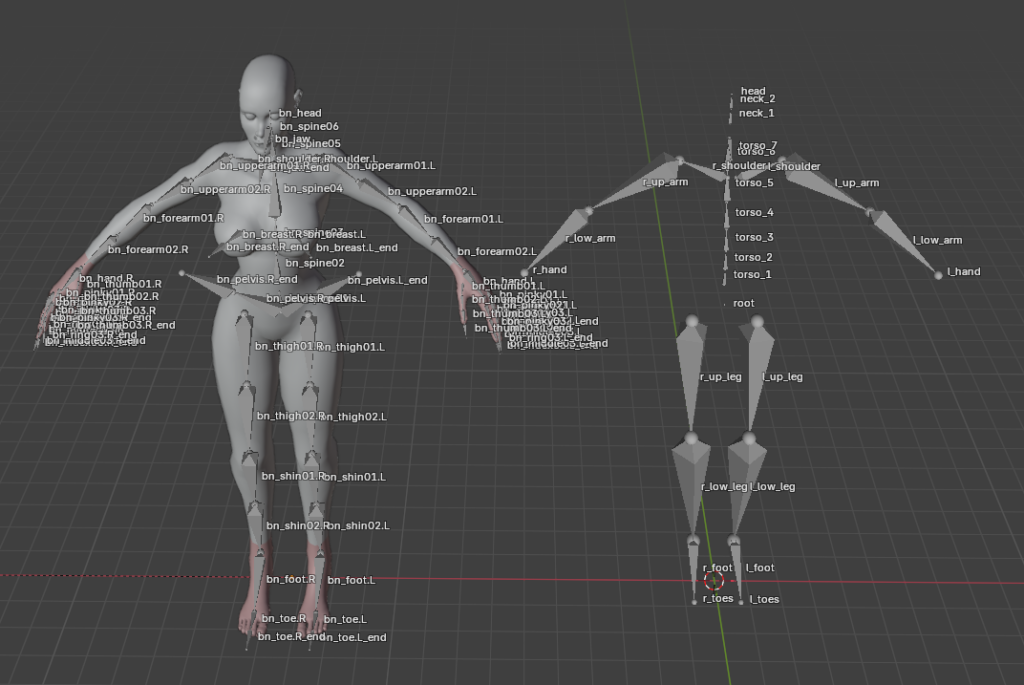
- Bind the skeletons.
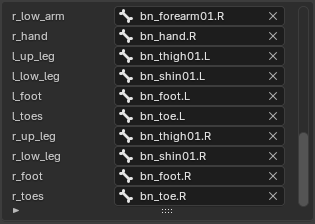
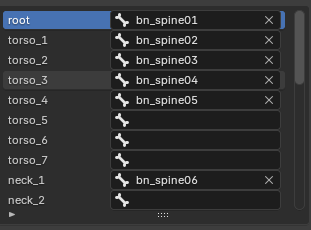
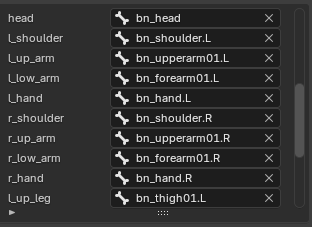
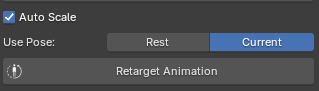
- While still on the first frame, select “current”, check “auto scale”, and then click “retarget animation”.
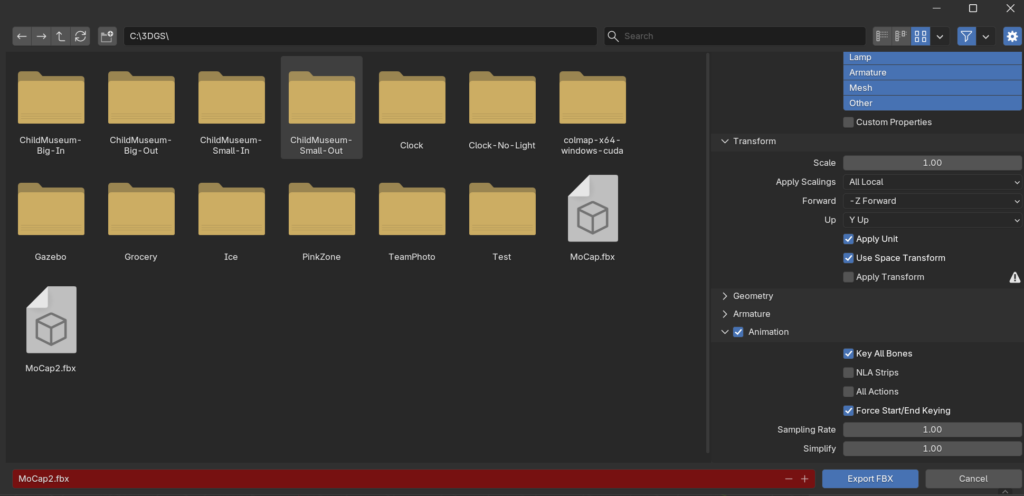
- Export as fbx in Blender without NLA Strips and All Actions. Then import to UE using default UE settings.
Last updated: April 2026