Welcome to the first development blog for SpellChemists!
SpellChemists is a cooperative game where players take on the role of apprentice alchemists working together to create spells. Built for the Board, the game combines digital gameplay with physical interaction: players place and move physical pieces on the Board, while the game recognizes those pieces and responds to their actions.
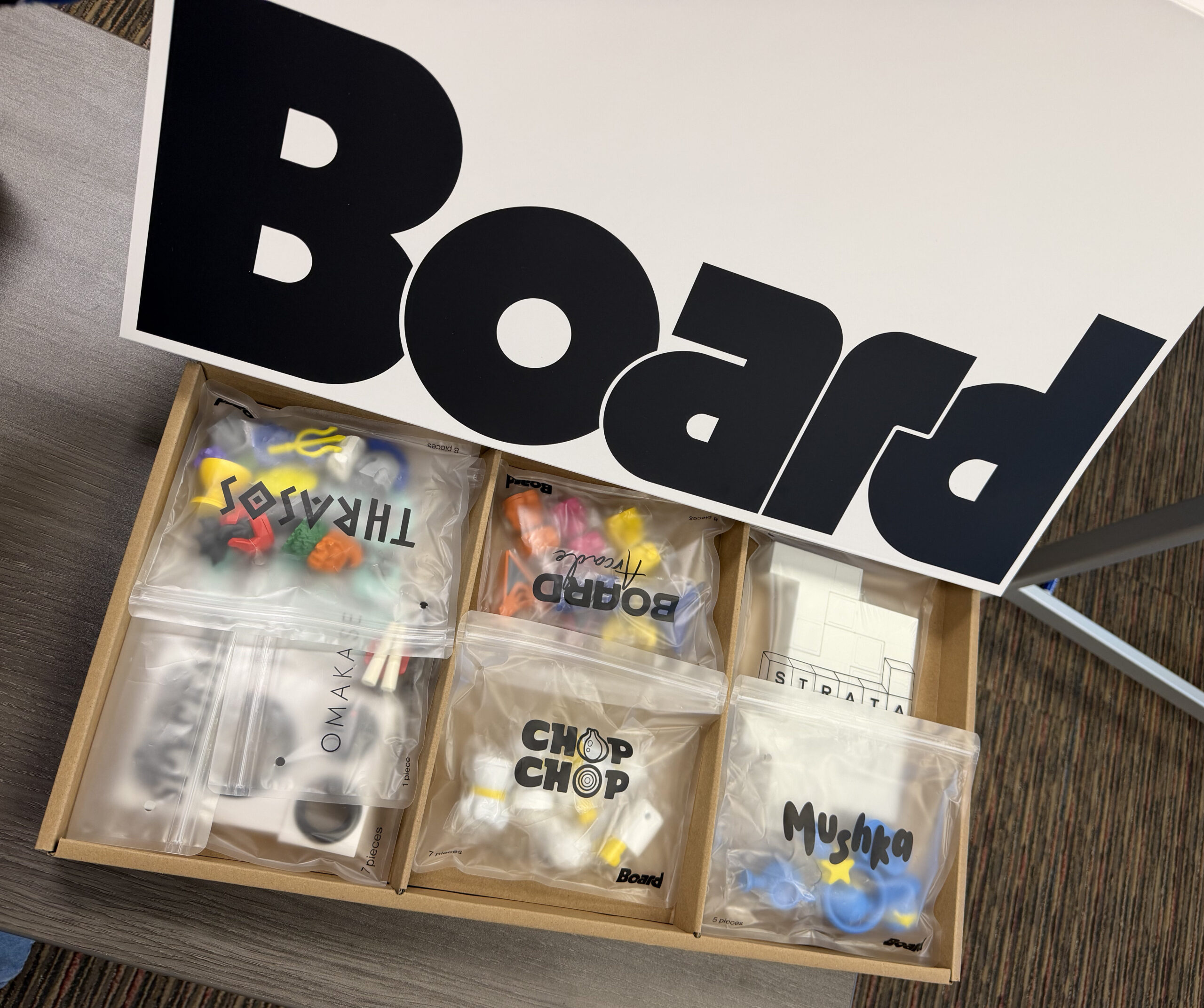
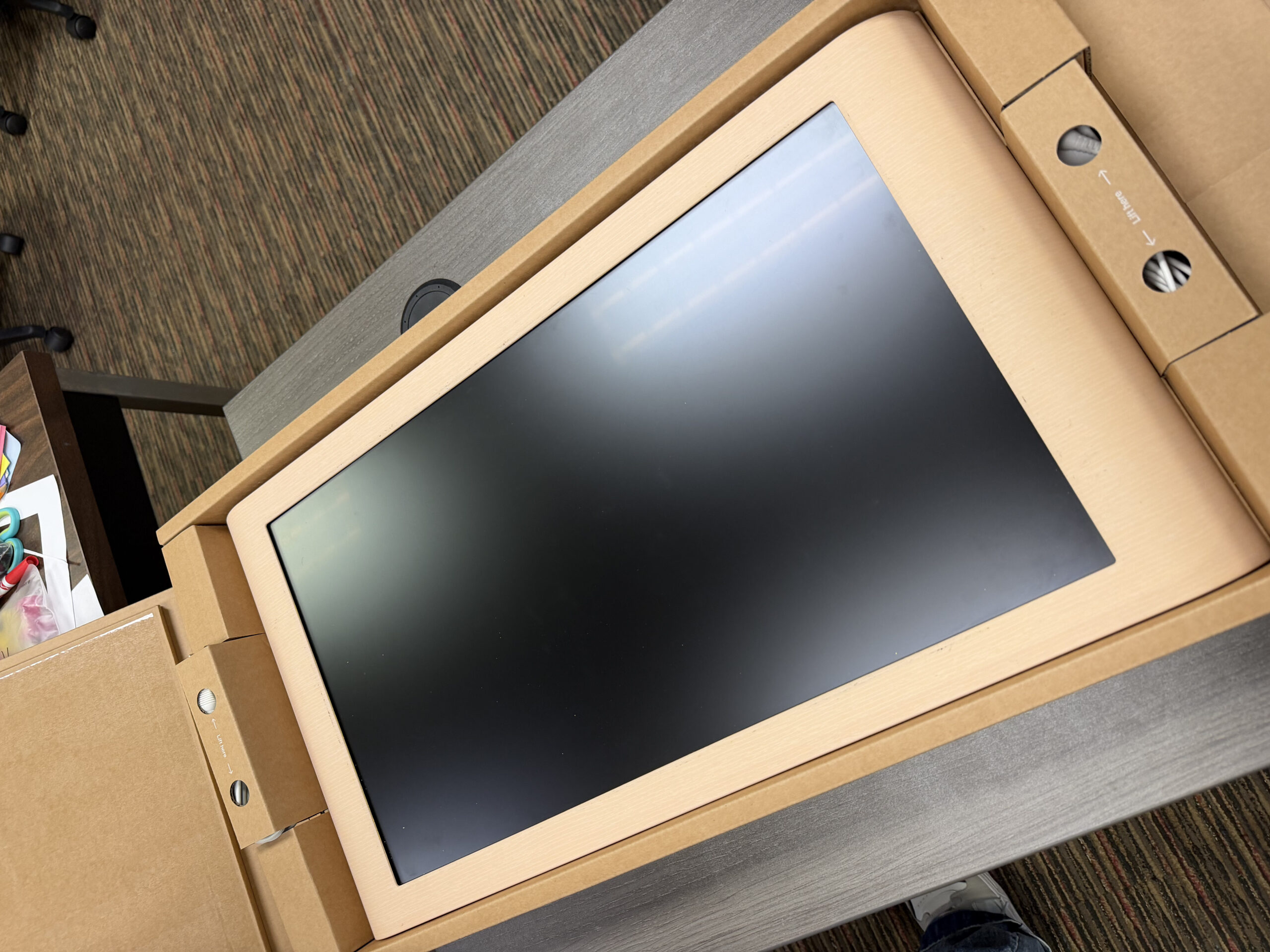
During our first week of development, our main goal was to establish the technical foundation for that interaction. As part of our Gold Spike, we began testing how physical pieces communicate with the Board and how that information can be read and used reliably in Unity.
Stabilizer for Board Glyphs
Board reports a Glyph as a contact with a glyphId taken from the conductive pattern on the underside of a piece. On SpellChemists early development the pieces we are using are 3D-printed, and that pattern is close enough for the on-device model to emit an id while remaining noisy enough that the same resting piece can emit several ids. The contact can also drop and return under a new contactId. Gameplay that reads contact.glyphId therefore sees a swap that did not happen. This might be very tricky when we have some first-time reading features.
In the first try I developed as stabilizer to solve this problem. Each frame the stabilizer polls Glyph contacts and folds their ids into a short vote window keyed first by contactId. The defaults are a 0.4s window, five samples, and a 0.6 majority that also has to beat the second-place count. Until that bar is met the published id follows the latest raw value; once it is met the published id stays on the winner until another id meets the same bar.

Unity fingers use glyphId == -1, so the filter is BoardContactType.Glyph. When a contact leaves the active set, its track is kept as a ghost for 0.25s. A new Glyph that appears within about 72 pixels of that ghost reuses the same sample history, which covers the case where the tracker rebuilds the contact. Live tracks are left alone.
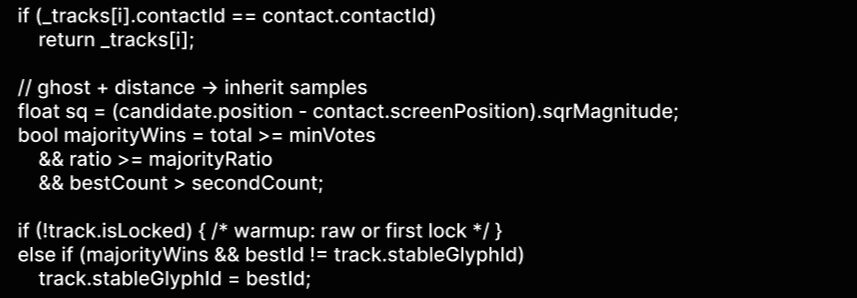
The Board sample InputManager still draws the raw overlay. HaruGlyphIdStabilizerDriver writes a second line, raw → stable, with [warmup] or [lock]. Callers take the locked id from the stabilizer.

If the published id still moves, raise windowSeconds or majorityRatio. If lock arrives late, lower minVotes. If two nearby pieces share a history, lower reacquireDistancePixels. The overlay in HaruTest is there so those knobs can be judged against the raw Glyph line on device.