Second Playtest Insights & Building Toward Softs
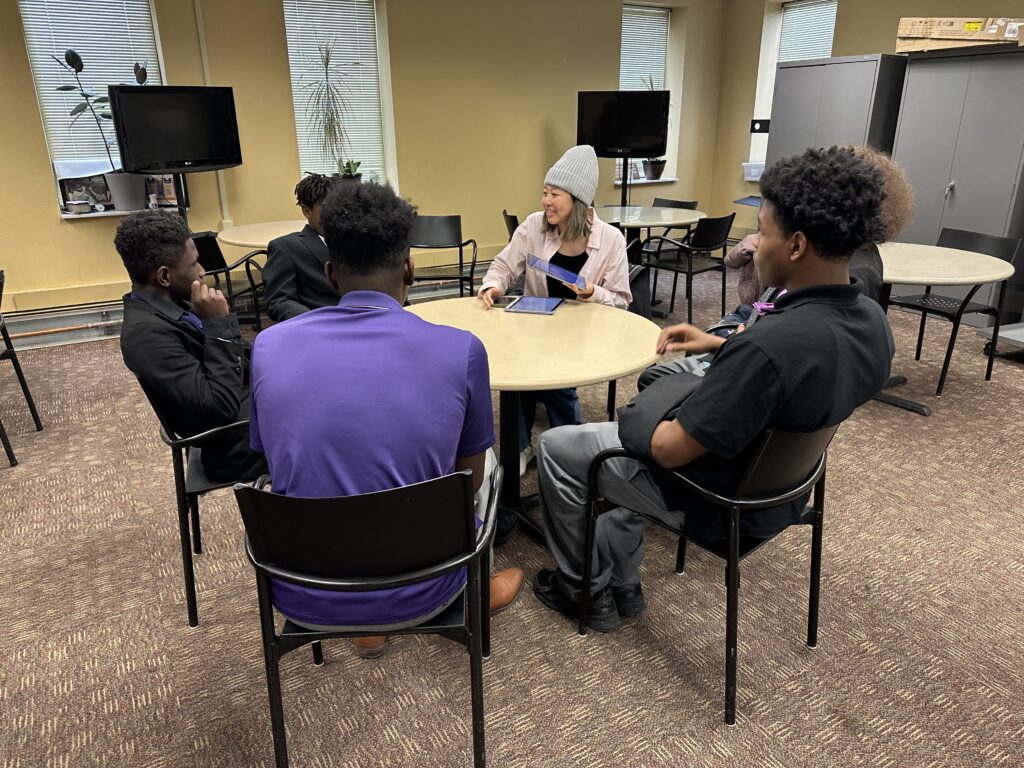
With our second playtest at Life STEAM Male Academy completed this week, the team made significant progress refining character assets, interpreting new ANSYS data, and laying the groundwork for our MVP ahead of softs. This week marked a transition from exploratory iteration to structured production, as we begin shaping the final gameplay flow for our upcoming milestone.
Playtesting, Audio, and Narrative Development
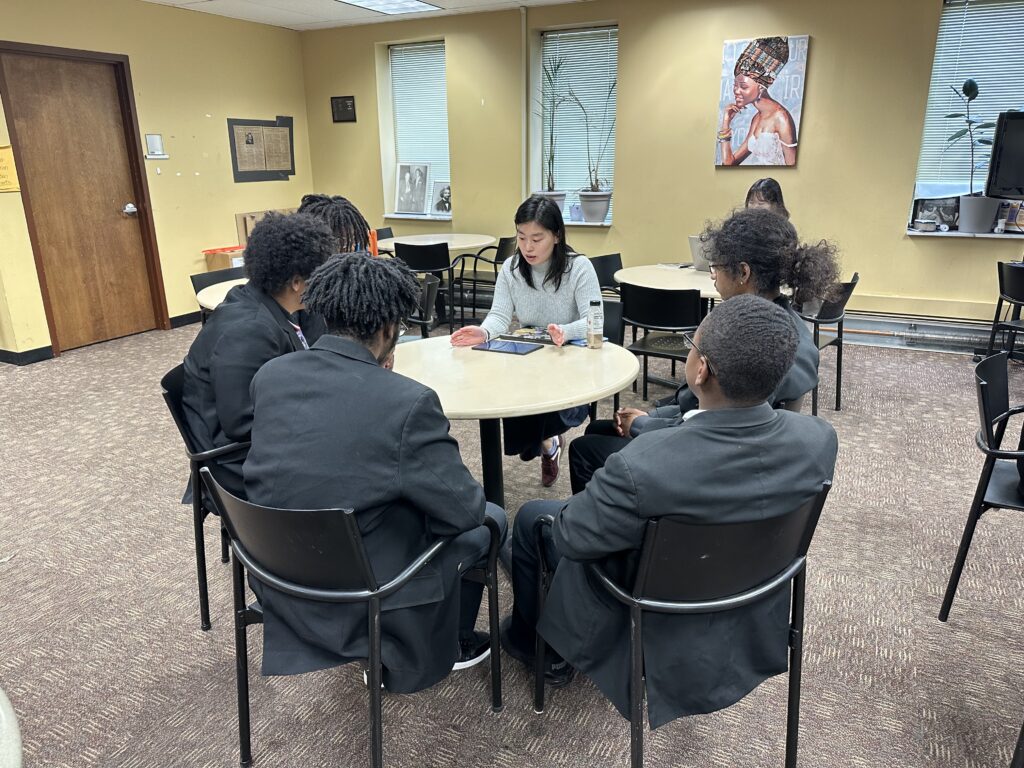
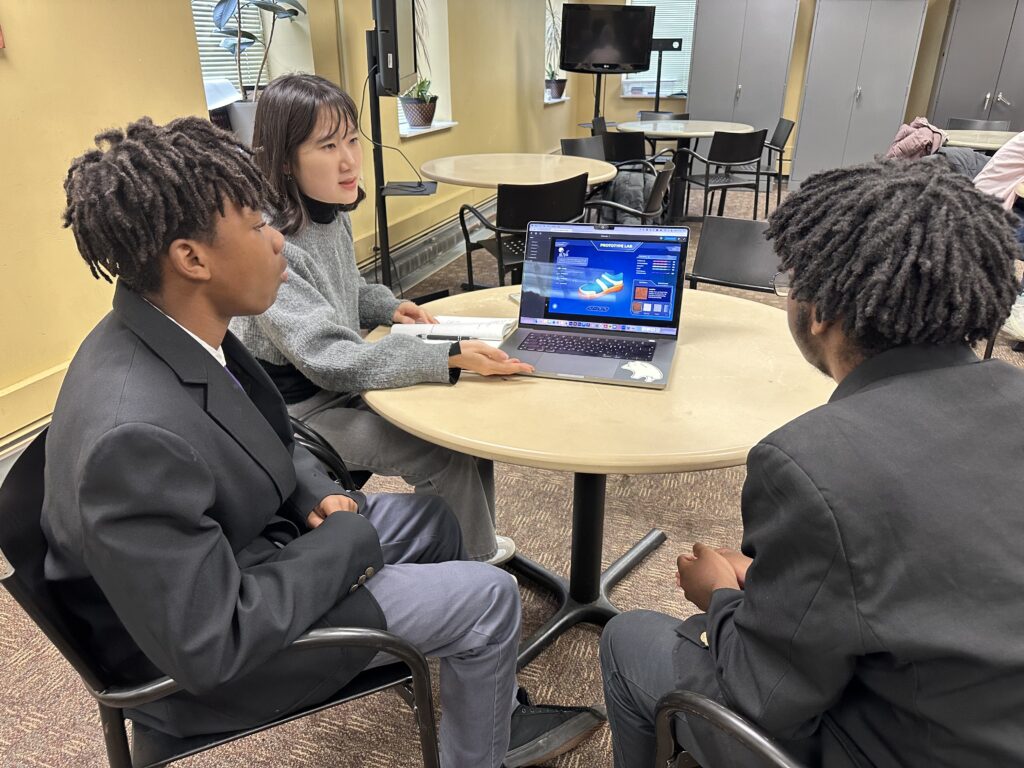
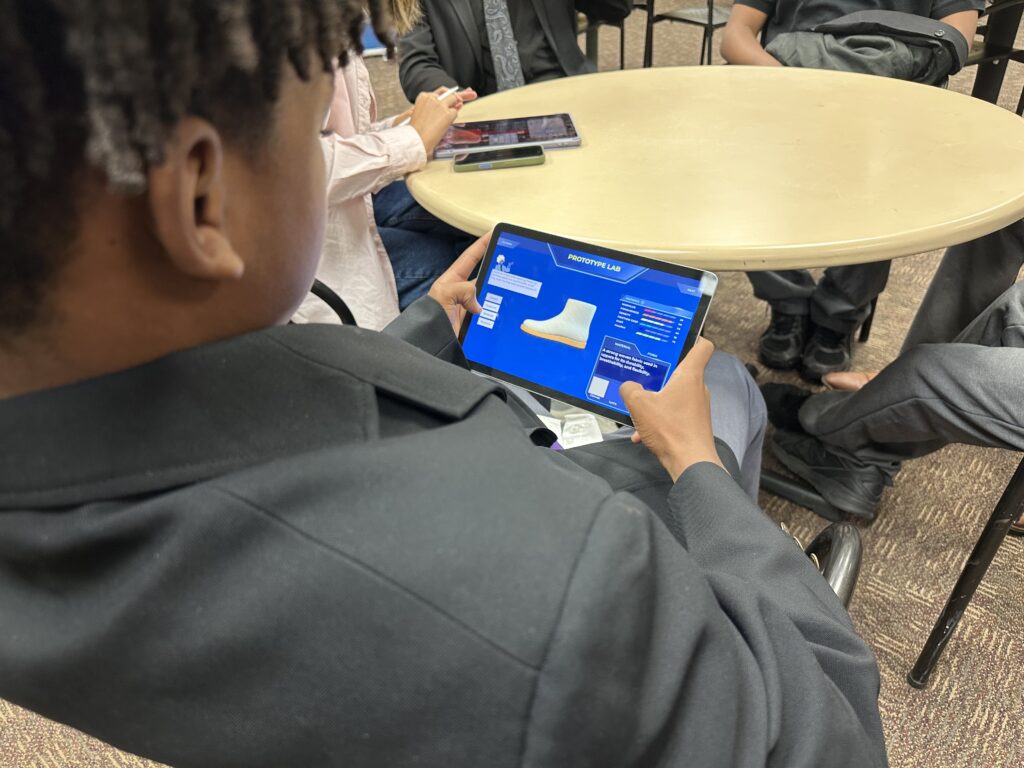
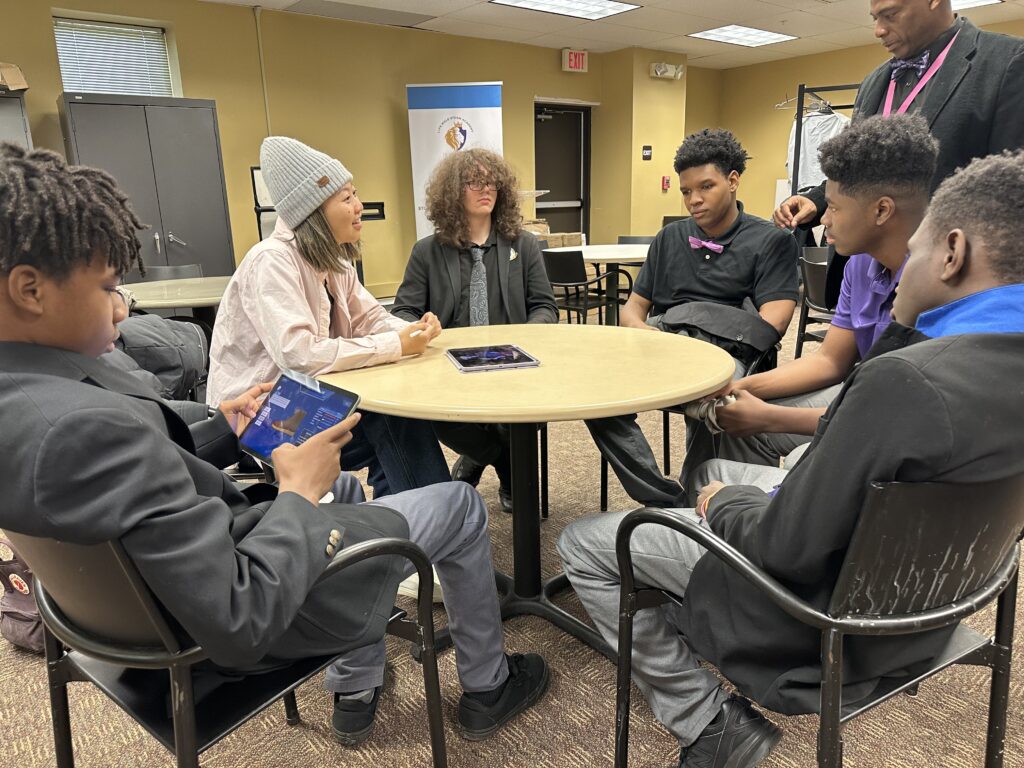
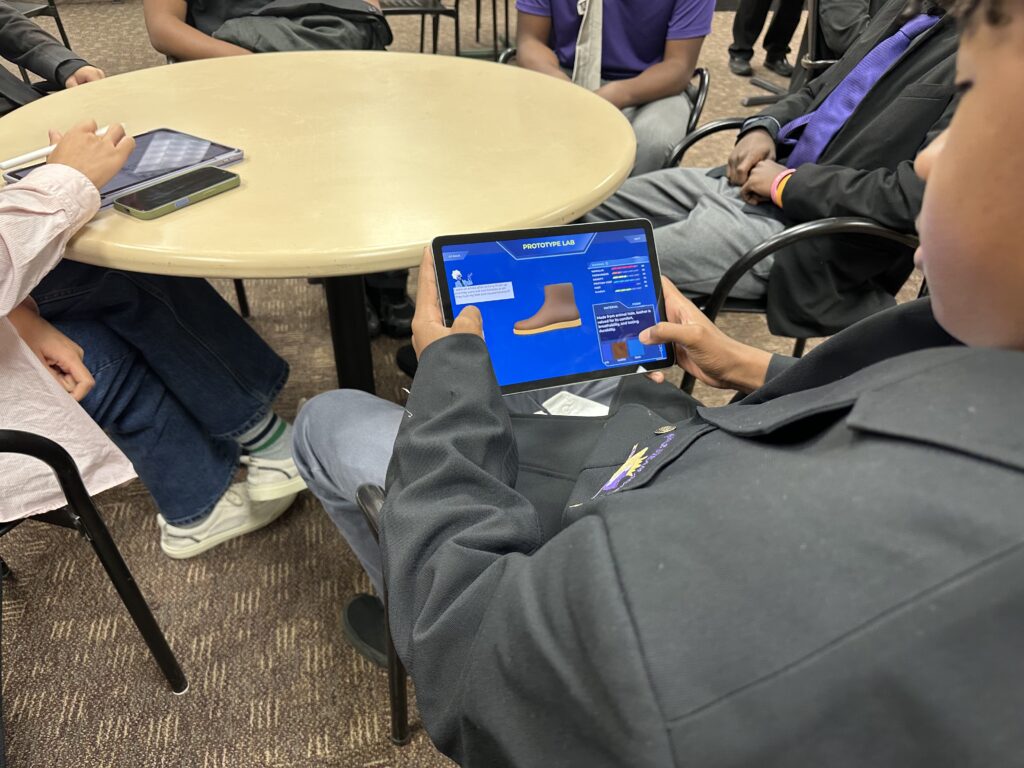
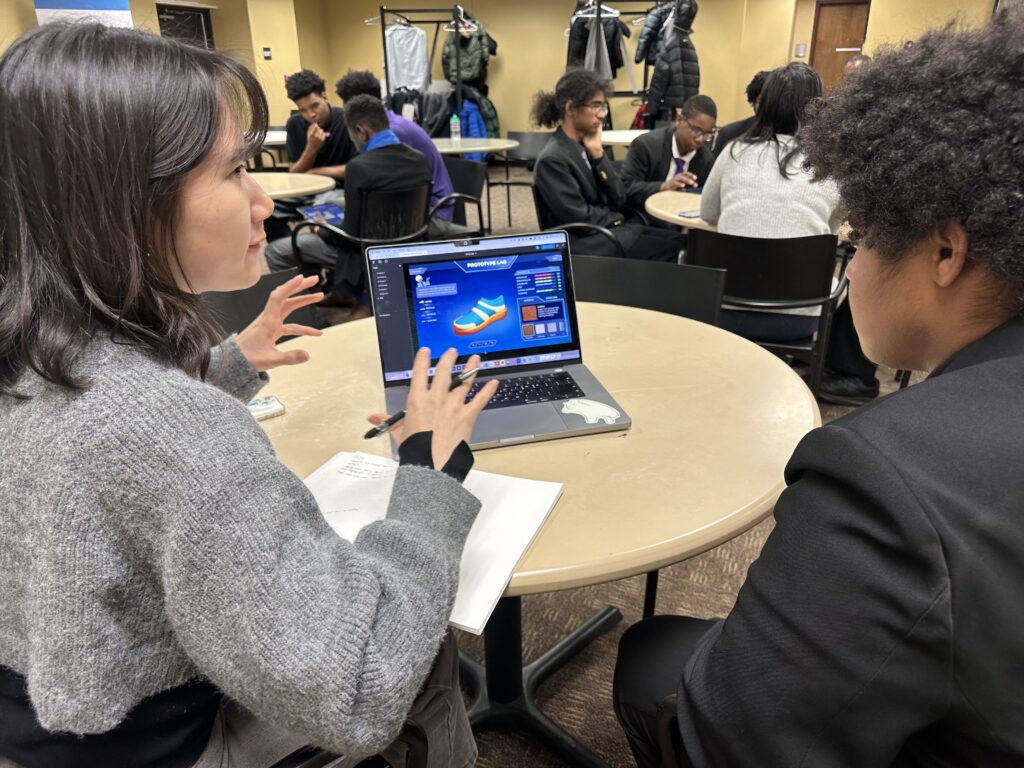
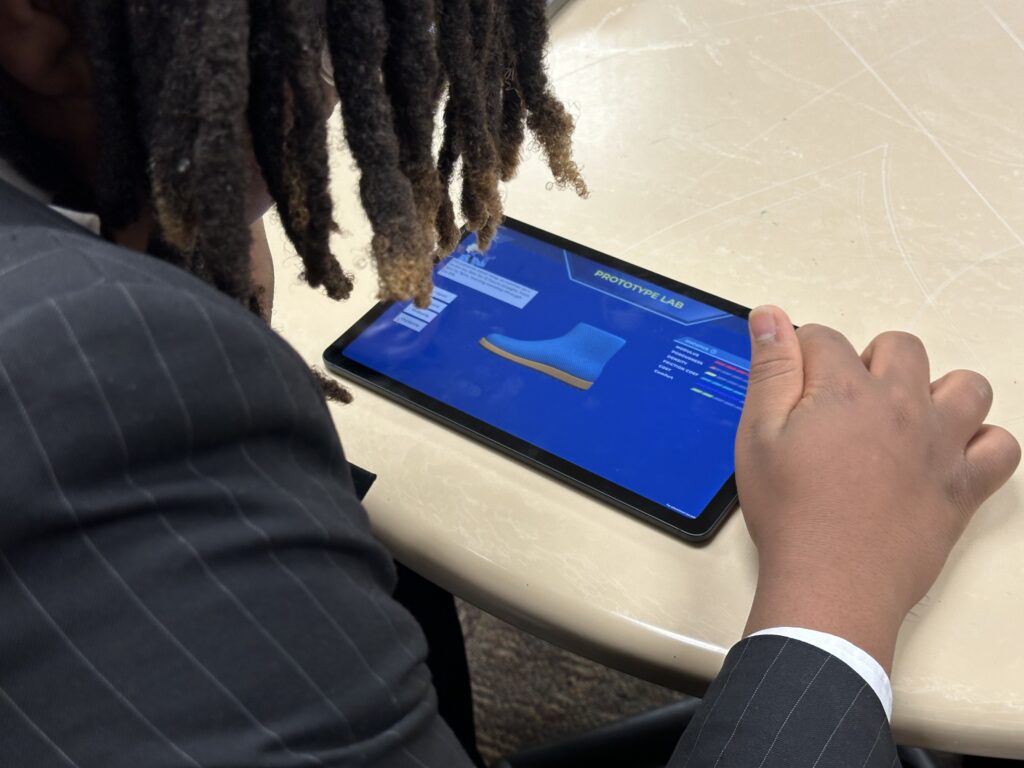
The team conducted its second full playtest, gathering valuable feedback on UI clarity, narrative pacing, and overall usability. On the narrative and audio side, Libby completed voice recordings for Henry, giving life to our first fully voiced client and helping players better understand shoe requirements through character expression. These updates continue to strengthen the emotional texture of the game and improve accessibility through spoken guidance.
Next Week’s Team Priorities
Narrative
- Update Dewey’s dialogue
- Develop clear explanations for new engineering terms
- Gather visual aids to help players interpret concepts
UI
- Implement updated labels
- Refine thresholds UI for tutorial and level one
Art
- Create new poses for Dewey
- Stretch goal: Update testing animations
Programming
- Integrate new matrix and formulas from ANSYS
- Implement grading system
- Polish transitions between tutorial and level one
Production
- Hold a team meeting to review each page of the MVP
- Divide tasks and ensure consistency across narrative, UI, art, and gameplay logic
Technical Collaboration & Data Integration
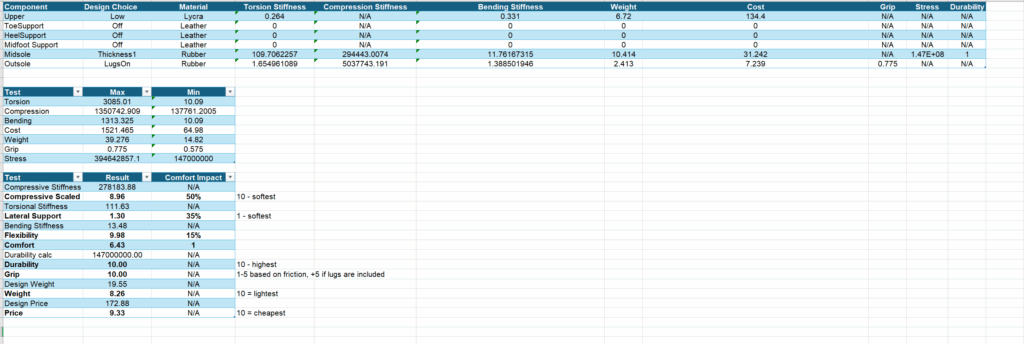
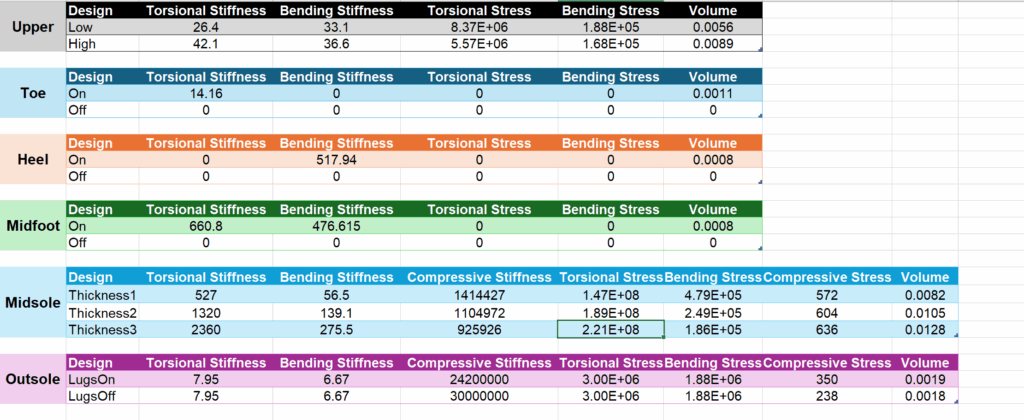
A major step forward this week was our meeting with ANSYS, where Samantha, Steven, and Skye reviewed the newly delivered simulated materials data sheet. This dataset will power the scoring matrix and component calculations at the core of the gameplay loop. With accurate inputs for stiffness, grip, durability, weight, and cost, we can now convert real engineering values into an intuitive and educational player experience.
Next week, Steven will begin implementing the new formulas and matrix directly into Unity.

UI, Visual Design & Implementation
On the design side, Jiwon updated UI elements and refined labels based on new data categories and playtest feedback. Meanwhile, Skye completed two final client illustrations and updated animations used in testing videos. Environment assets and UI components continue to integrate smoothly into the Unity build, with Steven handling implementation and renaming ANSYS fields to match gameplay terminology.
Together, these improvements move us toward a cohesive look and feel for the MVP.
Looking Ahead: Building the Minimum Viable Product (Softs Opening Goals)
With softs approaching, our primary focus is delivering a two-level MVP that demonstrates our full gameplay loop
MVP Structure
Level 0: Tutorial (Dewey Introduces the Lab)
Players learn how to set shoe thresholds, understand materials data, and interpret test results.
Level 1: Henry’s Dream Shoe
Players apply what they learned to design a shoe based on a client’s needs and engineering performance metrics.
Each level follows a five-page structure:
- Client Requirements: Dewey (tutorial) or Henry (level 1) states their shoe needs.
- Player Sets Thresholds: Compressive stiffness, flexibility, comfort, durability, grip, cost, and weight ranges.
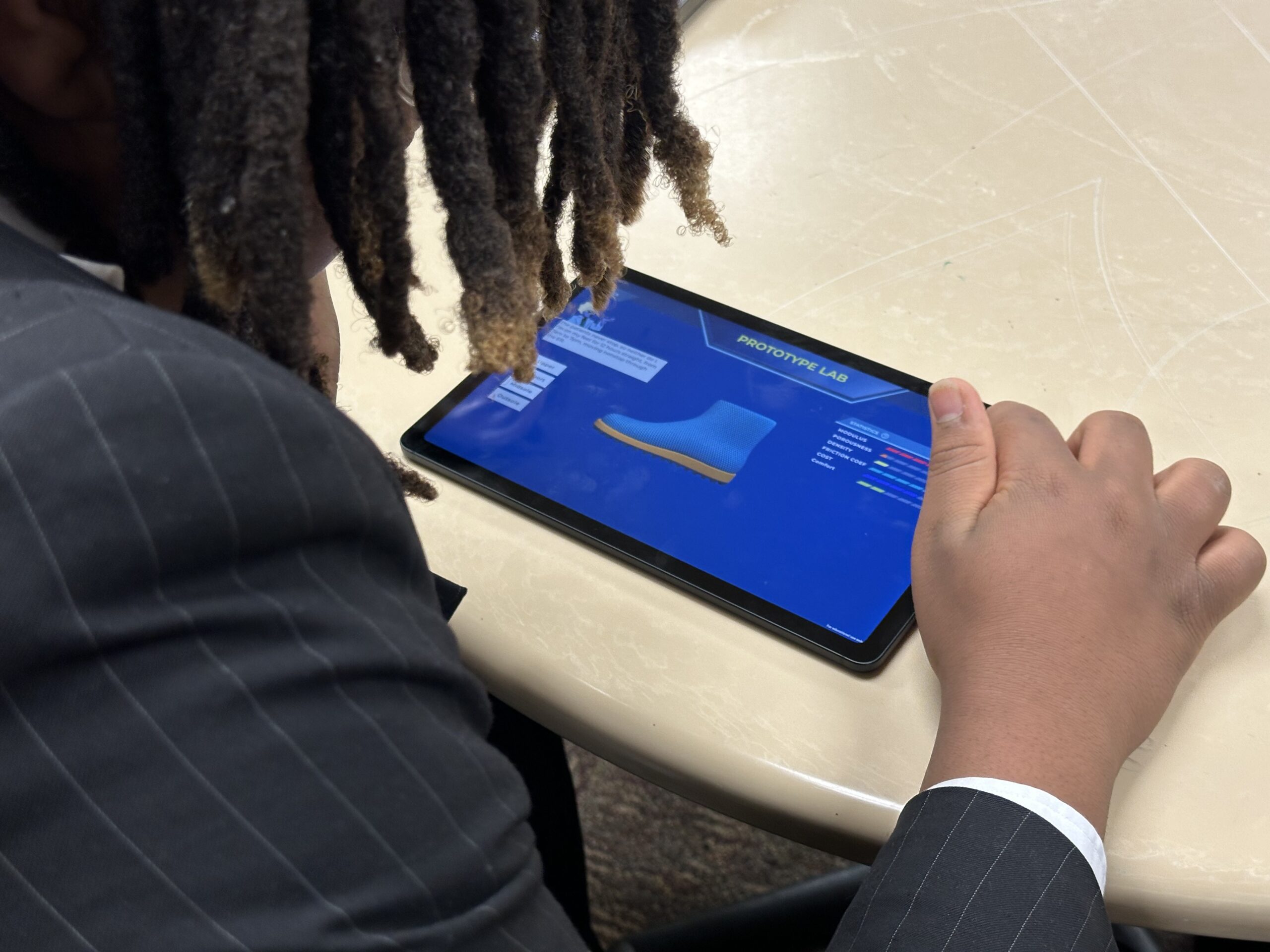
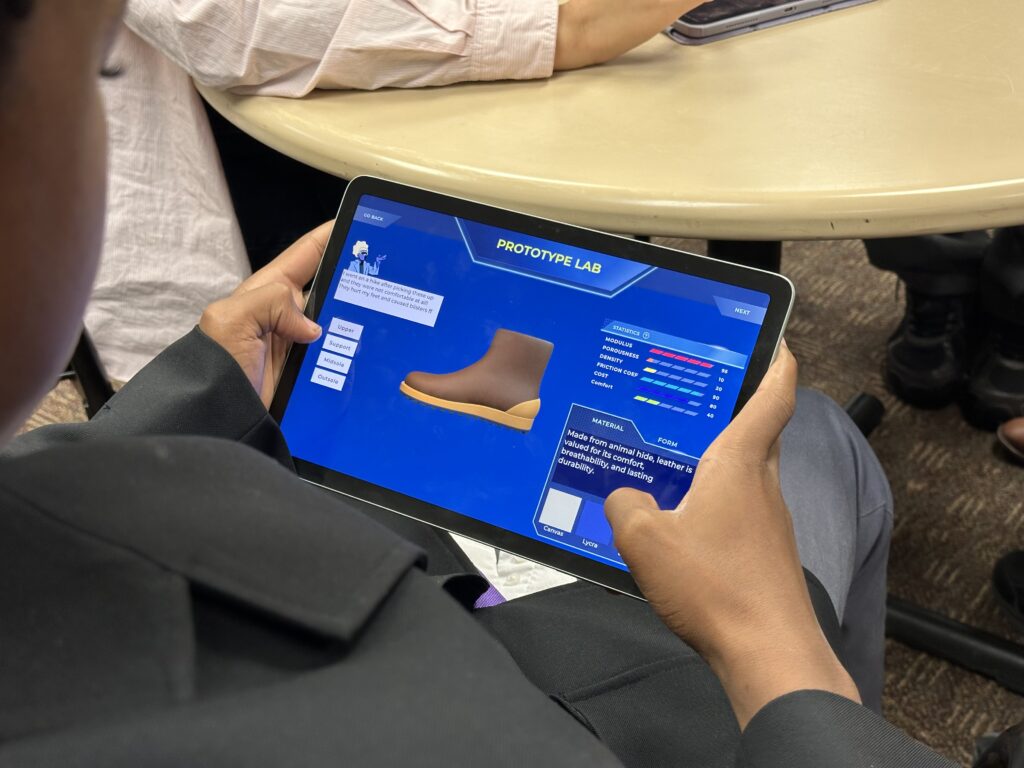
- Prototype Lab: Players review component-level stats drawn from real ANSYS data.
- Test Results: A report card shows how closely the prototype meets the desired performance.
- Pass/Fail Flow: Passing moves the player forward; failing sends the player back to adjust thresholds and try again.
We are also establishing a grading algorithm for the MVP:
C: One stat passes (retry recommended)
A+: All stats pass + cheaper than threshold
A: All stats pass
B+: Three stats pass + cheaper than threshold
B: Three stats pass