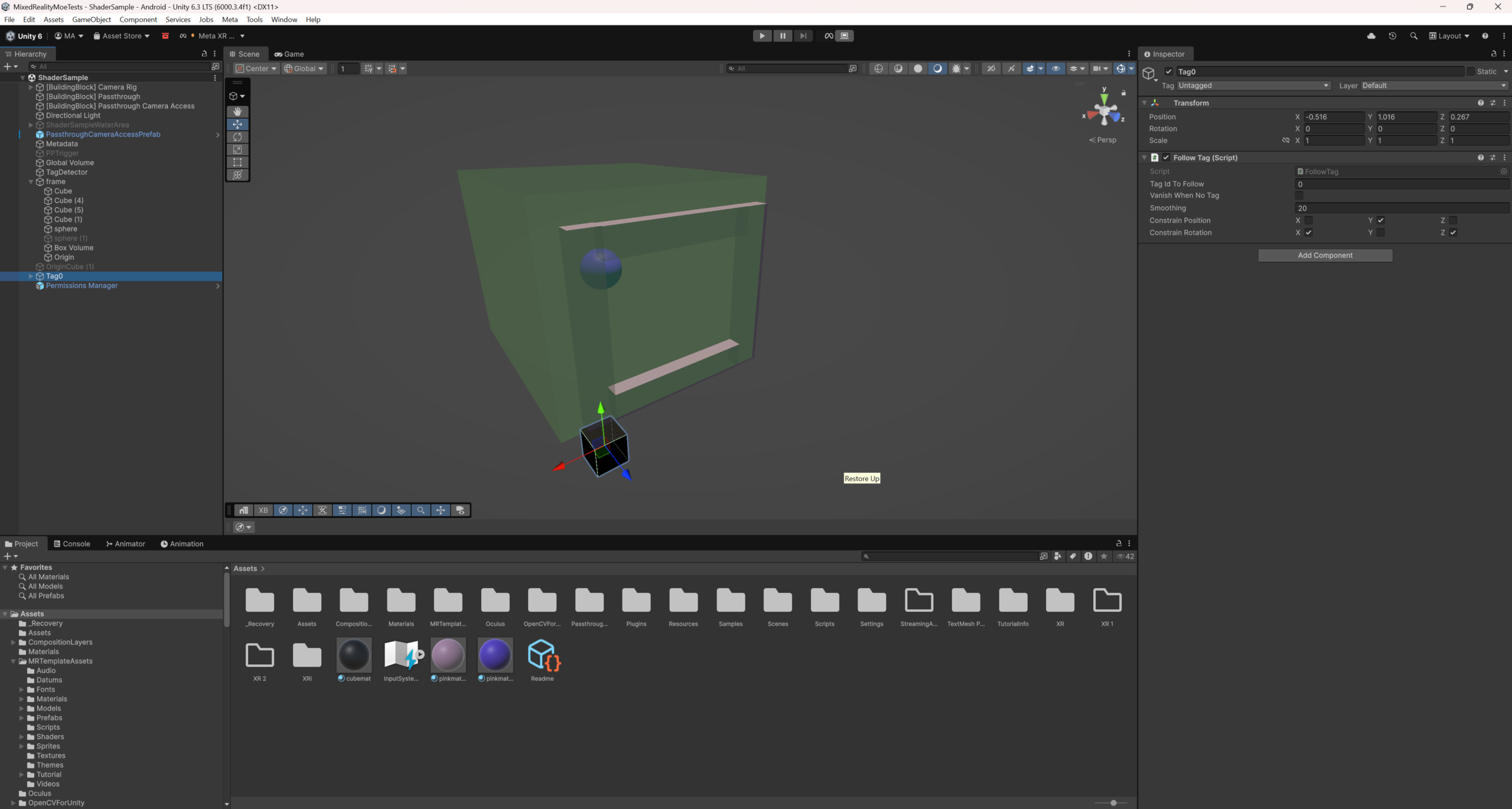
During this week’s development, we continued to move forward with the previously established painting idea. Compared to the initial concept, this week focused on implementation, making this idea a tangible prototype. To apply different visual effects only to specific areas within the same space, we use the Post Processing Volume (PPV) system in the Unity Engine to achieve layered rendering within the space. By creating a local volume region, we are able to individually control post-processing parameters within a specific spatial range. When the user physically enters the coverage area of the volume, we adjust the saturation to show a black and white effect, while making subtle adjustments to contrast and exposure to enhance visual depth. In this way, the real area inside the volume will present a texture similar to sketching or grey scale paintings, while the external area will remain in a normal state of human eye perception.
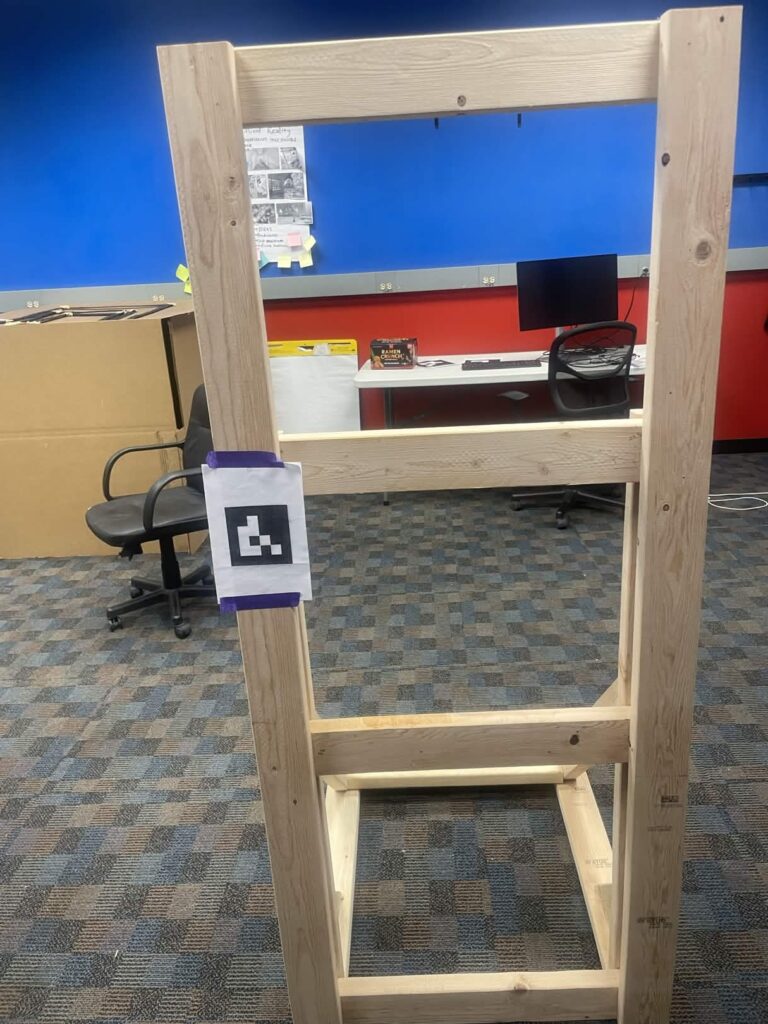
The painting demo accessed the color adjustments in the passthrough building block provided by Meta to add a black and white filter. First used a volume with a collision trigger to detect the guest’s main camera, but that was not reliable, so we changed to using collider bounds checking for the main camera transform in order to trigger the effect. Also used an April tag taped to the physical frame to align everything.
In addition to technical implementation, we also handcrafted a physical easel to showcase the complete experience in the demo. It provides users with a clear viewing boundary, allowing them to naturally view the area within the frame as the “painting area”. When the user passes through the frame to view, the real world inside the frame is transformed into a black and white painting style, while the outside of the frame still maintains a true color state.