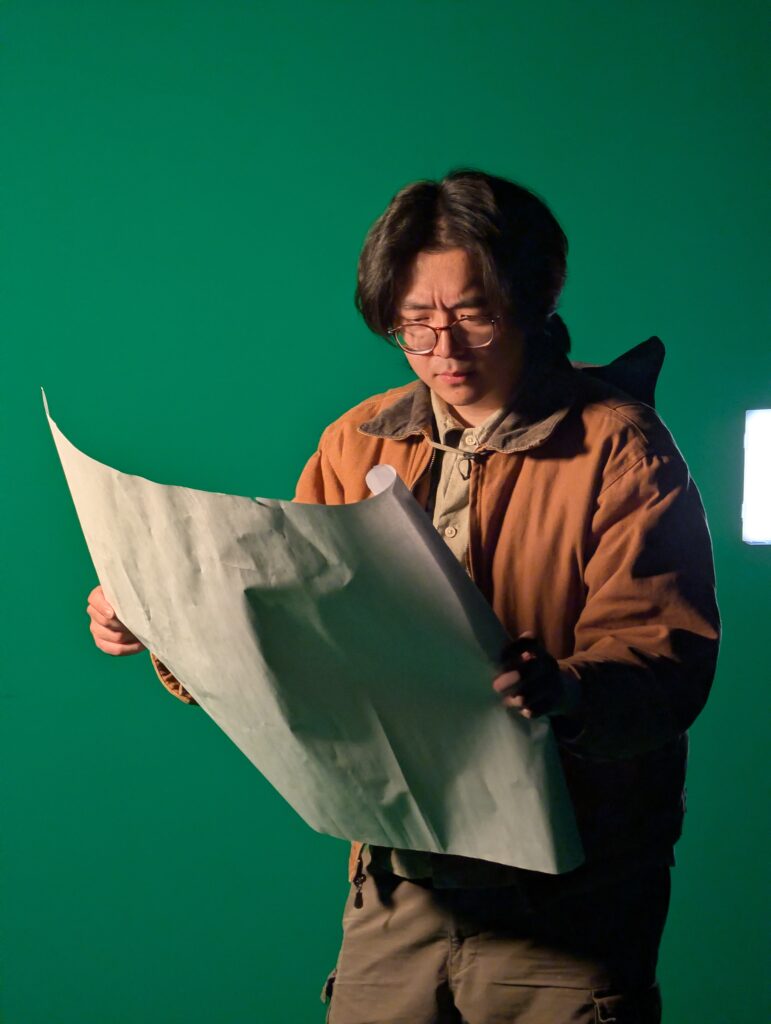
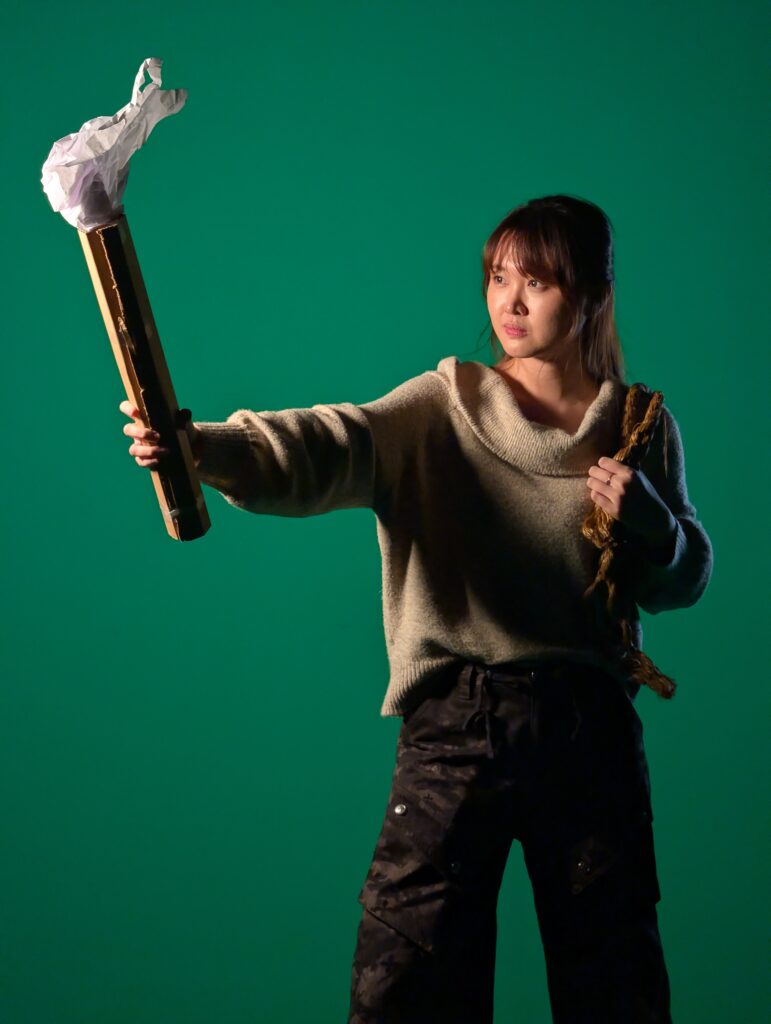
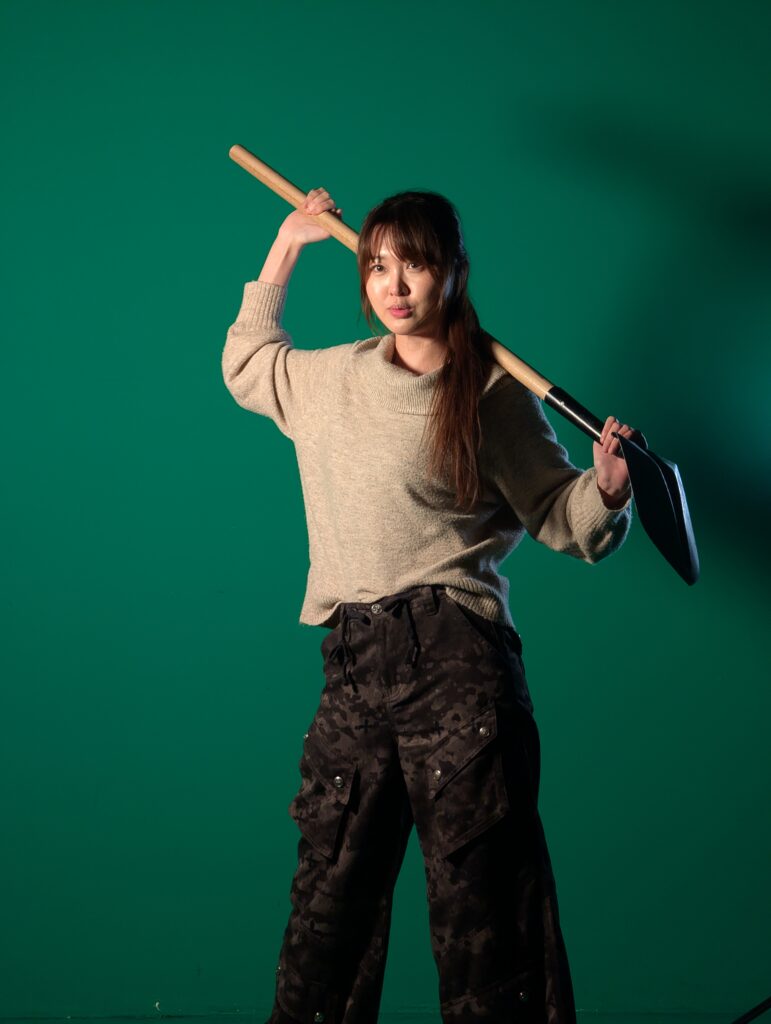
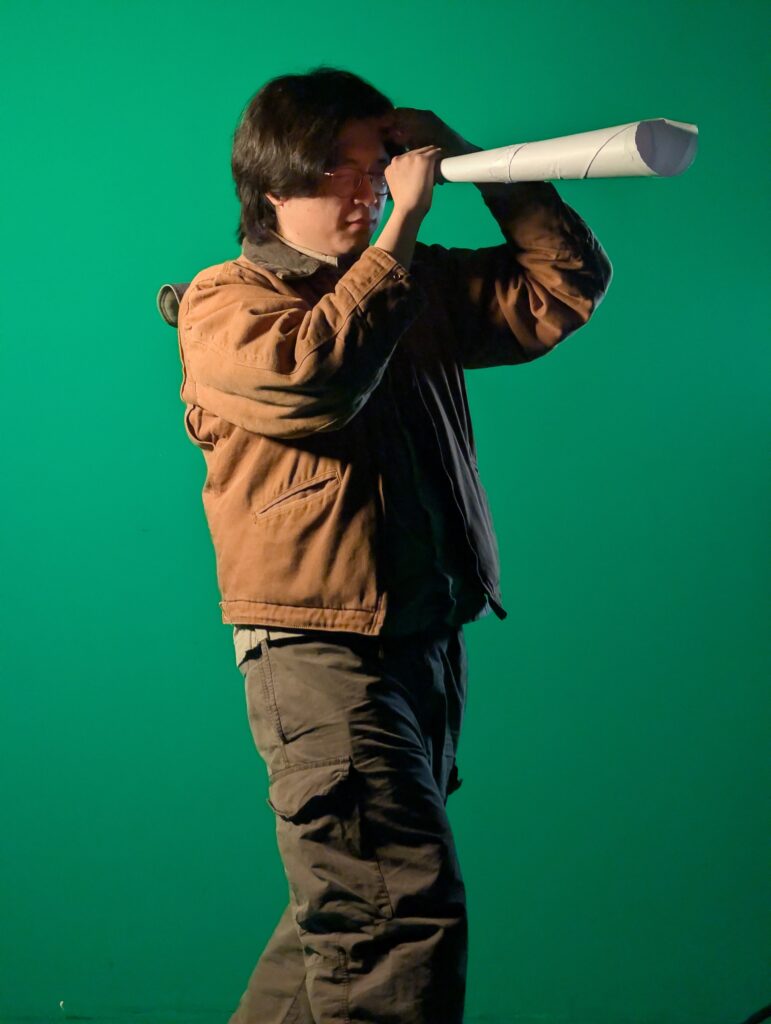
The cave echoes with the sound of twelve explorers descending, And the walls seem to pull away…
This week centers around two things. First, what are we even doing!? Second, who are we!?
You’ll get more details on that first question in future updates, but we’ve begun to develop our idea for our “final experience”, to serve a demonstration of this new multi-perspective rendering technique (hint: it involves love).
The second question is really just another way to say our “design production” is due next week. Design production, for the ETC, essentially means branding. It includes things like this very website, our poster, half-sheet (a small descriptive version of the poster), a team photo, and a logo!
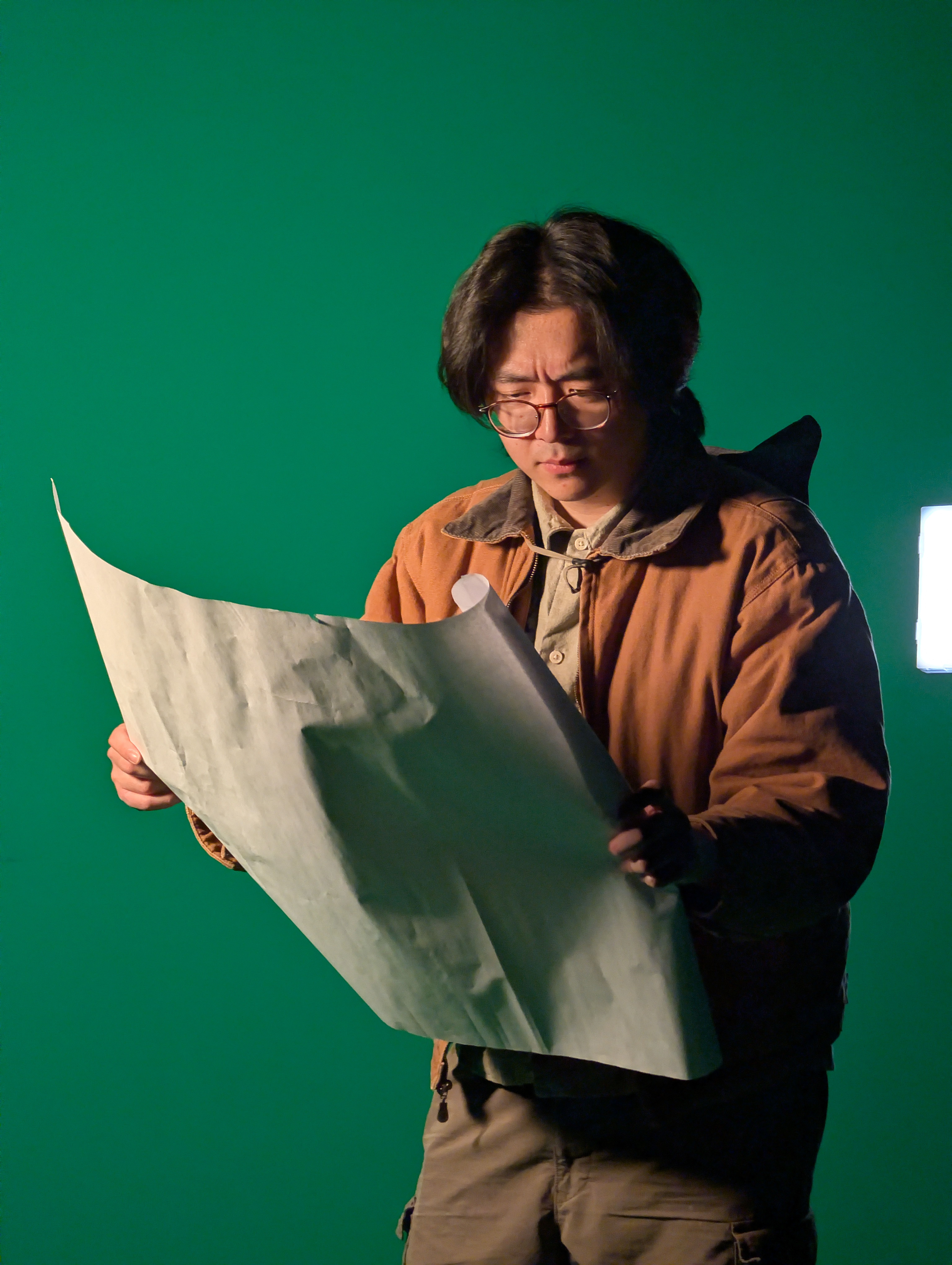
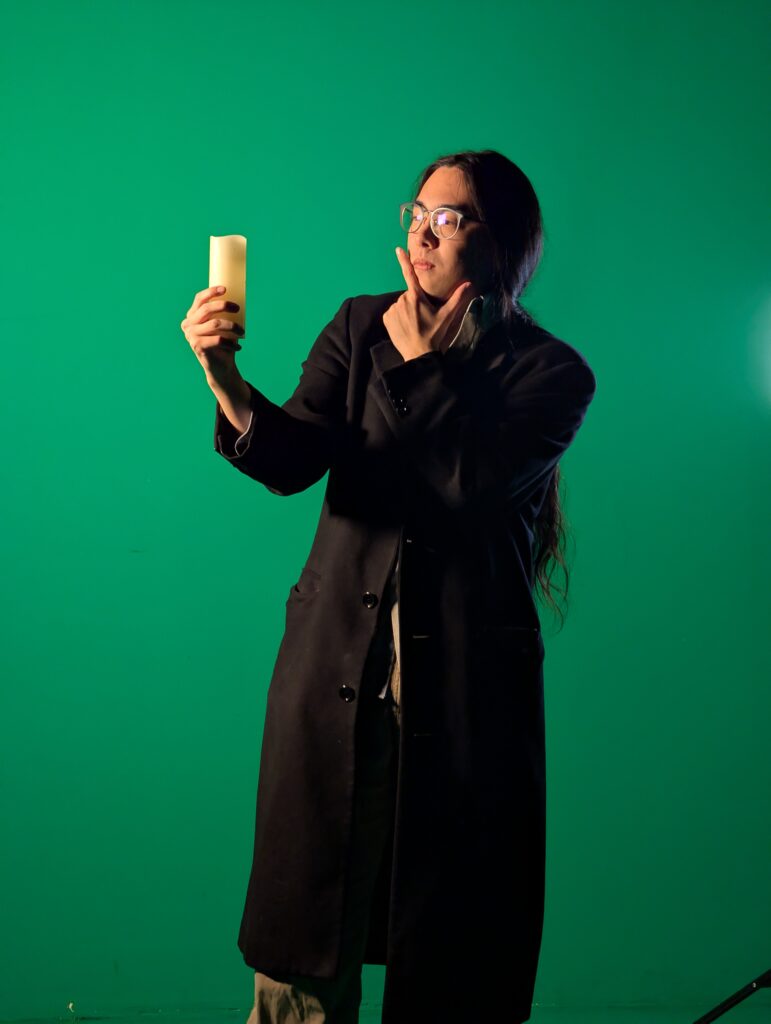
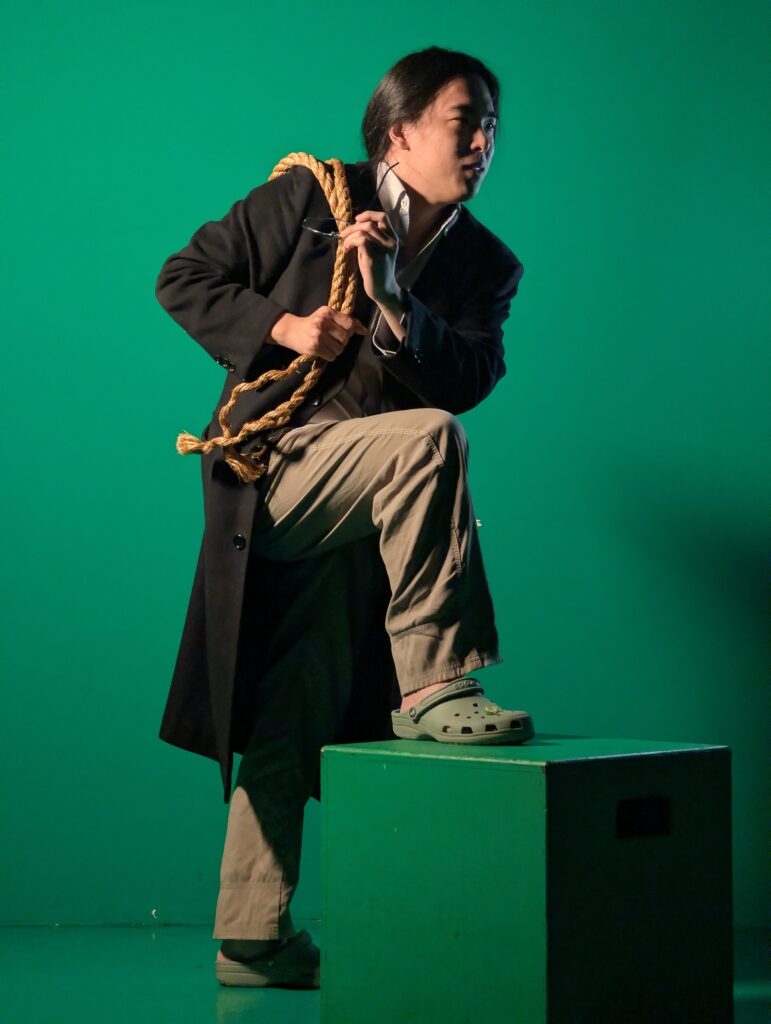
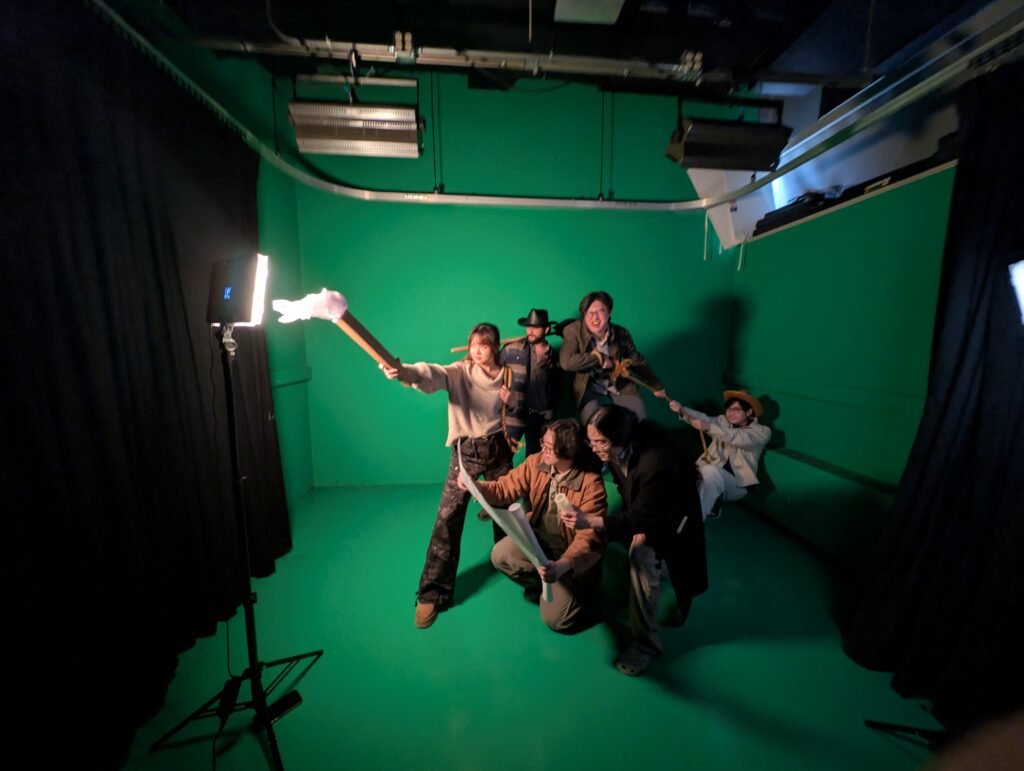
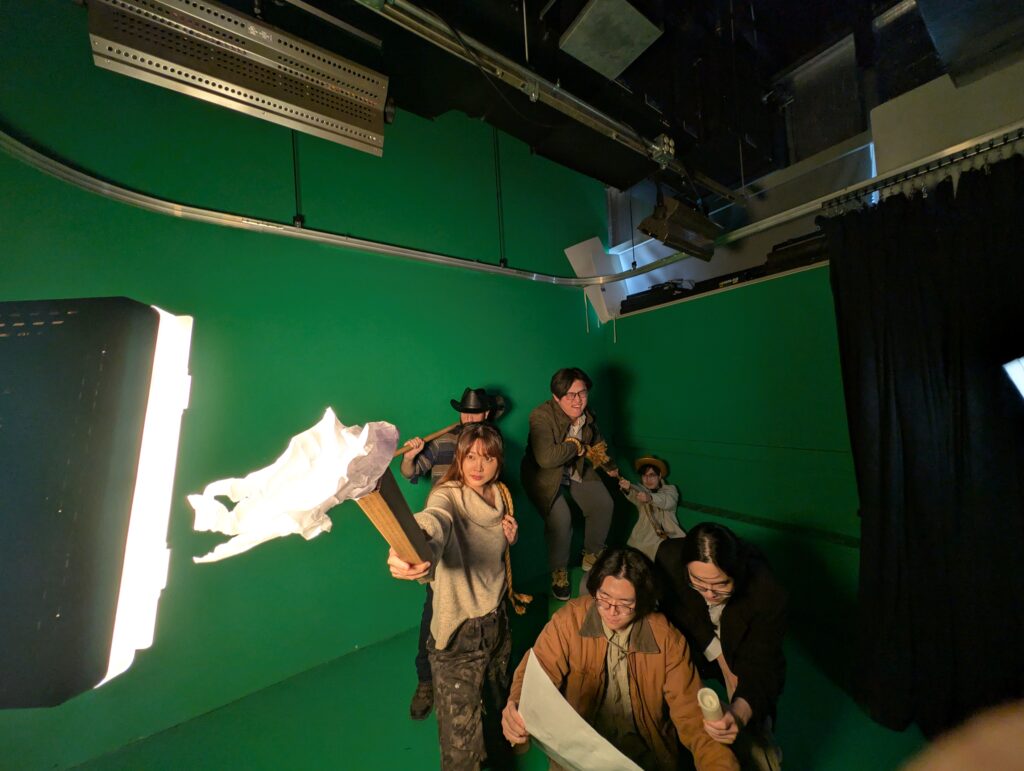
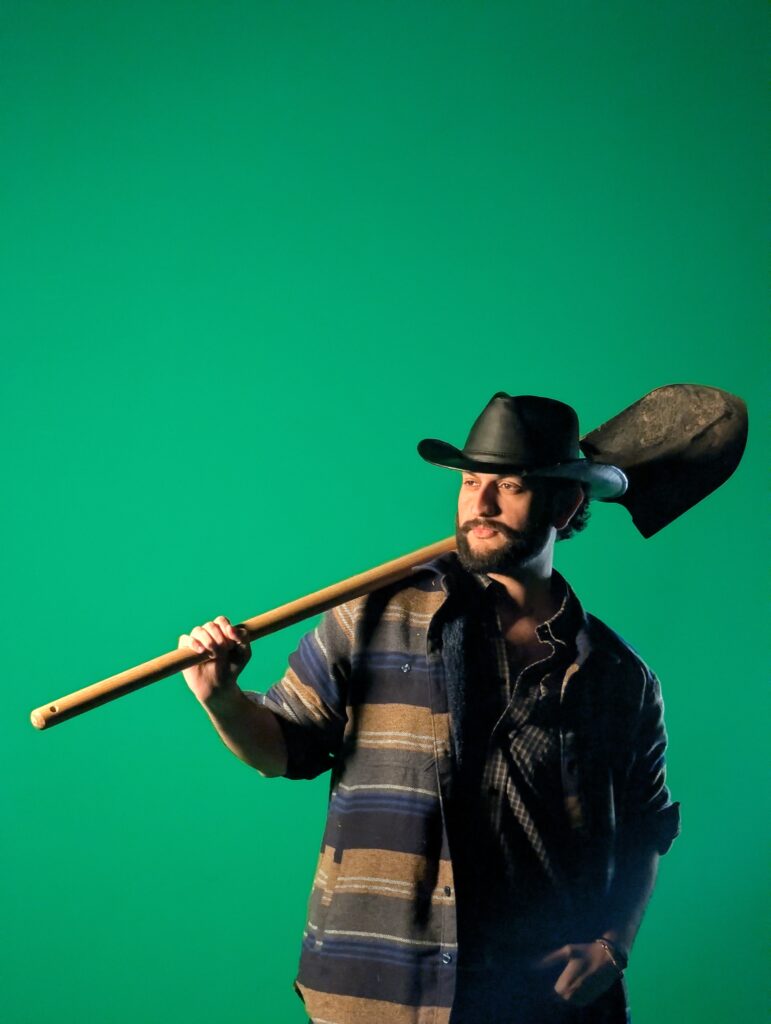
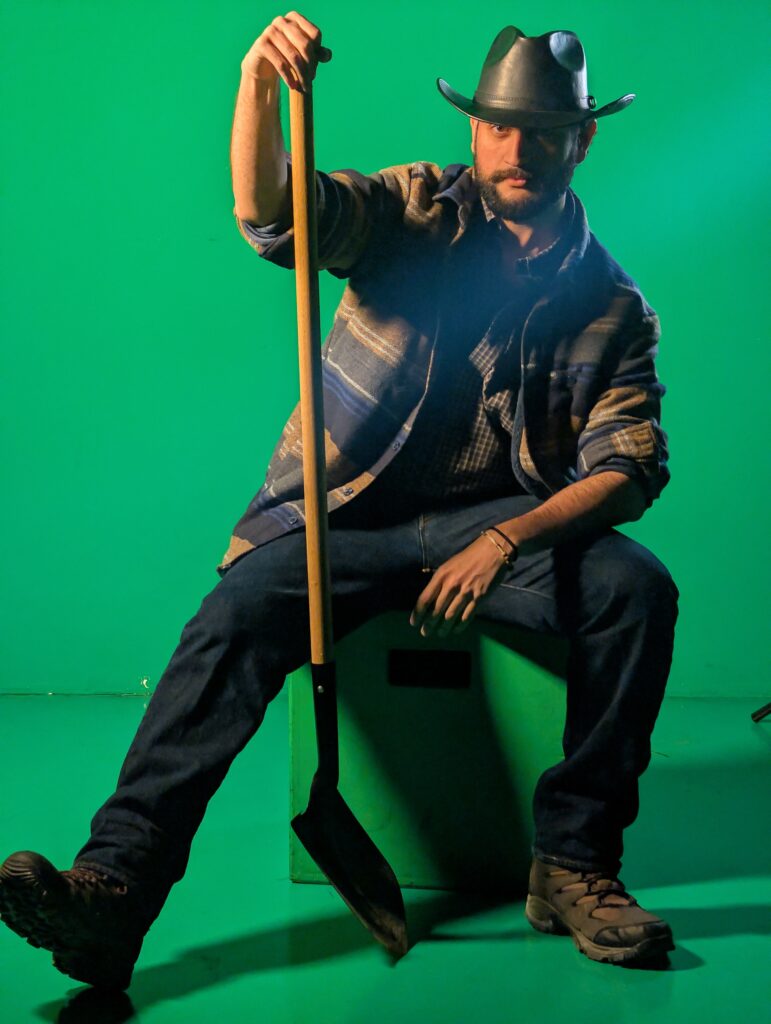
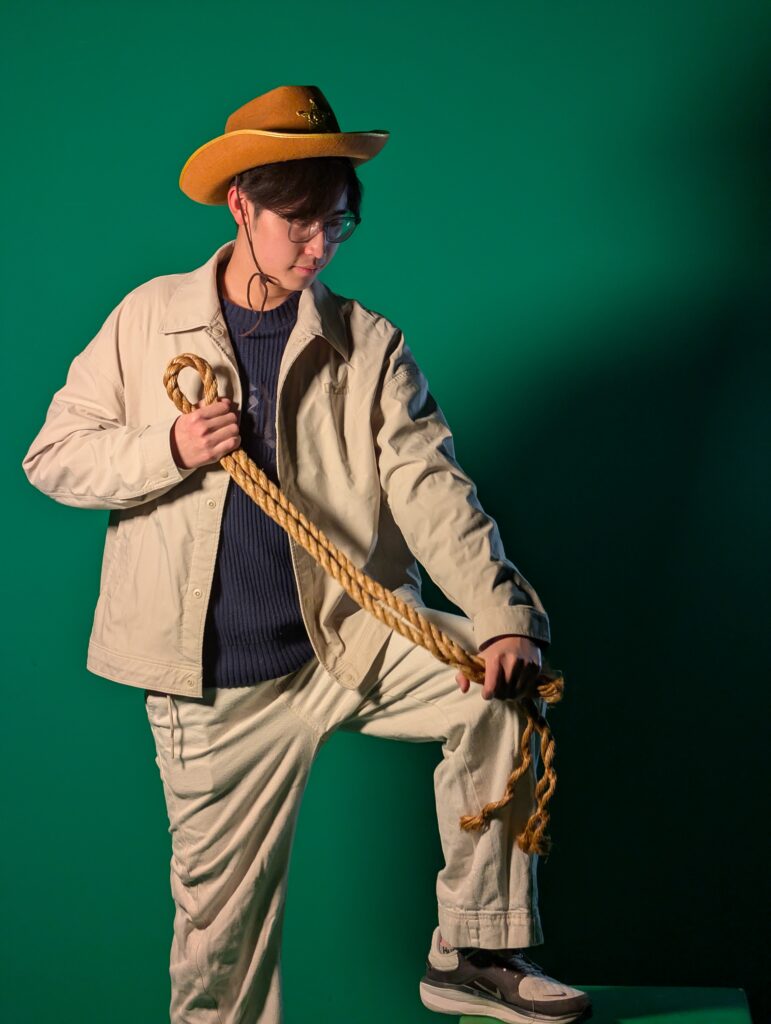
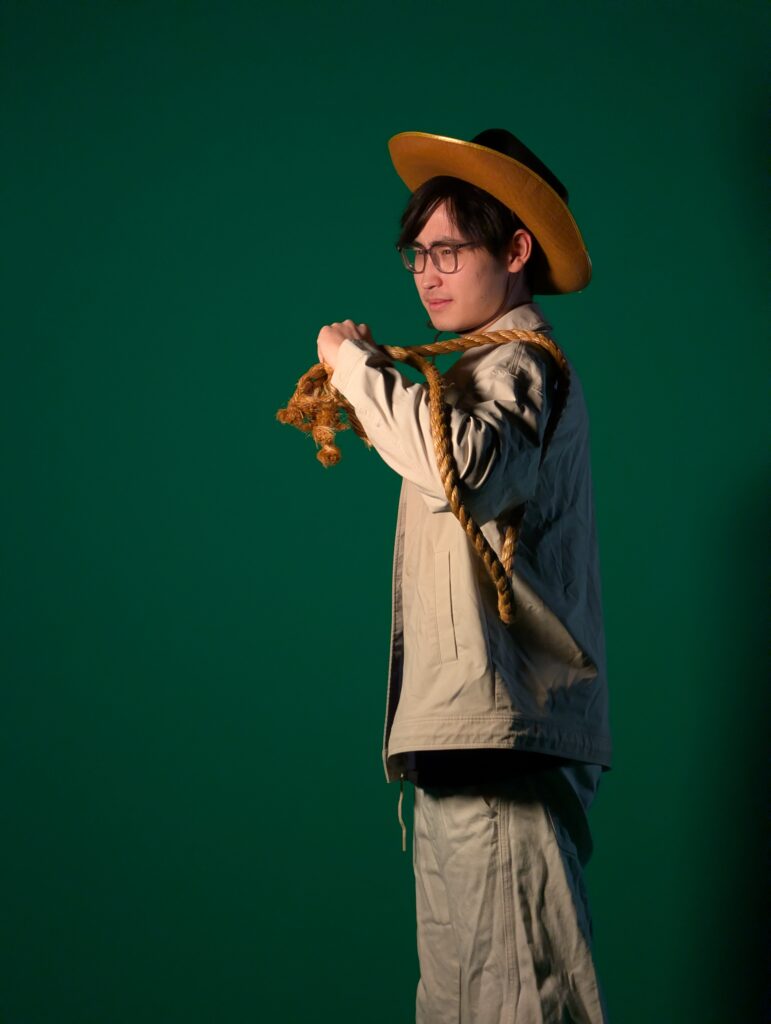
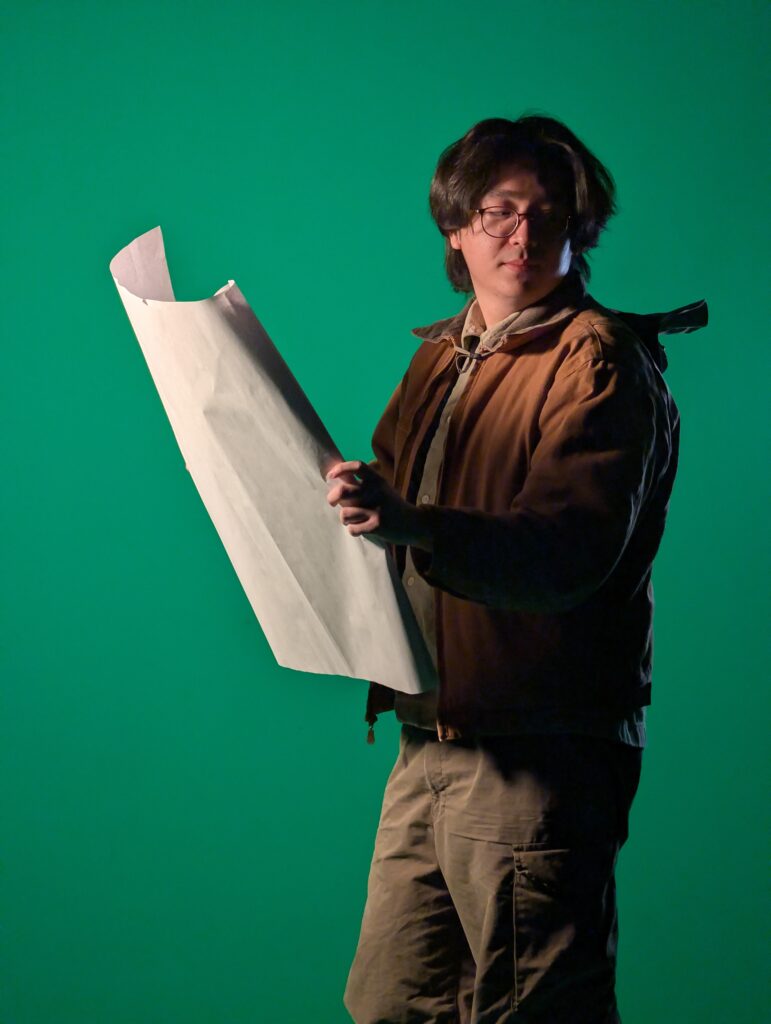
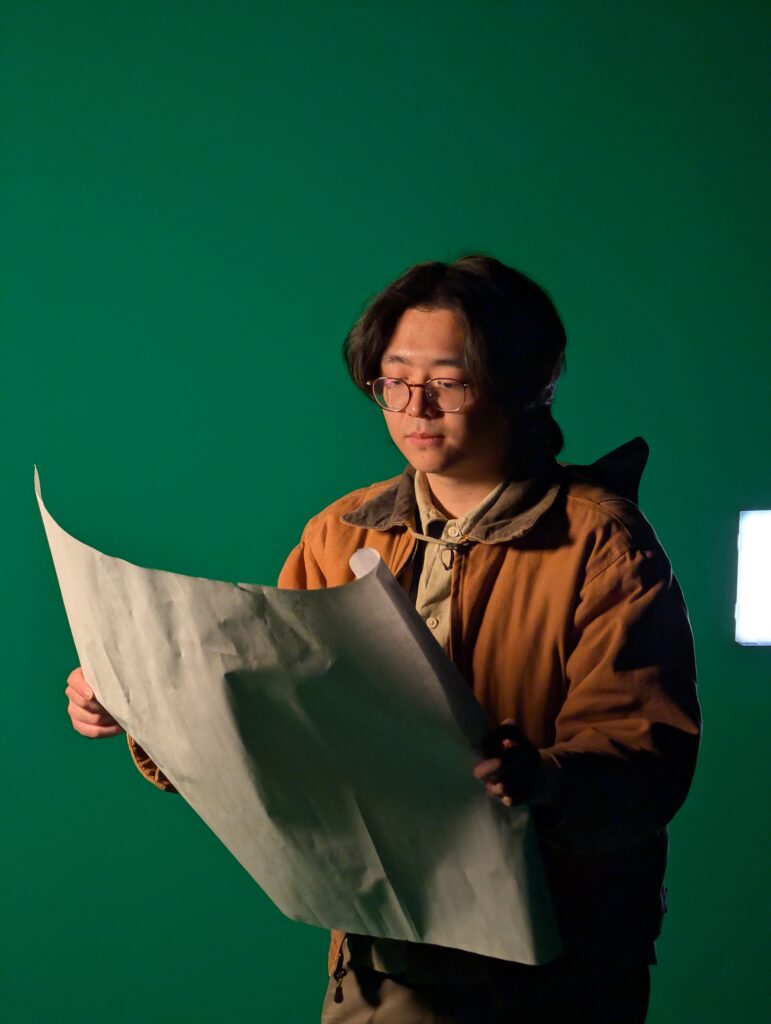
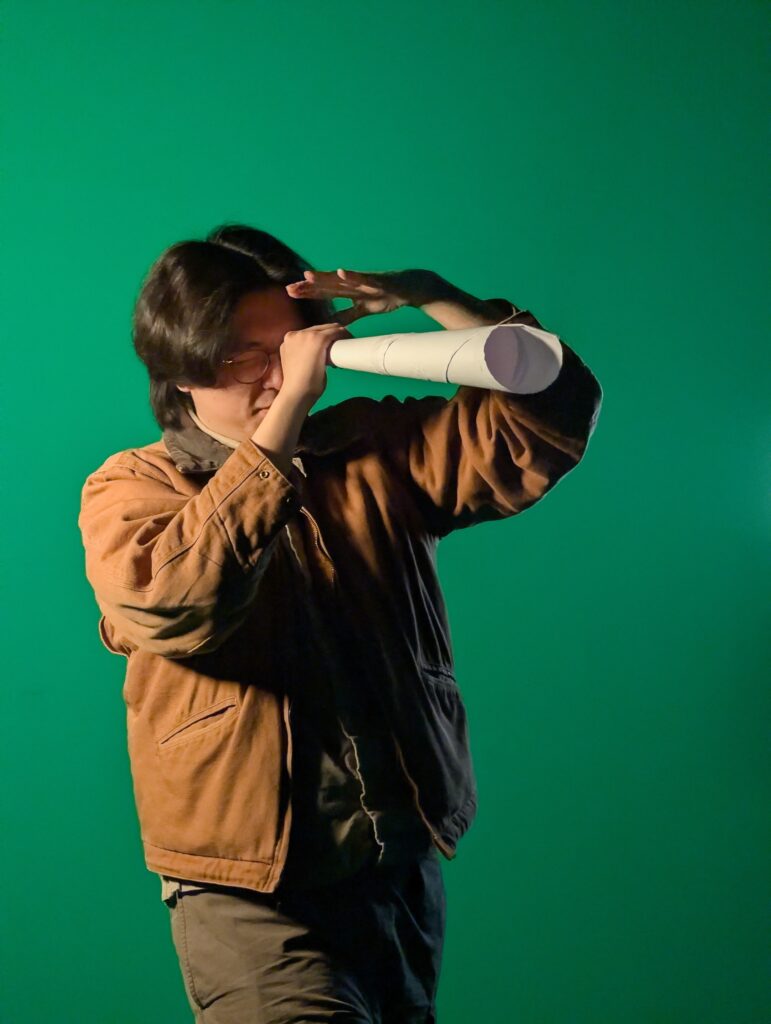
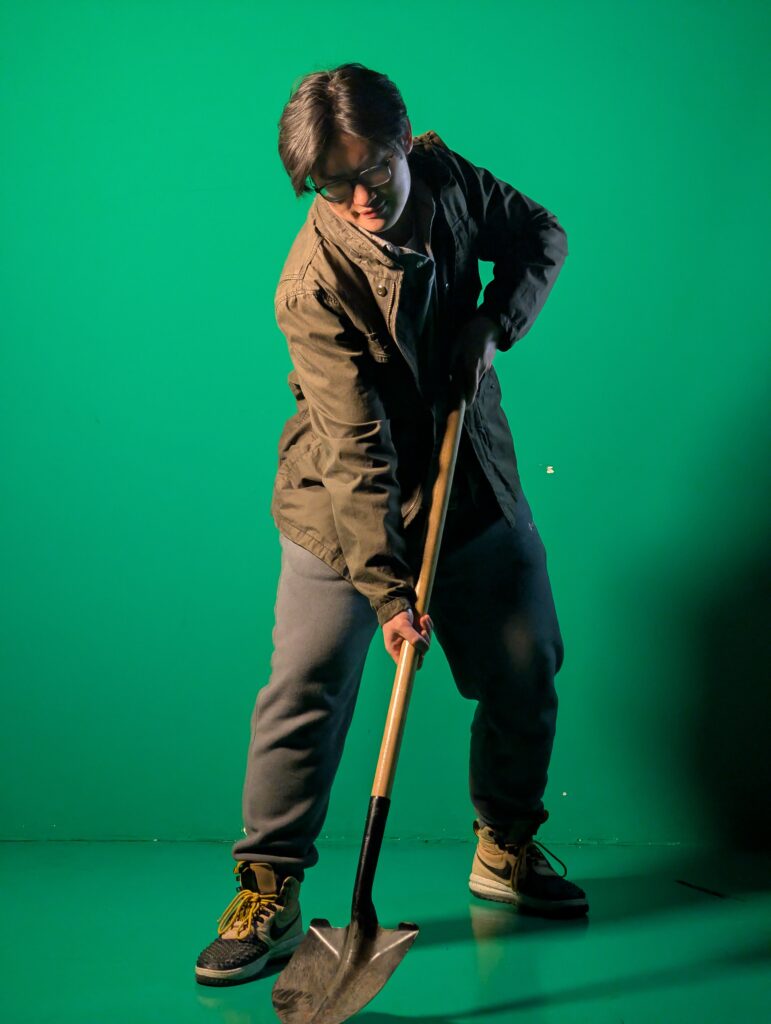
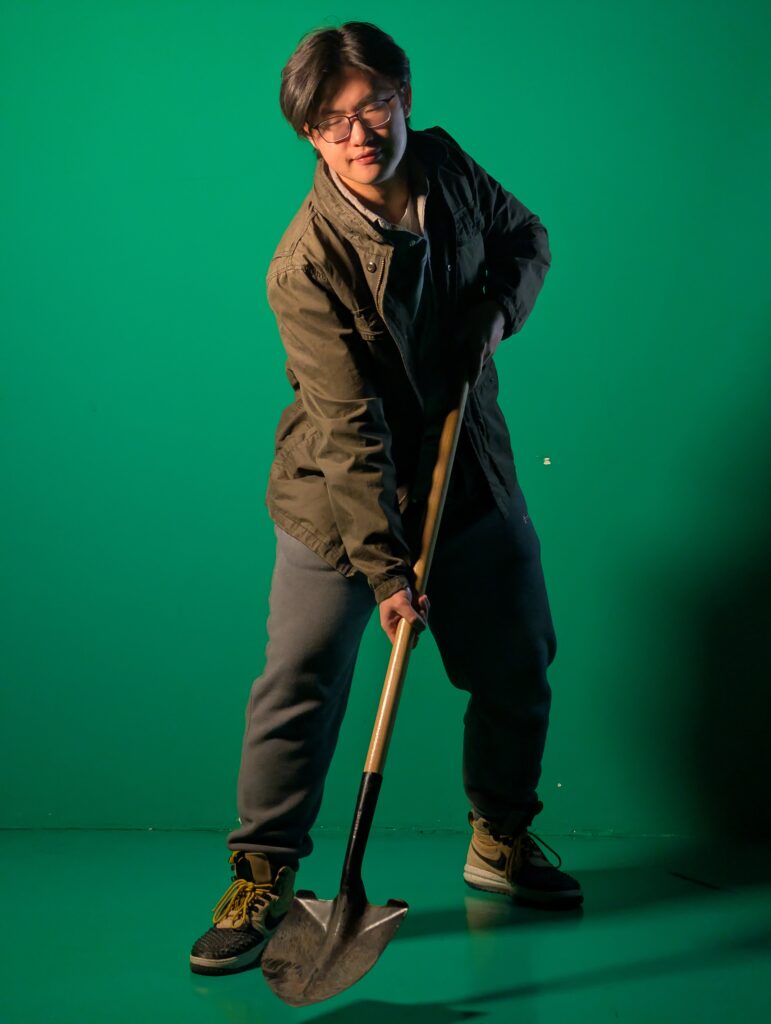
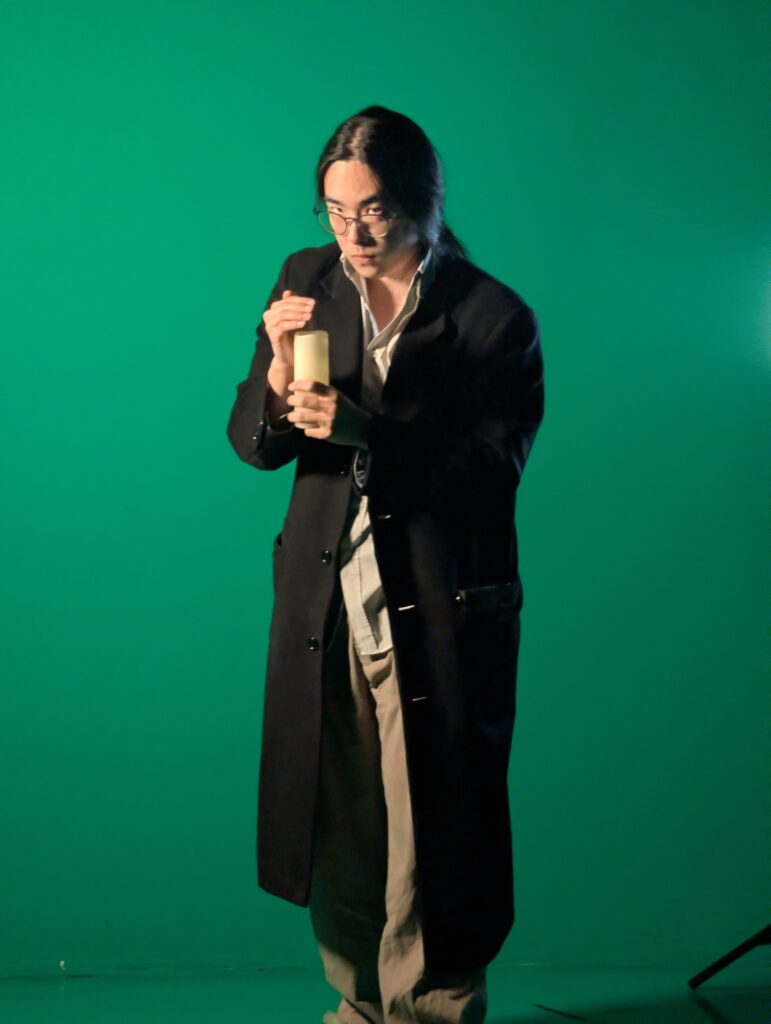
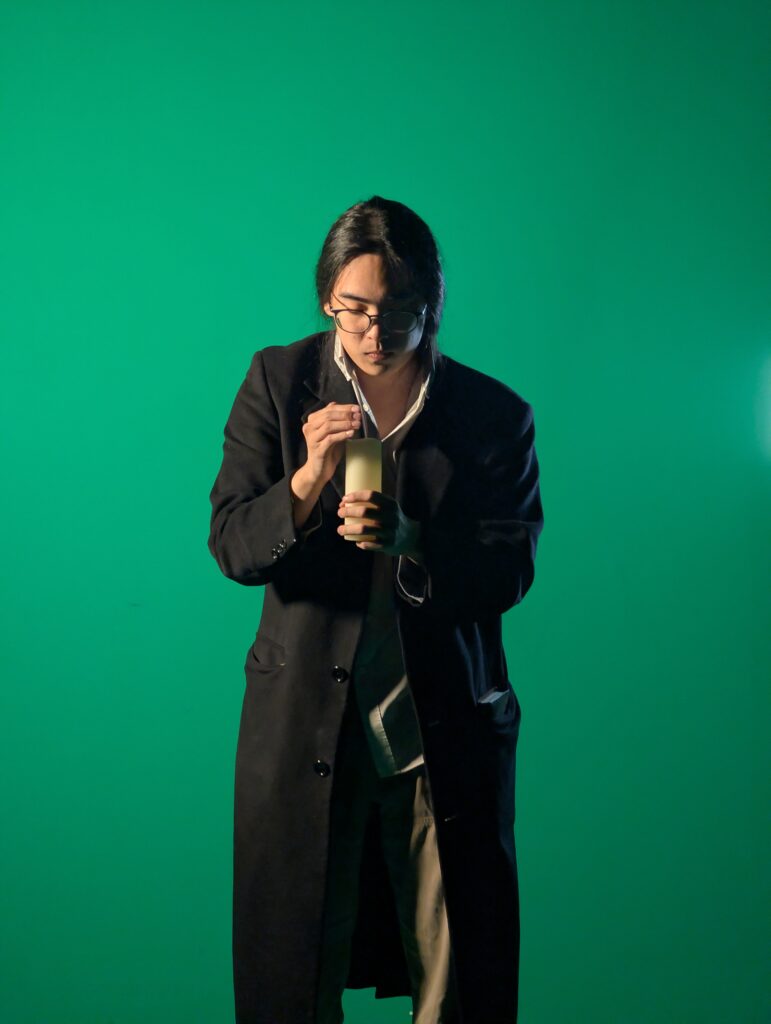
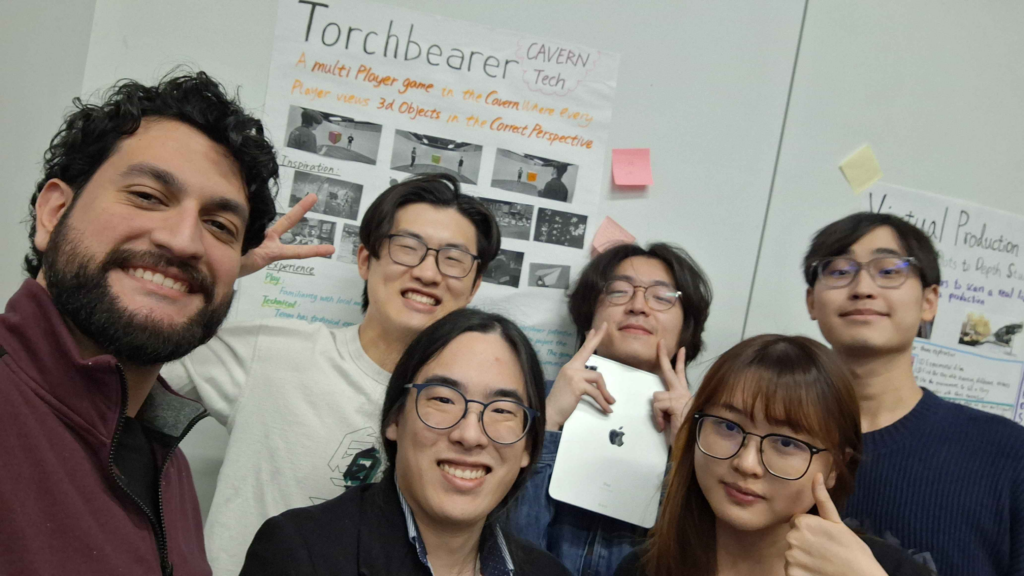
On Wednesday we all dressed up and brought in some props, then went down to the greenscreen room on the first floor for a photoshoot! Our theme, as Torchbearers, is that we are “exploring” the CAVERN, blazing a trail for all who come after us. So our photo is cave explorer themed. It seems fitting, given that the CAVERN toolkit team was called “Spelunx”. I’m still editing our team photo to put us literally into a cave, so you’ll have to wait until next week to see the final result!
Exploring the CAVERN
Steve holds the appleTrying out a game Frank is designing for his elective!
Huddled around a fire, Crackling, flickering flames, The orator begins to tell a story…
Here at the ETC, the third week of the semester is “Quarters”. It’s essentially the first showcase of what we are doing. The way it works is that members of faculty travel around in groups, moving from project to project and spending 15 minutes at each in a rotation. Generally, because Quarters is so early in the semester, it’s a time for teams to show off their early ideas and plans, to get feedback on their direction before really starting to work.
We were in a really good spot for Quarters, because, as described last week, we actually have a demo! Something real that we can have people try! As much as you try to describe your ideas, there’s really no substitute for just showing it off.
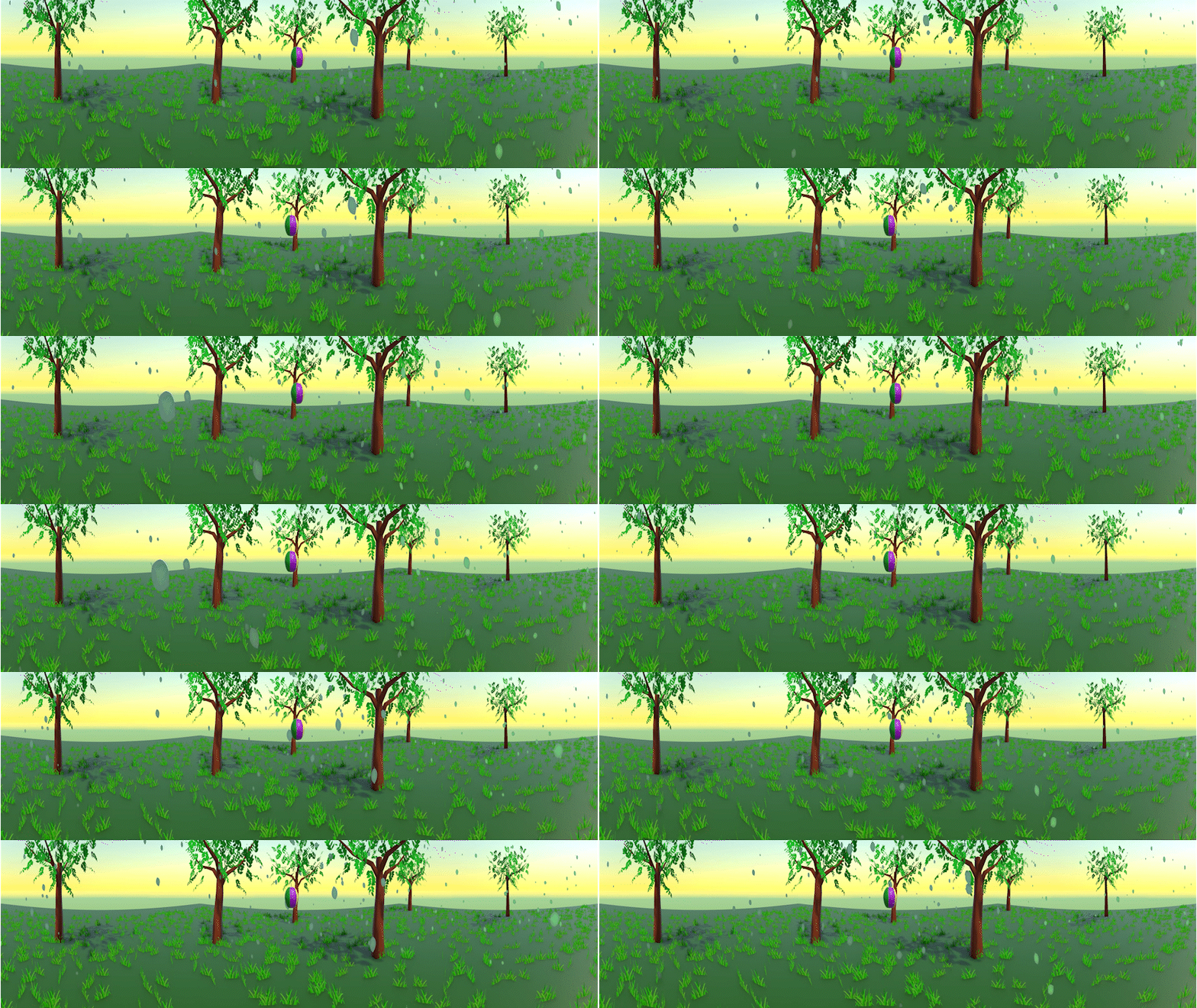
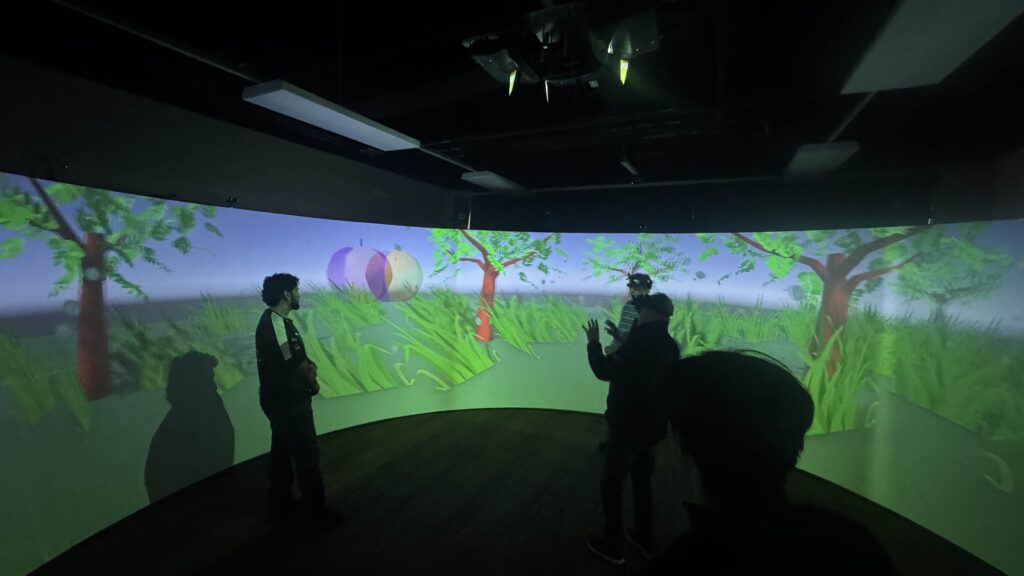
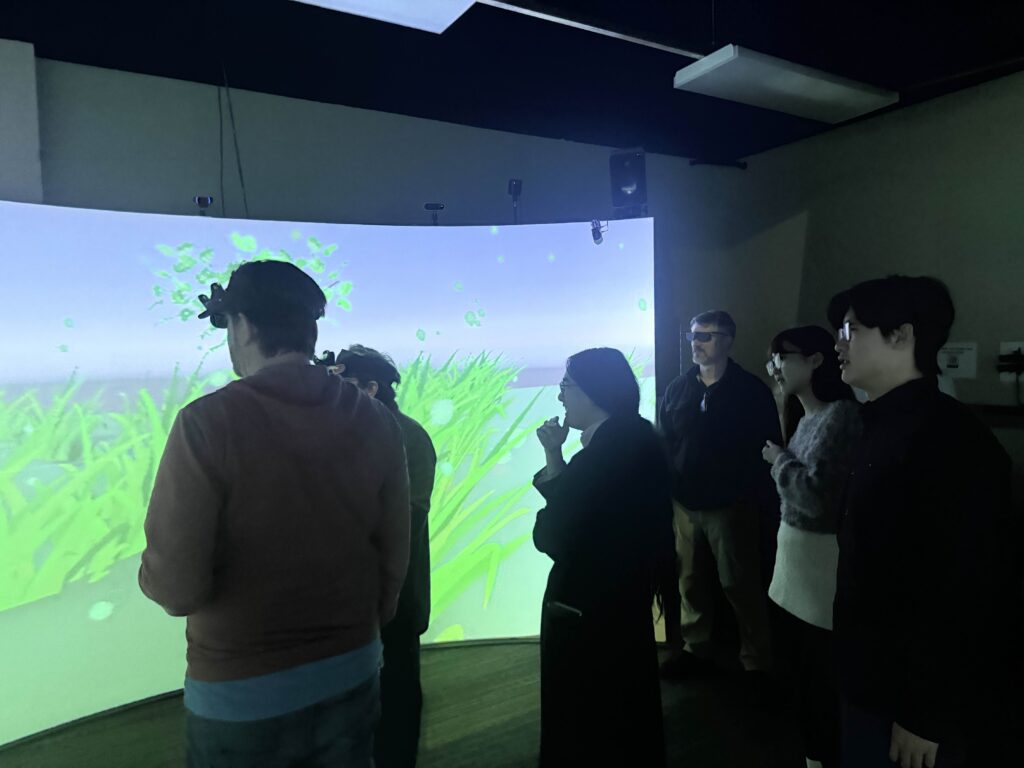
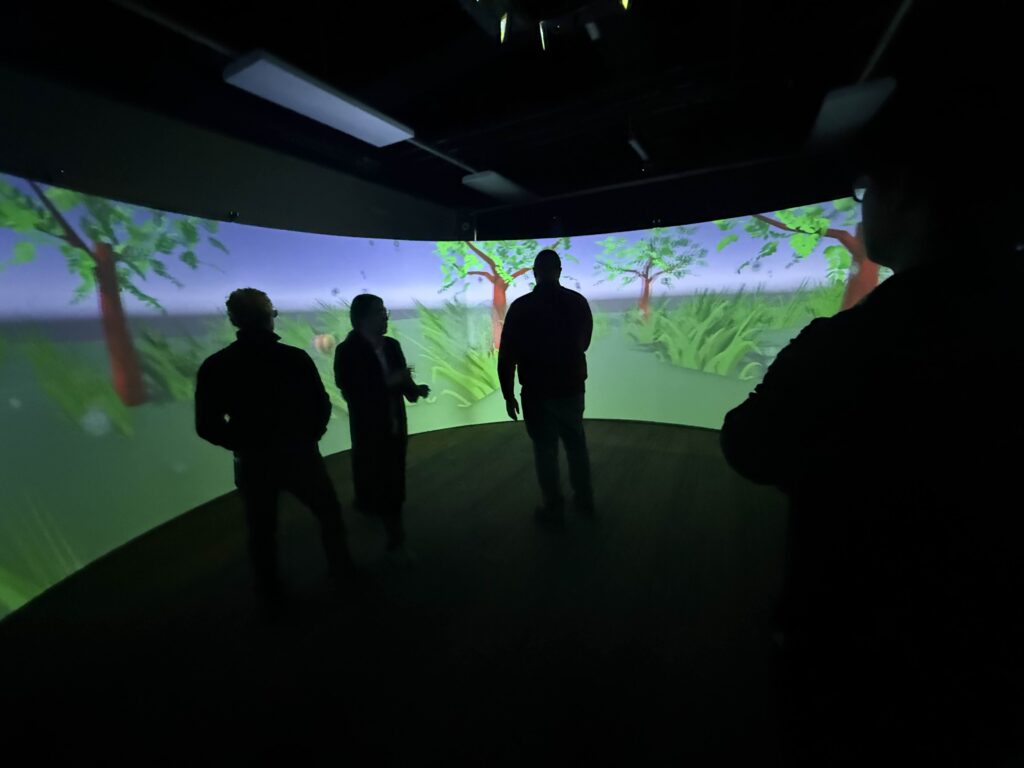
Our Quarters Day was Wednesday, so our goal was to turn our demo into something a little more presentable. However, as you may remember if you live on the East Coast of the USA… we got snowed in. So, working remotely, we assembled this nice garden out of assets members of the team had previously made last semester.
Ahh, Nature
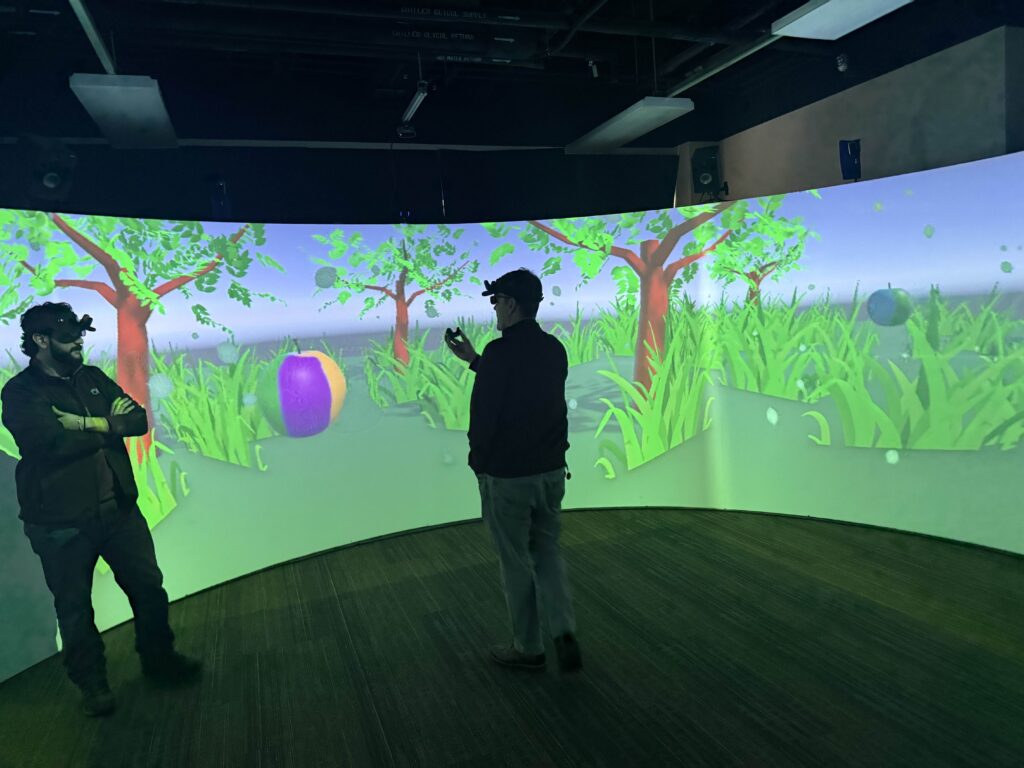
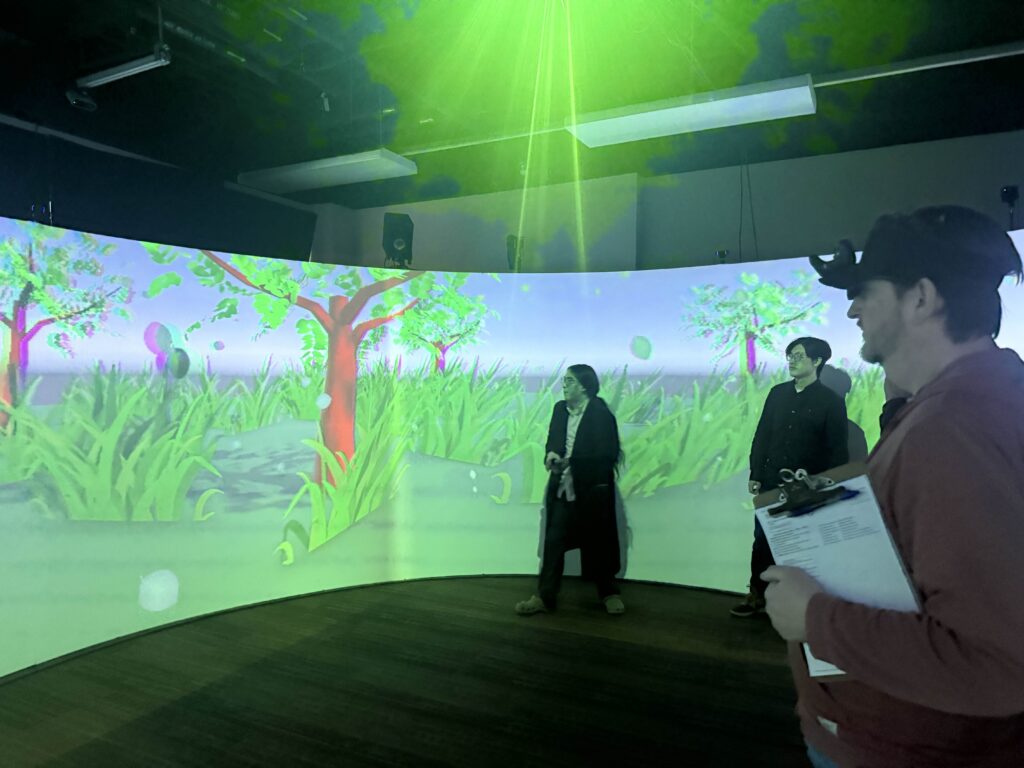
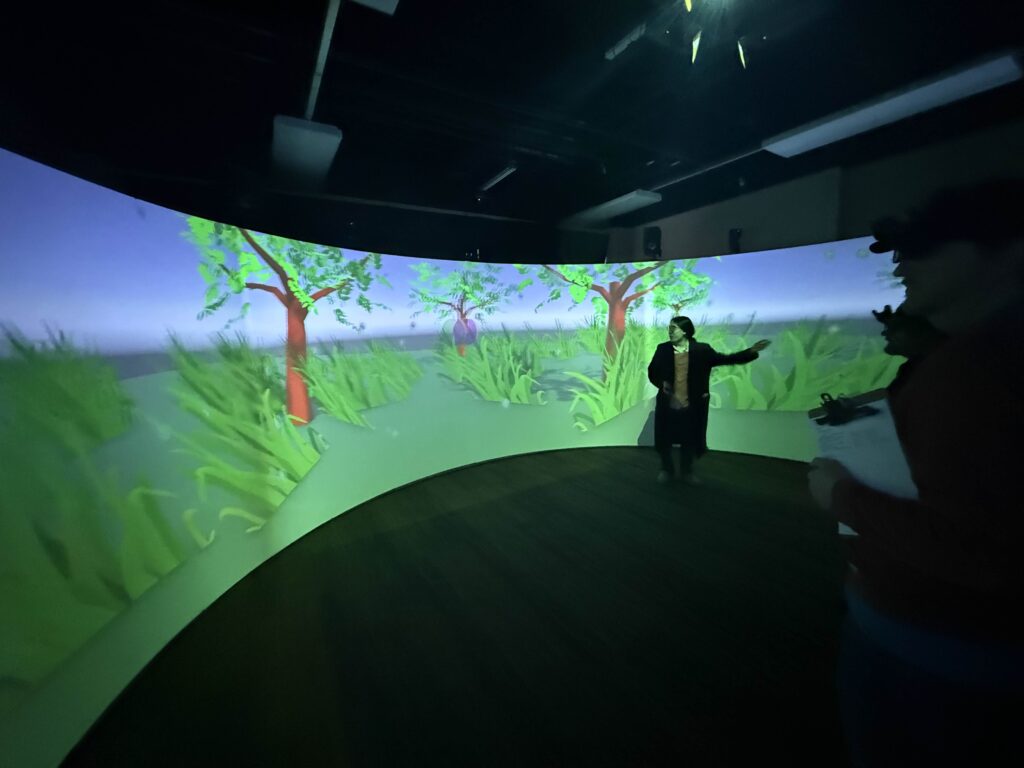
In this beautiful garden, we can toggle the behavior of the apple, so it either behaves as if it’s being rendered from the center of the CAVERN, or with the two-person multi-perspective rendering.
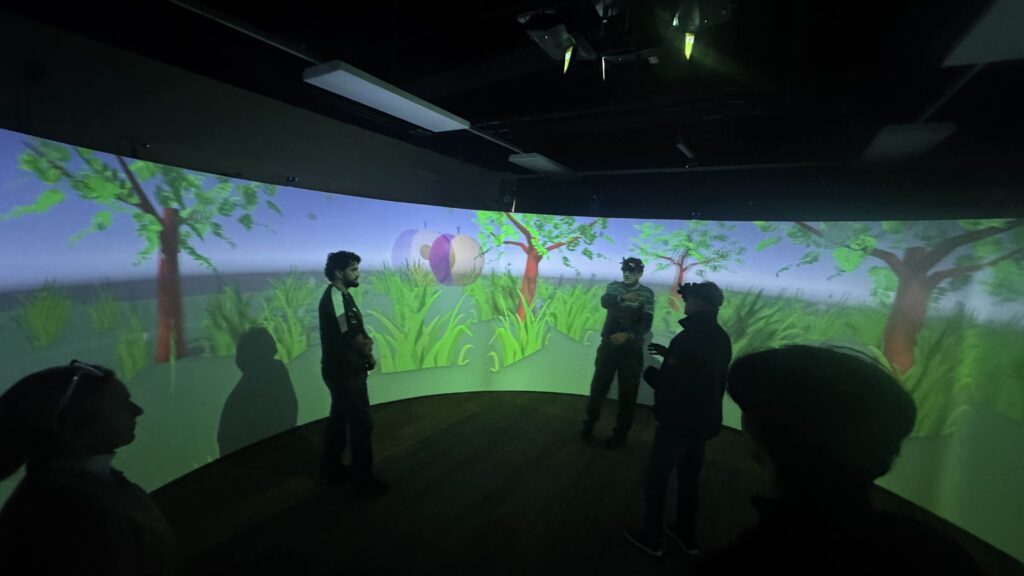
We were very excited to show off this demo to the ETC faculty, and we got some great reactions. It appears we’ve passed our first test. No one that tried the demo was unable to perceive the apple as “not in the same position” as the other person in the demo. So we’re on the right track. Now, we just need to figure out what to do with this technique!
Upon taking the first step they they thought, “Well! That was easier than I expected!” But the path still ascends skyward, into the fog and snow…
When I got out of improv class on Wednesday morning, I took the elevator up to the third floor, where our project room is. Before I made it, I was stopped in the hallway by Frank, who said to me,
“They did it! Do you want to see?”
Now, if you remember from last week, our first major challenge was to make our multi-perspective rendering technique work in the first place, so that we could begin to test it. Henry and Jason were put on that task, and based during the last progress update there were still a lot of unknowns about how to do it. The first thing they were going to try was the version that already existed in the CAVERN: A single headtracked player, circling around an object projected into its center. Based on the number of unknowns about the multi-perspective version, I had been mentally budgeting our time this semester to spend about 5 weeks simply getting everything set up. So when Frank asked me if I wanted to see what Henry and Jason had been doing, I assumed that they had got the CAVERN set up, and the single perspective version working.
But as you may be able to guess by this point, they had made the multi-perspective version work! So, that puts us much further ahead of schedule! Which I shouldn’t need to tell you is fantastic. The other good thing about this is that Quarters is next week. So now we don’t have to just explain what we are doing, we can show it. Which I usually prefer whenever we can manage it.
Let’s go over how it works!
Splitting the Apple
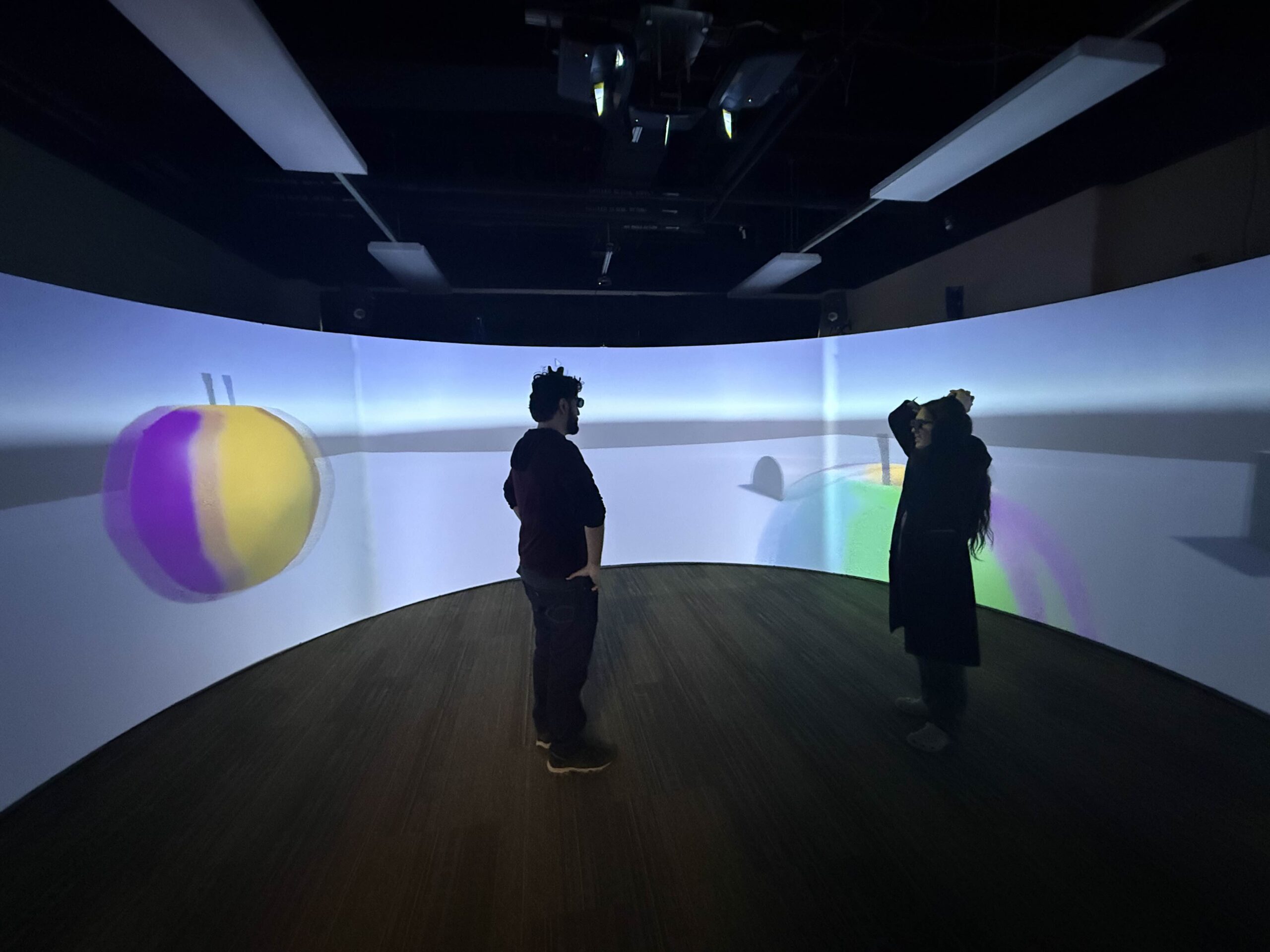
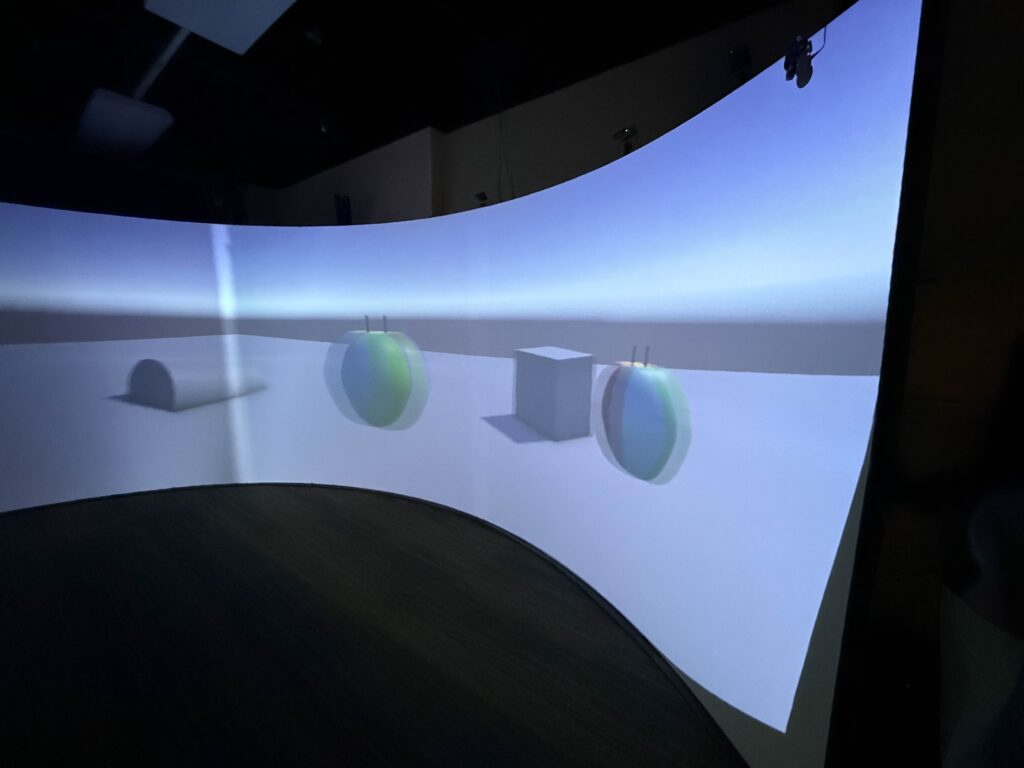
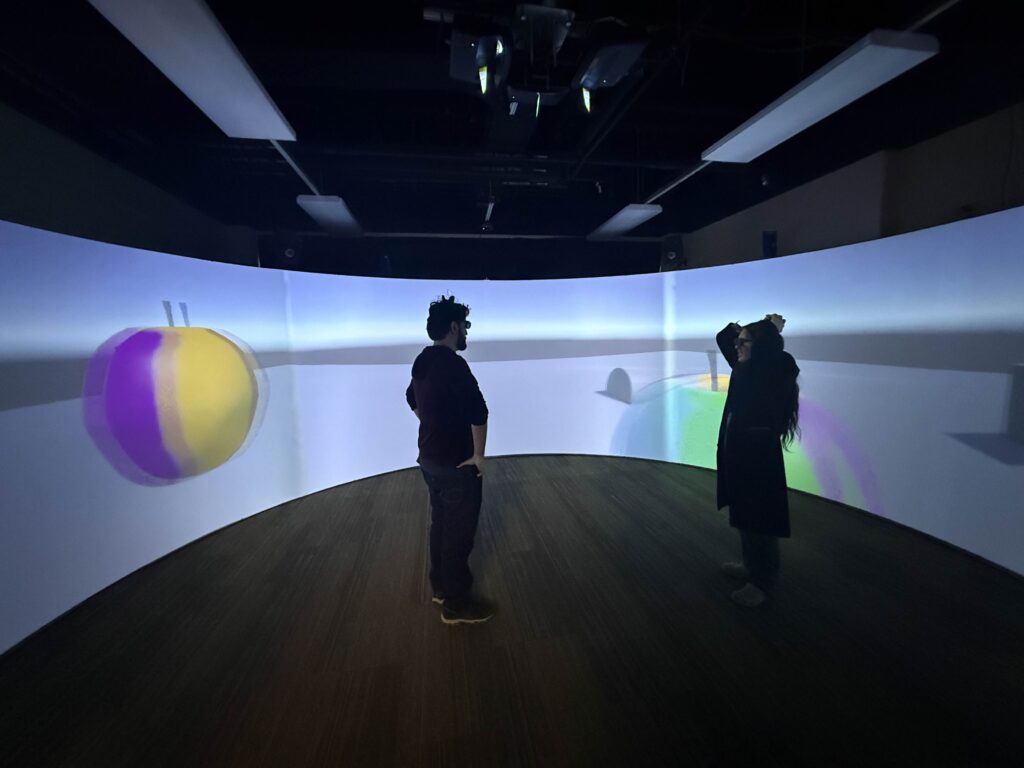
As I wrote last week, the CAVERN uses stereoscopic 3D projection with shutter glasses to project a different image to the left and right eye. This creates a 3D effect that can make objects appear as if they are deeper into the screen, or projected out into the circular inner space. The unfortunate side effect of this is that images taken of the CAVERN, without these special glasses, not only lack the 3D effect, but appear doubled. So for most of these examples, you’re going to have to use your imagination, or come by and try it out for yourself!
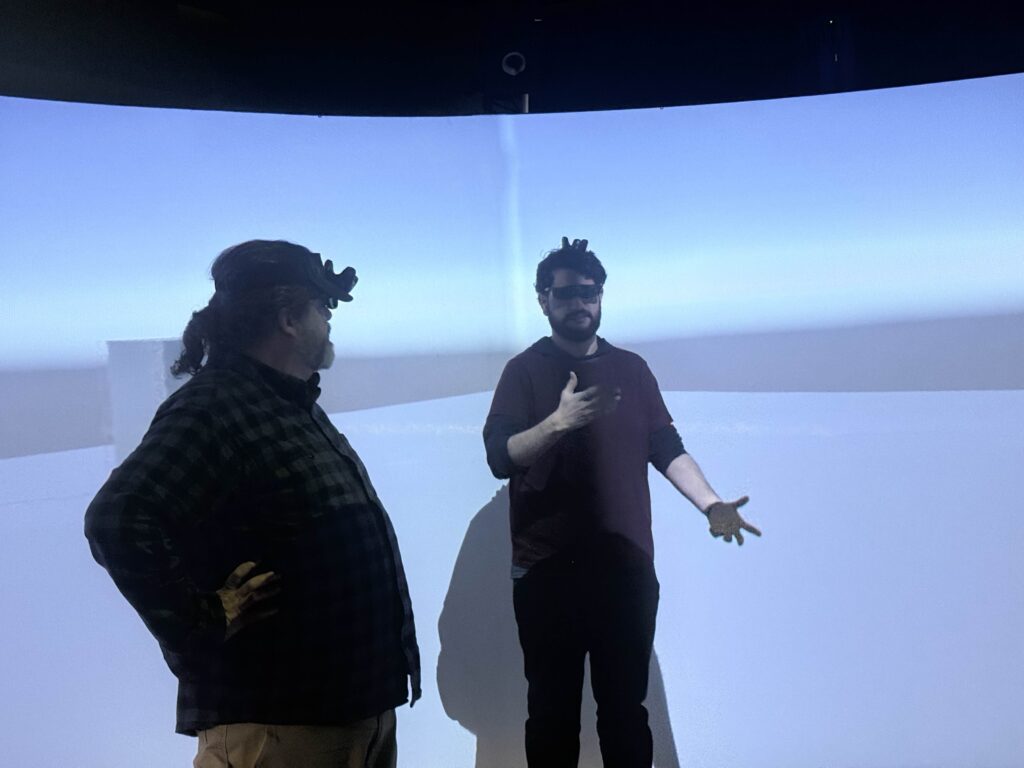
José and I witnessing the Apple, with Henry to our right.
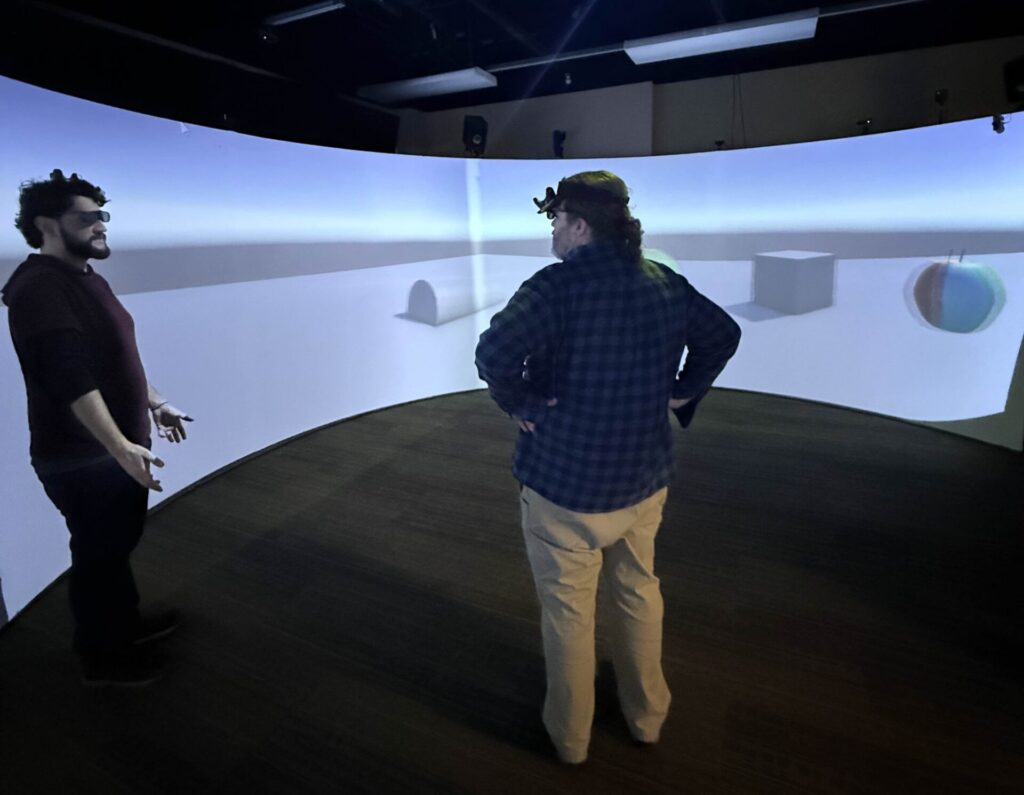
As you can see in this video, there are two apples. In engine however, there is only one apple, floating in the air in the center of the room. This apple is our test object, and was created by Ivy. Both José and I are balancing a tracker on our heads, and when the apple is rendered, it is projected to the wall of the CAVERN opposite us. So José has an apple across from him, and I have one across from me. With the shutter glasses on, the 3D effect makes the apple appear as if it is floating in the correct spot in the center. Because José and I are both getting a version of the apple that is based on our individual locations, we both see the apple floating in the same position in the room.
Jason tells me that this version of the technique, while working, is very unrefined. It duplicates a lot of rendering processes that it really doesn’t need to, so he is going to continue optimizing it. In the meantime however, this version provides us with a great way to try out different arrangements of objects to figure out what we might be working with!
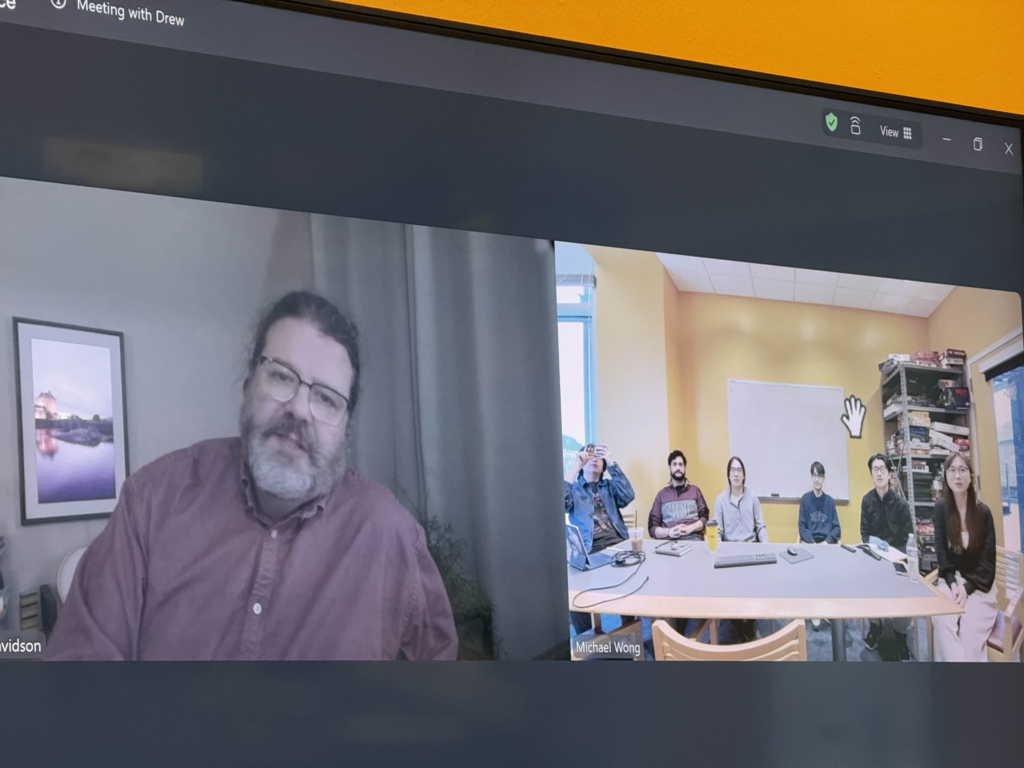
Showing off the demo to our advisor, Drew Davidson.
The First Of Our Problems
Also shown in that video of me trying the demo is the first of the problems we had anticipated. By simply turning around, José is no longer looking at “his” apple. He’s looking at mine, which appears to be in the wrong place to him. We knew going into this that this would be a problem we would have to primarily address through our design, so getting to look at how it feels to have these duplicates is important. One notable thing is that the duplicate apples don’t appear particularly distorted to the “wrong” player. They just appear to be “in the wrong place”.
We also encountered the “blocking” problem. Where one player is able to block another’s view of an object that should be in between the two of them.
And also, due to the CAVERN’s height and lack of floor projection, objects can’t be too close to the players unless they are perfectly at eye level, or else they quickly leave the borders of the screen.
One apple, being rendered two timesJosé and I look at the apple floating in the center. José’s apple disappears as he gets too close.José explaining the system to Drew, from a different angleJosé explaining the system to Drew.
But being able to experience these problems in person, and not just theoretically, is very helpful for us to begin thinking of ways to get around them, or mitigate their effects. We also tried a version of this demo where the apple is bouncing around the space, and let me tell you, that was disorienting with the doubling.
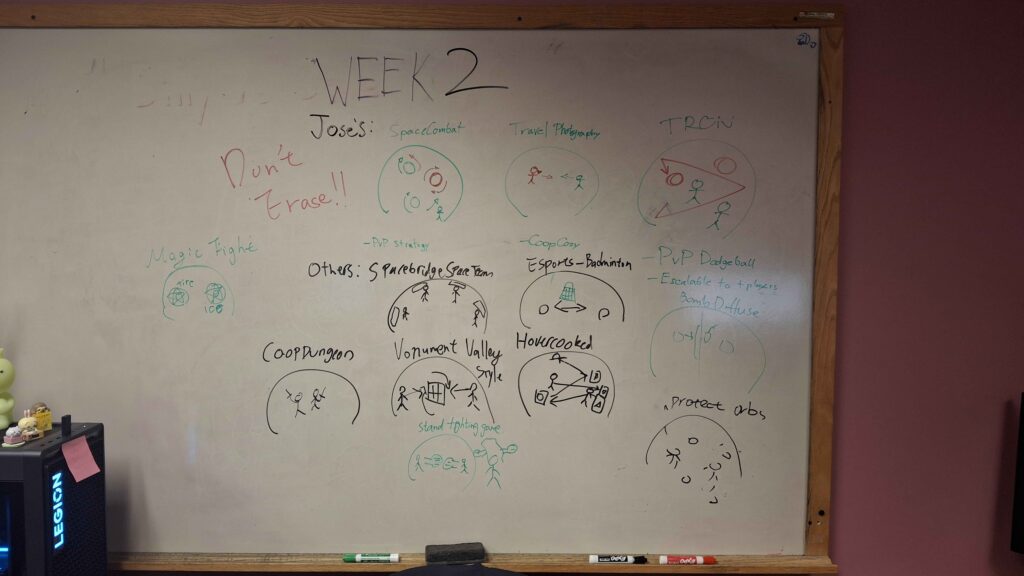
We did a little brainstorming for potential ideas that could maximize the techniques potential, without leaning into its limitations:
Our first brainstorming session for how we could use this technique.
With the system working enough to try it out and show it off, we move into Quarters next week, were we’ll have to demo it for ETC faculty!
Over the next couple of weeks, our goals are now to continue refining the system, and figure out how exactly we plan to make a game out of it!
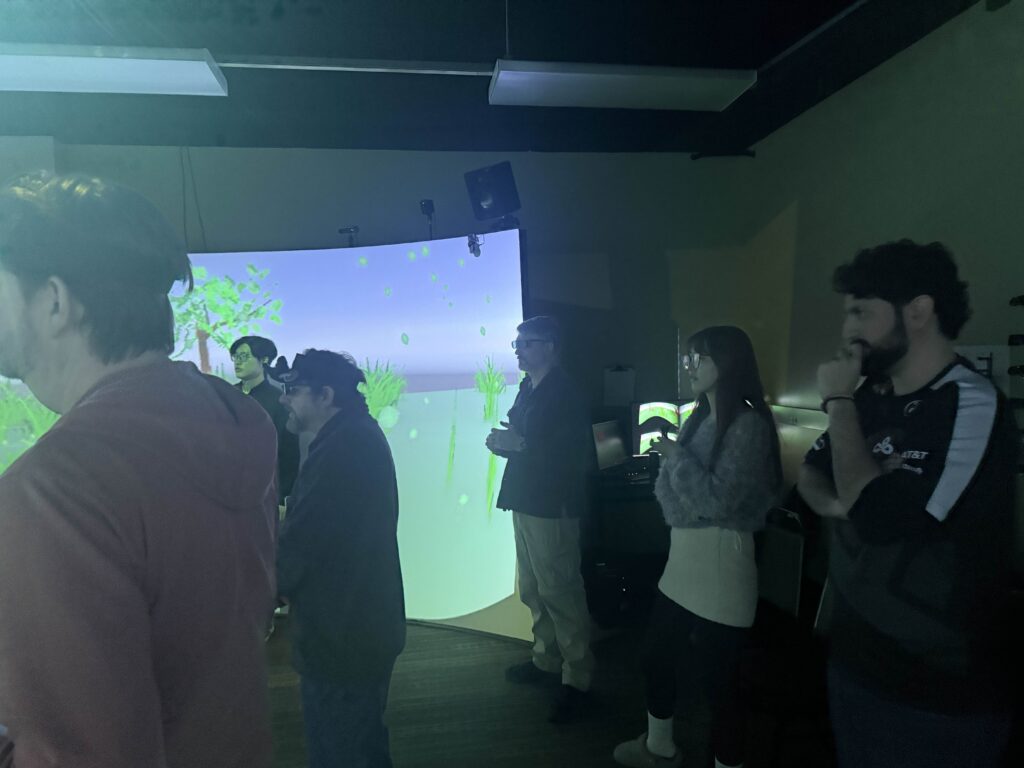
Showing off our demo to our other advisor, Steve Audia (fourth from the left), and ETC alumni Ezra Hill (furthest to the left).
And so I held my torch up high, to cut a path through the darkness…
It’s the beginning of a new semester!
We are Team Torchbearer! This week, as with most ETC projects’ first weeks, is all about setup!
But first, what exactly are we doing here?
The CAVERN
The CAVERN has been a fixture of the ETC for many years now. It was built here, and is unique to our building. Many past teams have created films and games for it.
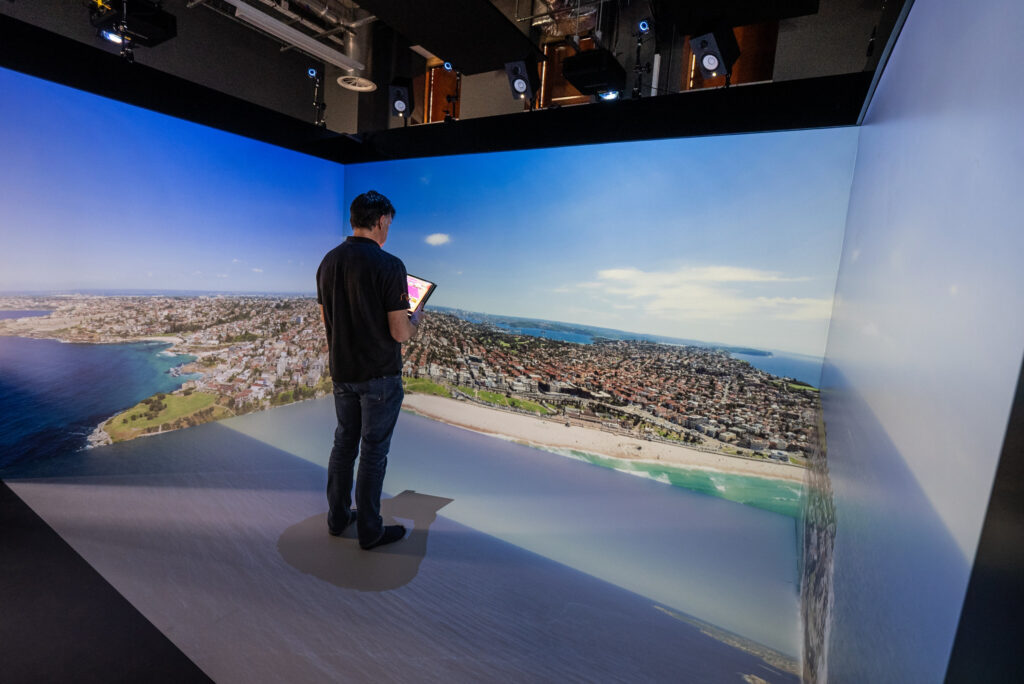
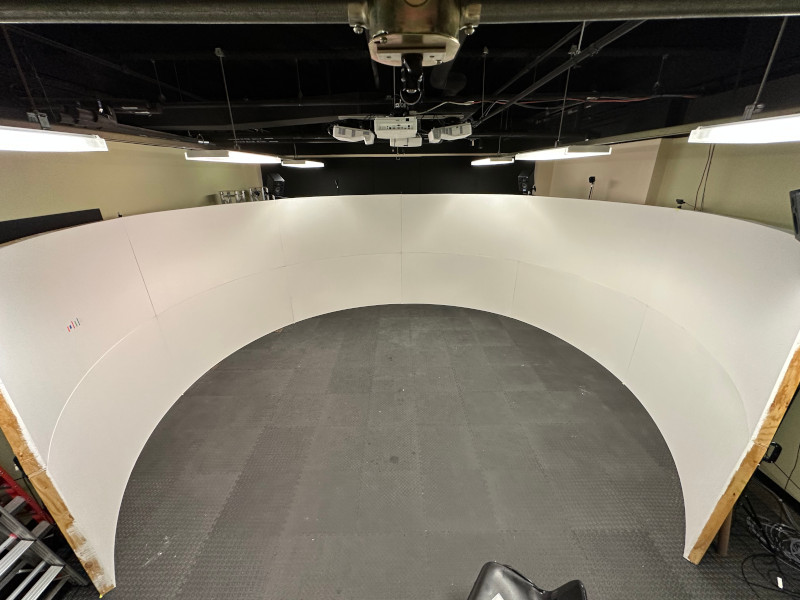
CAVERN stands for “Cave Automatic Virtual Environment Round”. It’s a type of CAVE system that is unique in that instead of having harsh angles at the walls of a box, it’s… well, round!
A CAVE system is method of VR that involves the use of projectors on the walls of a space to create a VR environment that doesn’t require the user to wear a headset.
Standard “Cube” CAVEThe round CAVERN
The CAVERN uses stereoscopic 3D projection and glasses along with headtracking to create a 3D effect. Objects can appear to exist into the CAVERN, or they can appear to be inside the space the players are standing in. The result is a uniquely immersive space. Player’s can move around the virtual world as it surrounds them in the CAVERN, and unlike with traditional headset VR, they can look at and directly interact with each other, without needing virtual avatars.
Steve Audia’s Dream/Our Challenge
When Steve Audia, the ETC’s director of IT, had the idea for the CAVERN, it was primarily intended to be used for multiplayer VR games. Afterall, its unique affordance is that two players can physically look at each other. However, there is an issue with that, and it comes in two parts:
First, in order to convincingly create a 3d effect, the image rendered by the CAVERN needs to “skew” itself to match the perspective of the viewer. This means that for anyone that is not the “chosen perspective” of 3D in the CAVERN, the image appears distorted and “off”. This effect gets more pronounced the “closer” the object is to the viewer. For objects that we want to appear far off in the distance, this is barely noticeable. For anything we want to appear inside the CAVERN, this effect completely breaks the illusion of 3d for anyone that isn’t the main player.
Second, currently the CAVERN Toolkit, developed in a previous semester by the team Spelunx, only head-tracks one player. The head-tracked player is the one whose perspective is used for the aforementioned “skew” needed to create the 3d effect. Even if we simply added a tracker to another player, who would we use as our reference perspective for the world?
Enter, Multi-Perspective Rendering
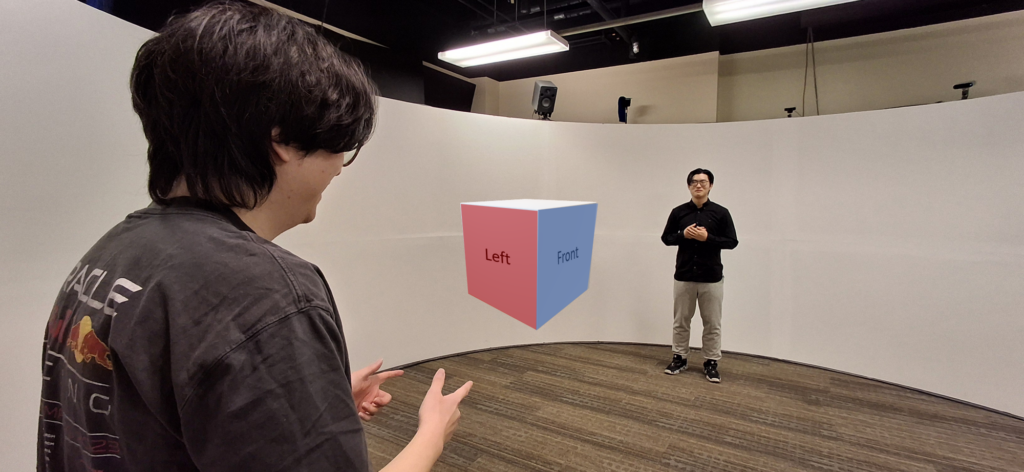
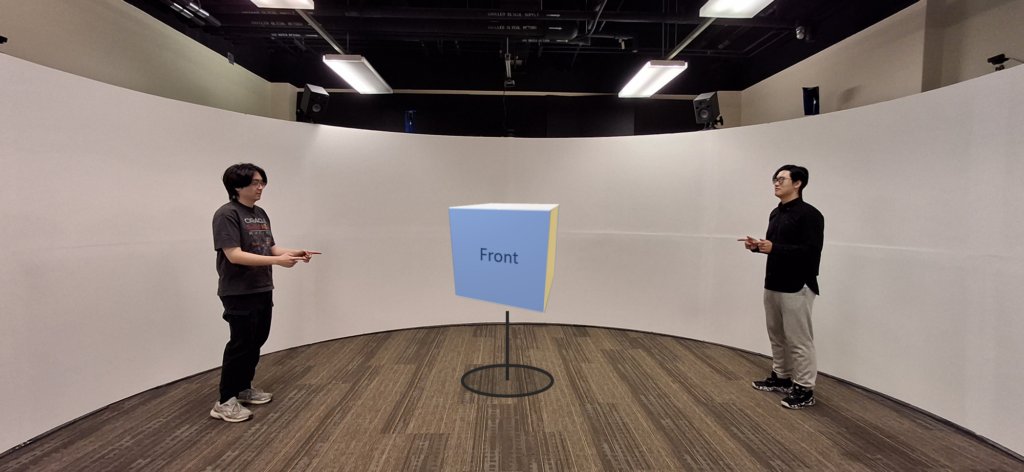
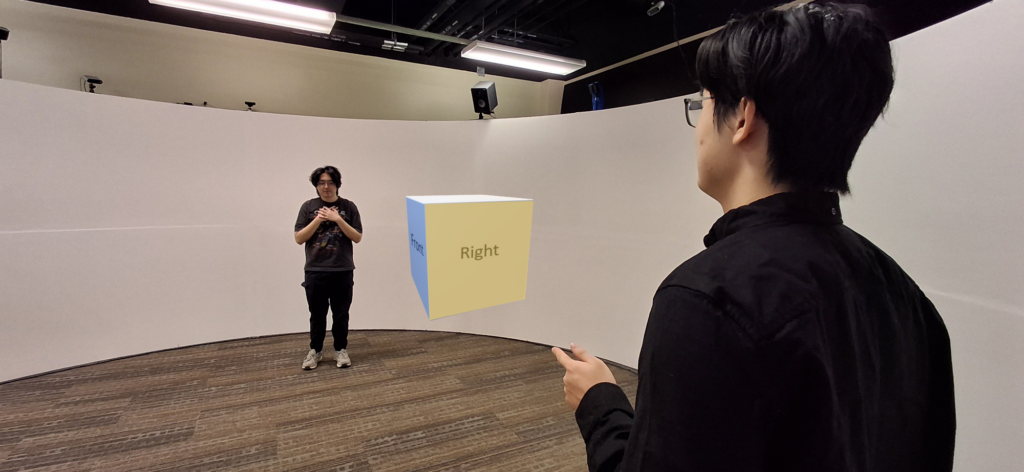
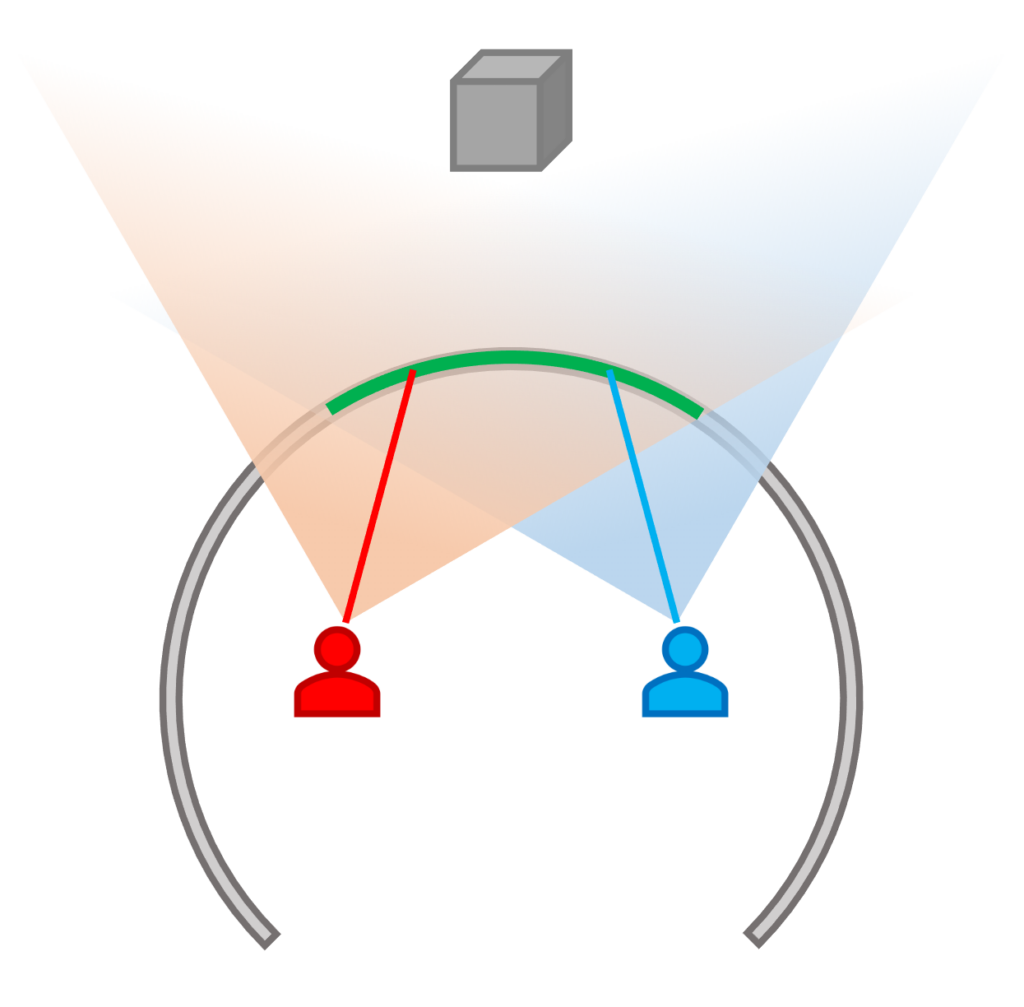
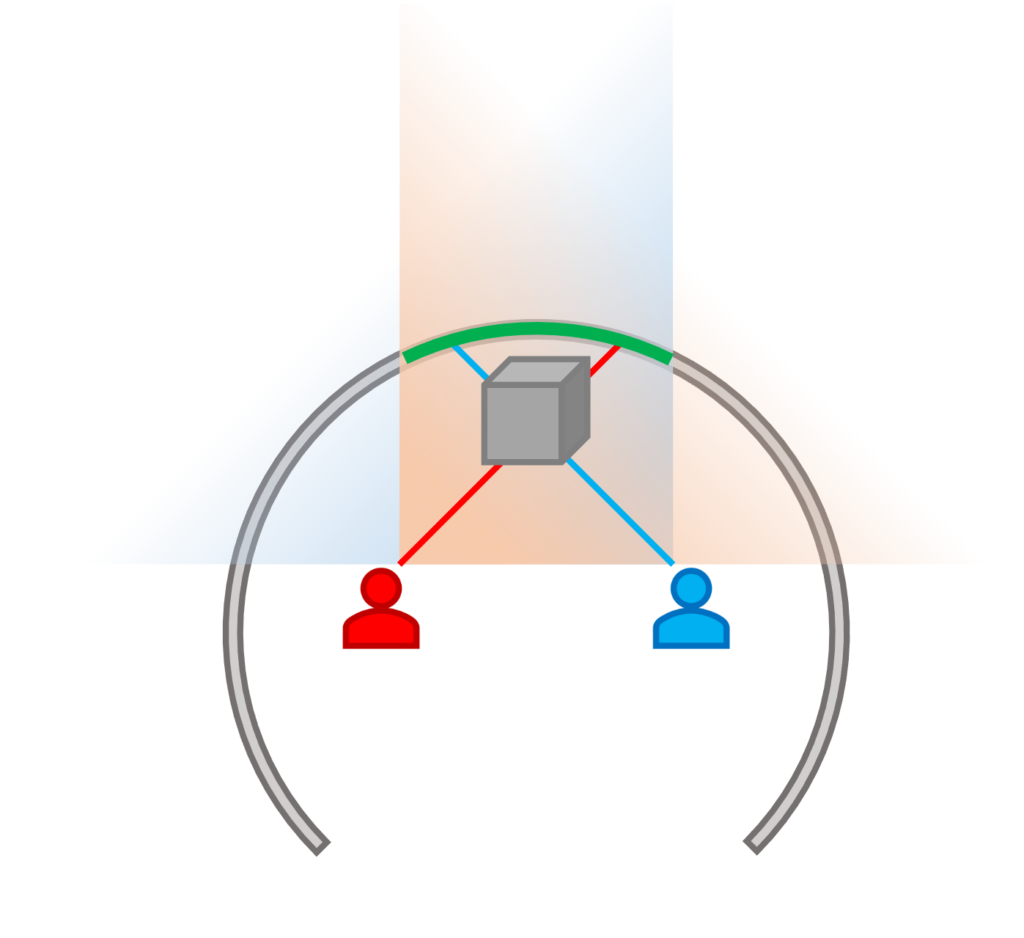
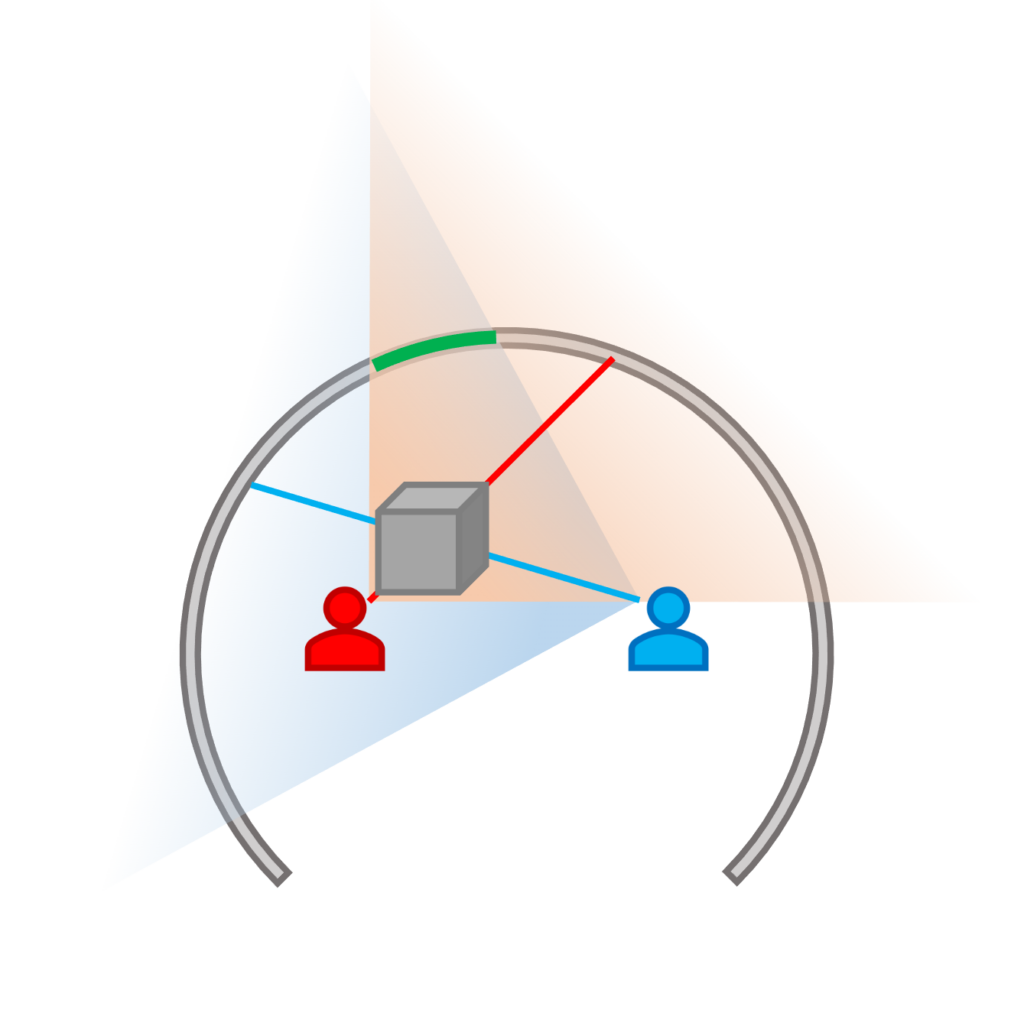
Over this last summer, Steve came up with a potential way to solve these issues. The idea essentially boils down to this: Treat every object that is “outside” of the CAVERN walls as if the players are standing directly in the center of the CAVERN. Because those objects are more distant, the distortion isn’t very noticeable. Then, track every player, and render every object “inside” the CAVERN multiple times – once per player. This way, every player gets their own perspective, and they gain the ability to walk around, or encircle a virtual object, and see the correct side of it from their position.
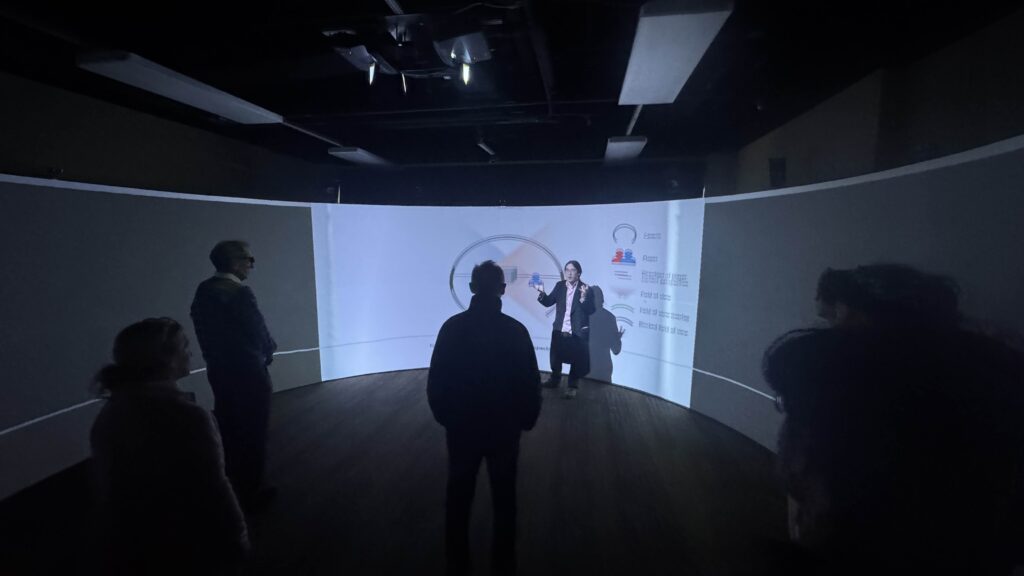
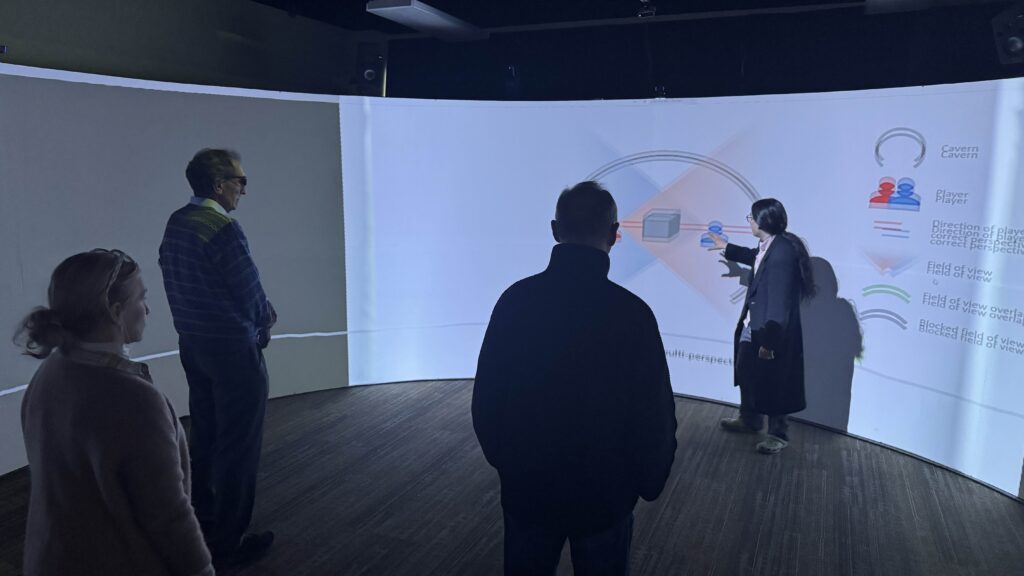
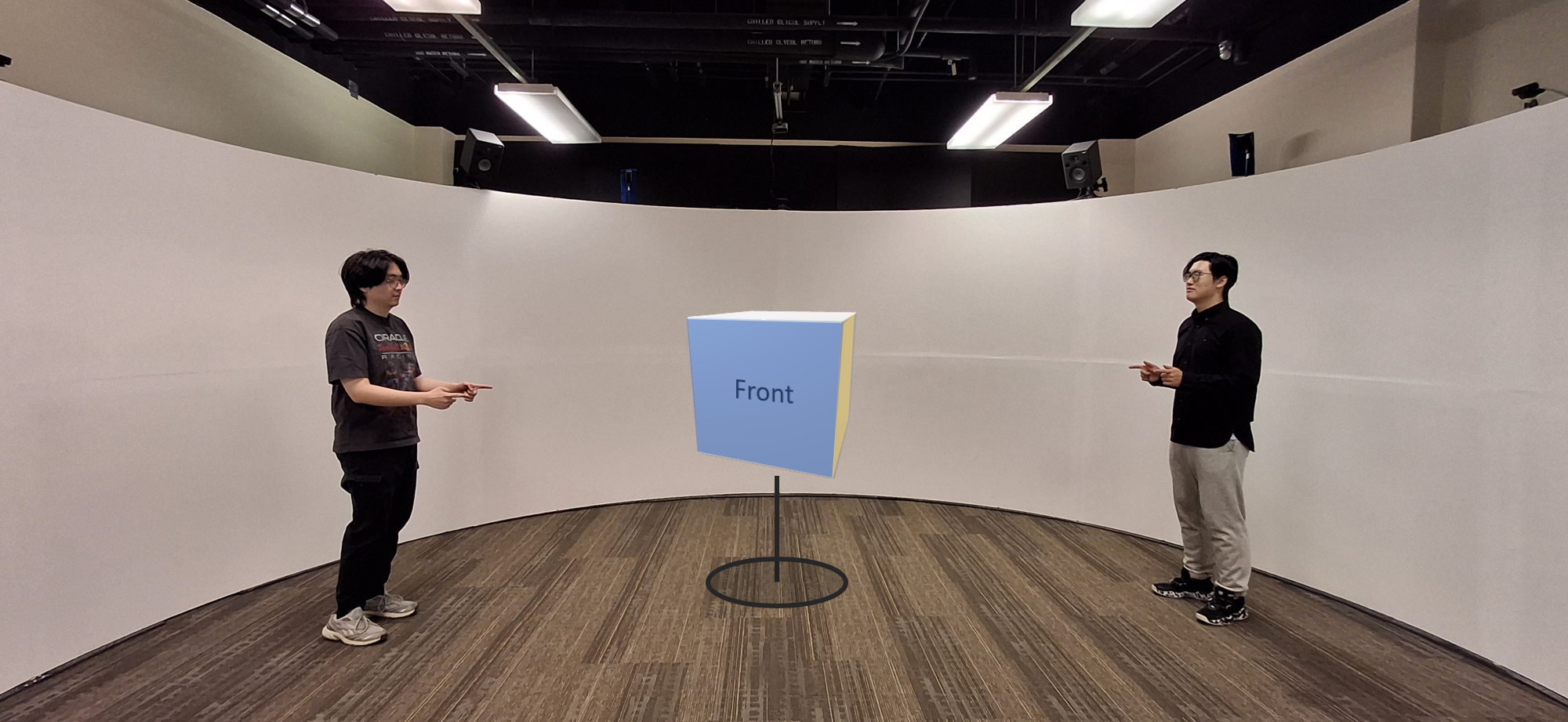
Frank’s POVObject in between the playersJason’s POVObject “outside” CAVERN, unaffected by player positionsObject “inside” the CAVERN, rendered once for each player
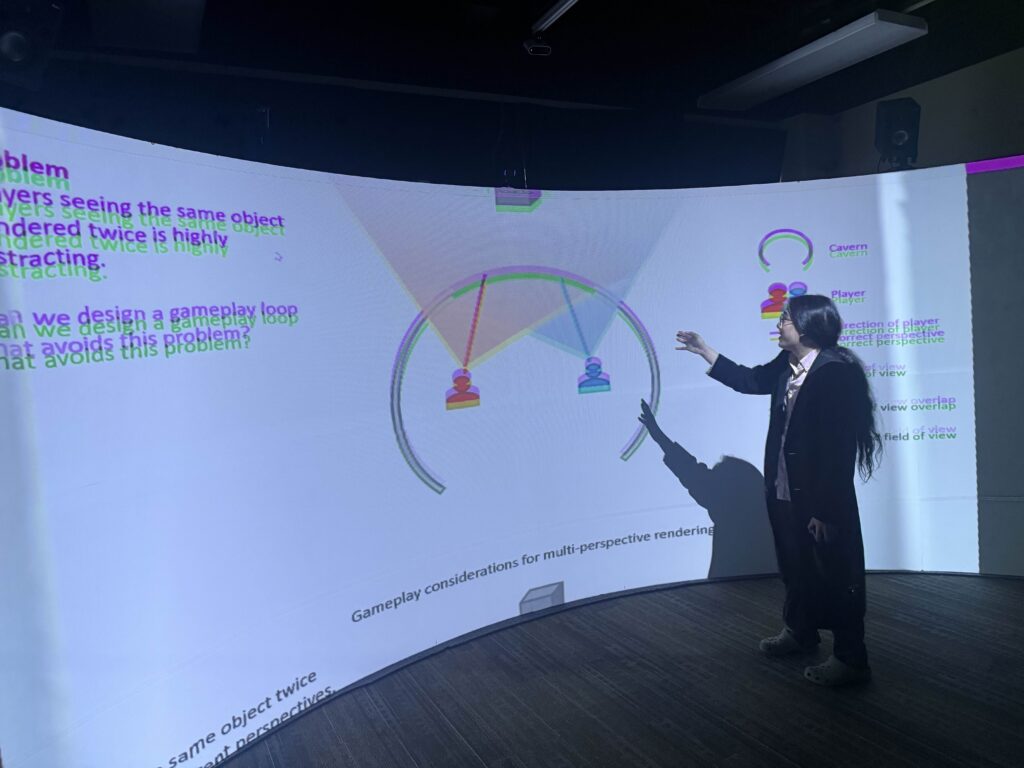
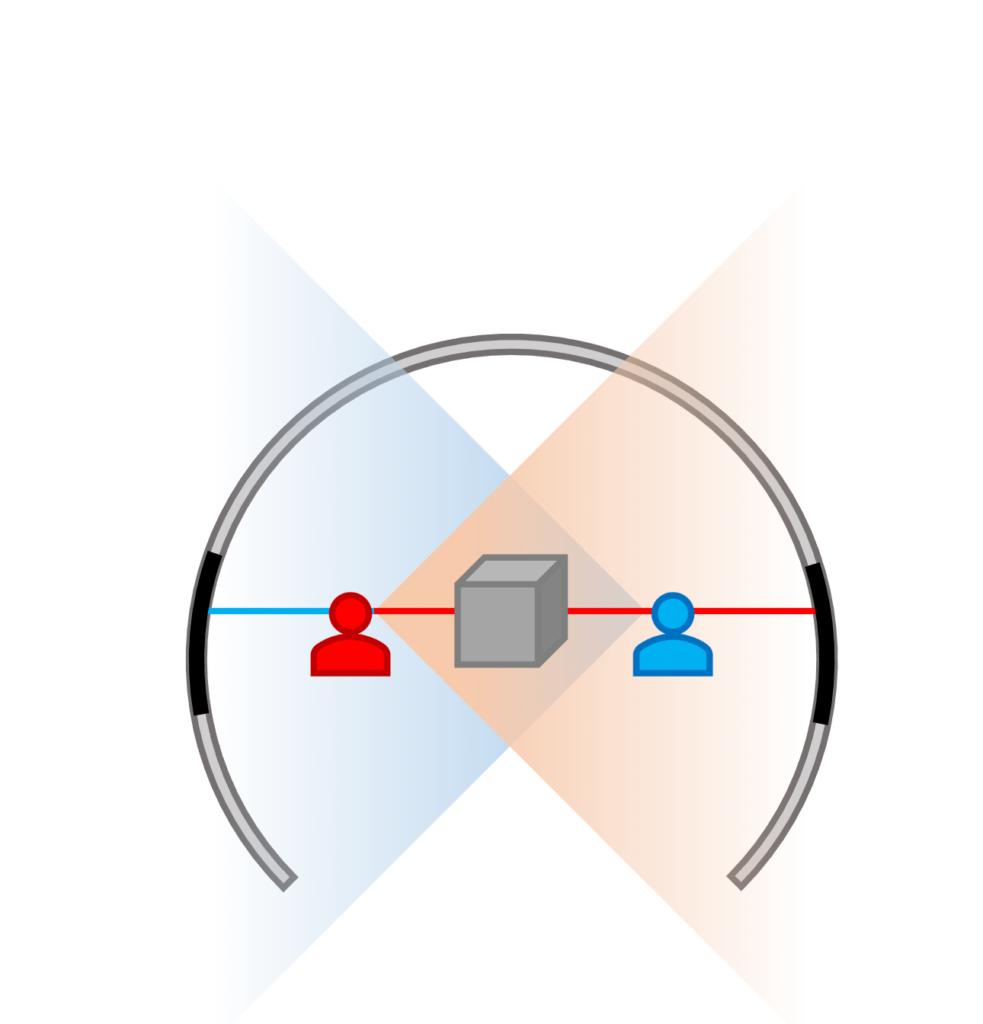
This solves the multiplayer perspective issue, but has a lot of unanswered questions. The CAVERN is unable to separate what individual players see, so if one player is looking in the same direction as another, they would both see each other’s version of the object. It would appear doubled!
In this position, the player’s would be able to see “each other’s” cubeIn this position, they would not
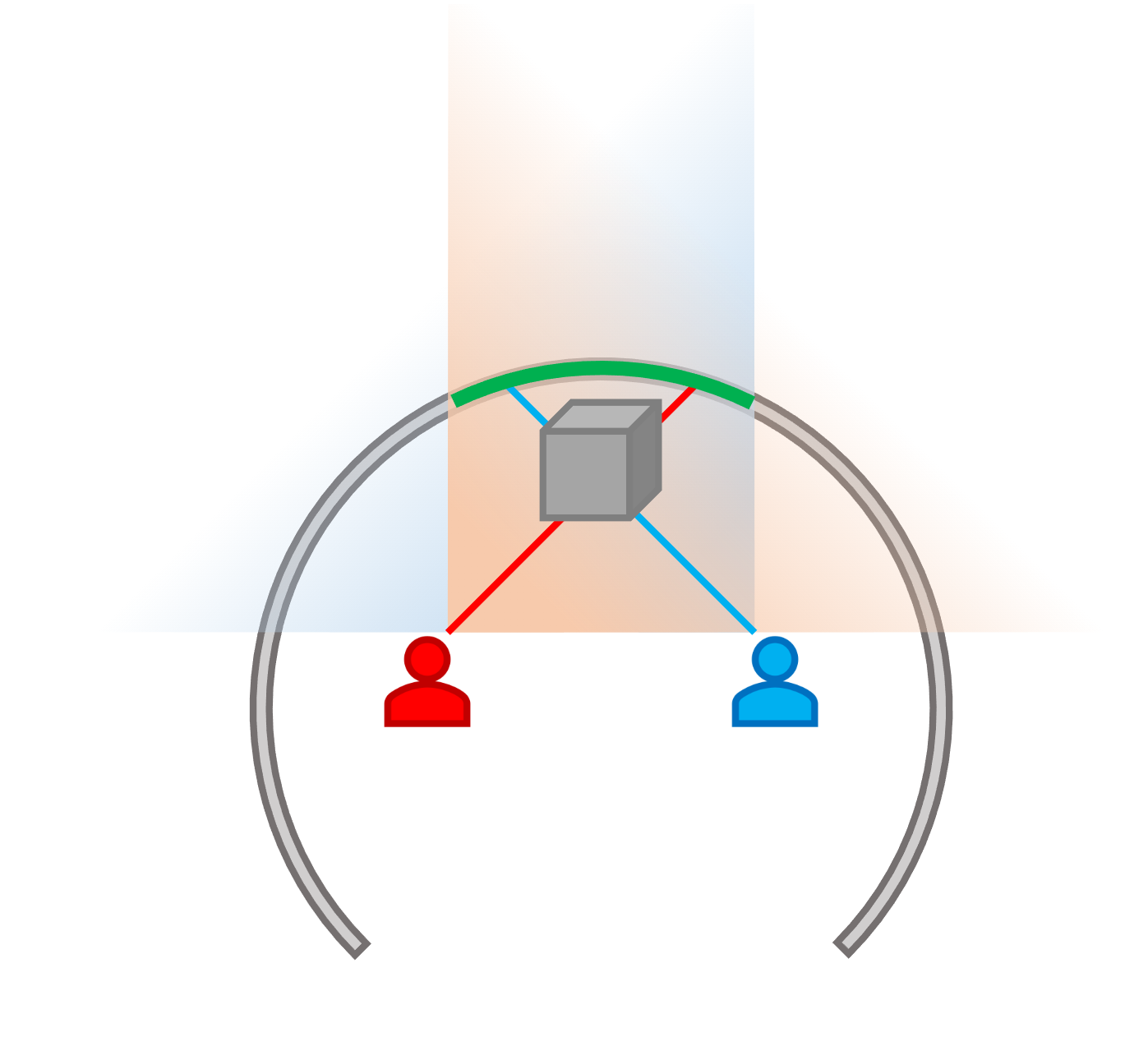
Also, because objects are projected onto the CAVERN screen to appear 3D, even if they should be in front of both players, it’s entirely possible for the players to block each other’s views of the object anyways, if they are standing in the right positions.
Two players blocking the cube from each other’s view
There are also a variety of other unknowns. How do we render the same object multiple times using Spelunx’s existing system? Will there be any performance issues? Will the 3D effect be strong enough to use “moving” objects? Will the distortion on other player’s objects be distracting? How would we handle overlaps in the rendering? How do we separate the “interior” objects from the “exterior” objects? And so on and so on…
It is with this idea and this pile of problems and unknowns that we begin our semester!
Enter, Team Torchbearer!
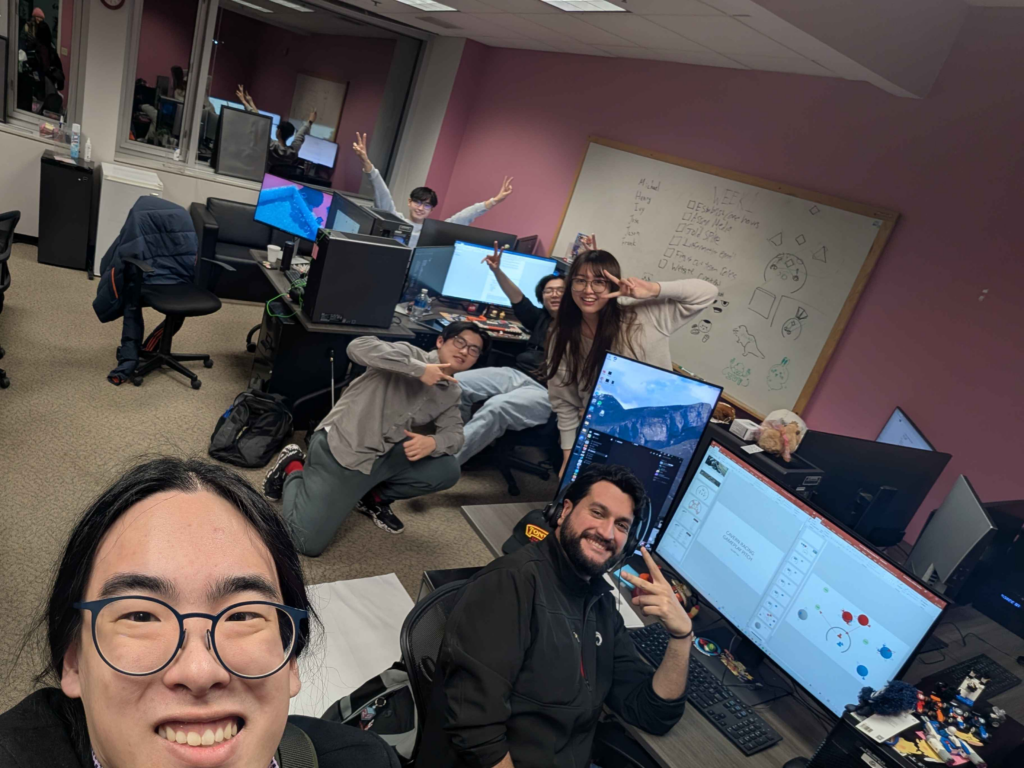
From back to front: Henry Wang, our gameplay programmer, Frank Lin, co-producer and 3D Artist, Jason Jiang, our graphics programmer, Ivy Hu, our second 3D Artist, José Francisco Mireles Macario, our game designer, and finally, Michael Wong, our sound designer, composer, and other producer (this is me)
This week, we established our team’s identity (that’s our name, Torchbearer), met with our advisors Drew Davidson and Steve Audia for the first time, tried out the CAVERN, and created a simple test scene of the single player version of 3D
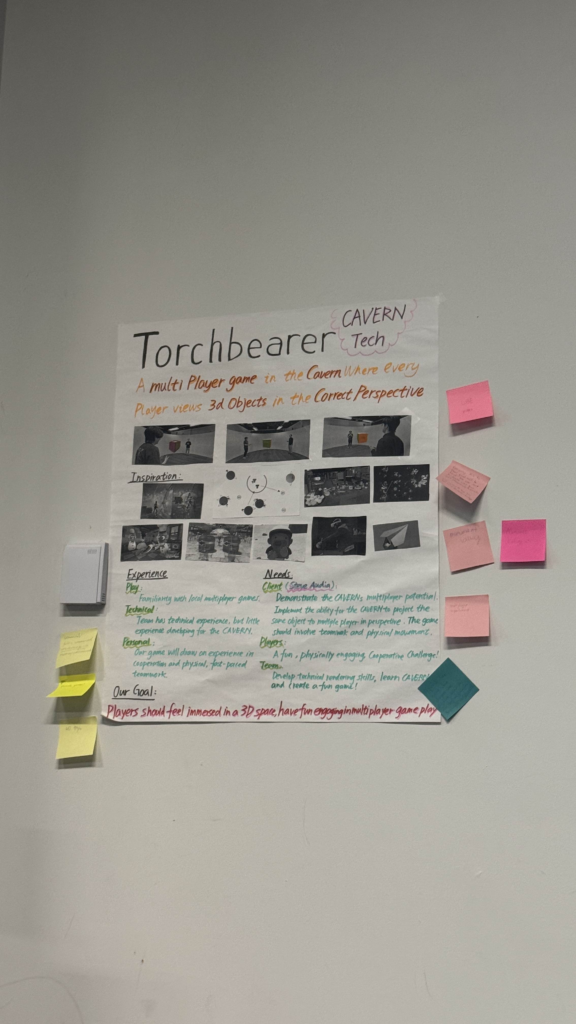
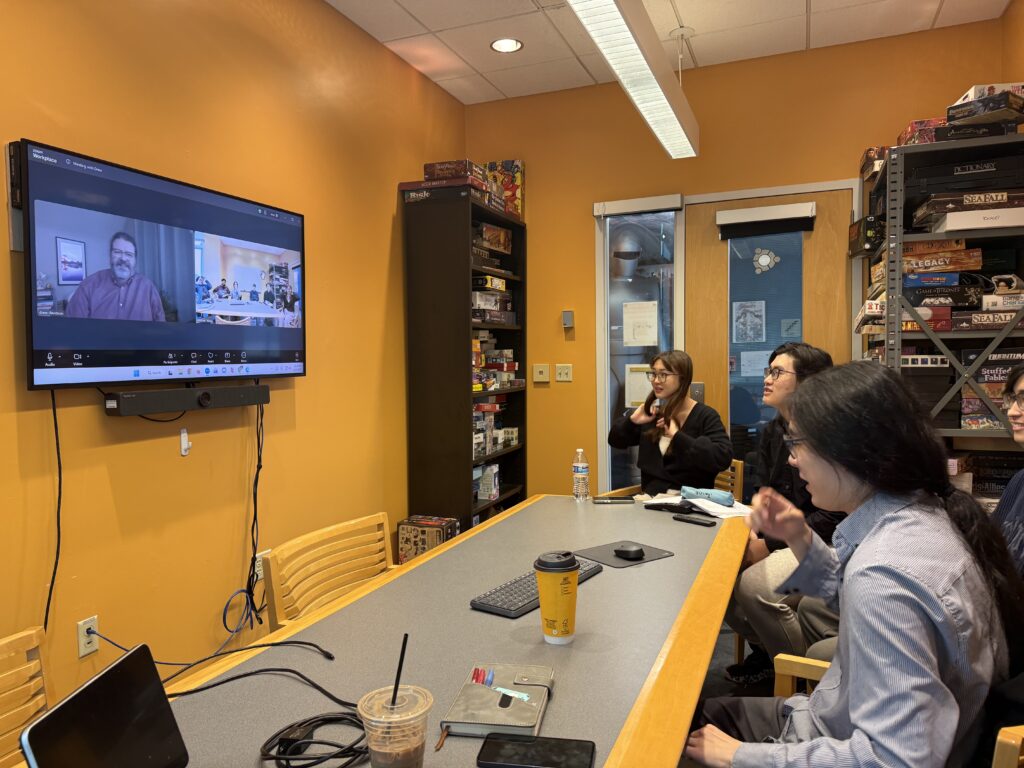
Drew DavidsonThe team in front of our composition boxOur composition boxMeeting with Drew from the team’s perspective
Trying out the CAVERNJosé showing us his last semester CAVERN project, 270° Fun2-second snippet of a team meetingSingle-player 3D effect