Category: Uncategorized

  • Week 14

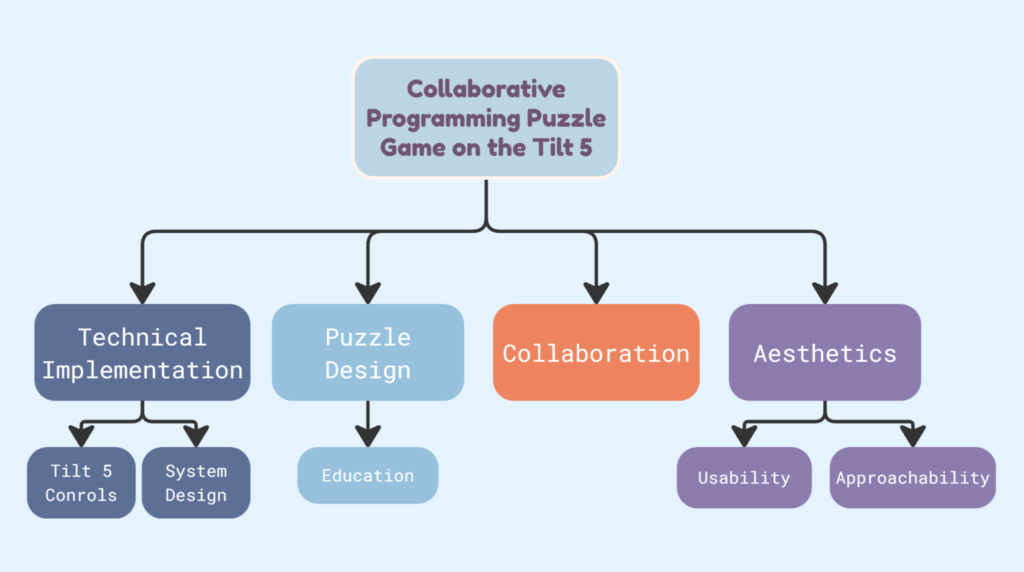
    Moving into one of our last weeks, our focus is shifting to fixing some minor issues, as well as packaging and showcasing our game. All semester, we have been working to get MixCasting working, a software that allows us to show our game in a 3D space using a real camera mixed with a virtual camera, overlaid on each other. We’ve hit a bunch of technical snags, so we haven’t quite gotten it working yet. We’re trying to reduce the number of buttons used in the game as well, which means reworking some of the tutorial.

    On the less technical side, we are working on a few major tasks:

    1. A video to showcase our project and why it’s exciting
    2. A teacher’s guide, so it can be used in the classroom without our assistance 
    3. Our Finals slideshow, to present our results to the faculty.

    We hope to be able to share our successes and failures with Alice and the Tilt Five, so that future teams can take what we learned and apply it to their work!

    We are also looking into the potential of a Steam release. We are in discussions with the Tilt Five team to look into the process of being officially associated with them, and if it seems like it will be productive and possible for us, we will do that.

  • Week 13

    We have softs on Monday, which received generally positive feedback: instructors can figure out the purpose of the levels (understand that they made a loop), communicate effectively, and understand why it would be suited for the Tilt 5 platform. 

    Some general feedback about smaller problems:

    • It is confusing that interaction uses the trigger button, and the tutorial uses the 1 and 2 button.
    • Placing tiles on the signpost might be still a bit frustrating
    • We don’t have numbers larger than 12. When adding to a higher number, it doesn’t change the number texture
    • We should add dog emotes/thought bubbles for more feedback
    • Trees might be blocking the view
    • In the 1st level, they got confused about not all the slots need to get filled, suggested that we have a black block for the other path
    • Change the run and reset button’s aesthetics to fit the scene more
    • Change the realistic wooden texture

    Moving on, we planned our further steps to fix the problems and finish our 3rd level with type change. We also plan to figure out mixed casting to be able to stream and record the game better. In addition, we hope to make a teacher’s guide for the project and its intended context.

  • Week 12

    This week had 2 main focuses: Making a tutorial, and preparing for Soft Opening, where professors visit, try our work, and critique it based on the goals we set out to complete at the start of the semester.

    As we discussed in previous blogs, the biggest issue at the moment is the lack of clarity for new players, and creating a tutorial should solve a lot of that. We came up with a new mini-level, where players will both be forced to learn the basic control scheme as well as the general goal of levels. This was challenging for our programmers, since, unlike creating a regular new level, this requires new scripting for when text appears, how it looks, and when the text progresses. However, we did have a working version of this by the end of the week. We plan to make some adjustments, so that it doesn’t require a different button that isn’t used in the regular game, but it certainly adds clarity for the players.

    We also prepared for Softs, which meant discussing how we would present our game so that faculty could quickly and effectively understand our mission and why we made certain decisions.

  • Week 11

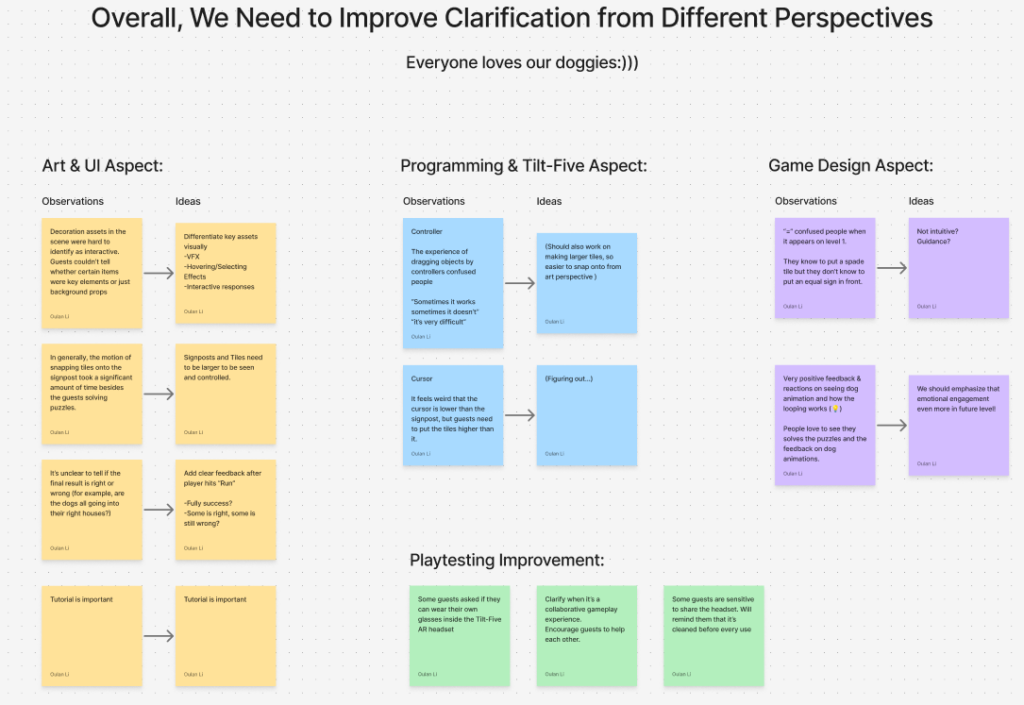
    On Monday, we playtested with The Beacon/Friendship Circle’s after school program with middle schoolers. Their feedback was also generally positive. Organizing what we learned from both playtests, we shared our findings and plans with our instructor and client

    Playtests showed that players were engaged, especially kids, but the first few minutes were confusing due to missing onboarding. Once players understood the mechanics, they enjoyed the experience.


    Onboarding and Tutorial

    The main priority is making the first play clear.

    An in-headset tutorial level will guide players using one tile per player, 3D arrows, and short text. A short group introduction with GIFs or videos will replace the current slideshow for pre-headset briefing. A house-based checkbox UI will show per-house success states during gameplay.


    Visual Clarity

    Interactive elements need to be easier to identify.

    VFX such as hover and selection effects will distinguish interactive assets from decorative ones, and make signpost slots more visible. The cursor will be replaced with a hand model, and picked-up tiles will float or scale to indicate placement.


    Controls and Feedback

    Interaction needs to feel more responsive and forgiving.

    Snap hitbox and distance for placement will be increased, and partial-success feedback will be clearer. Cursor smoothing will be reduced for more direct control, and highlighting will better match the target tile. Sound cues will be added for interactions and success states.


    Notes

    Hardware overheats after extended use, which may limit session length. 


    Plan

    A tutorial level will be ready for the next milestone, with an additional level completed by the final presentation. Final deliverables will include a teacher’s guide and a summary of platform-specific learnings.

  • Week 10

    Playtest Week is when the ETC formally invites guests to the building to try our experiences so we can get a ton of feedback. We were specifically seeking out children within our age group of 10-12 year olds. Overall, the guests were more positive than expected. Outside of having a lot of difficulty learning the way our game works, once players understood their goals, they seemed to have a lot of fun!

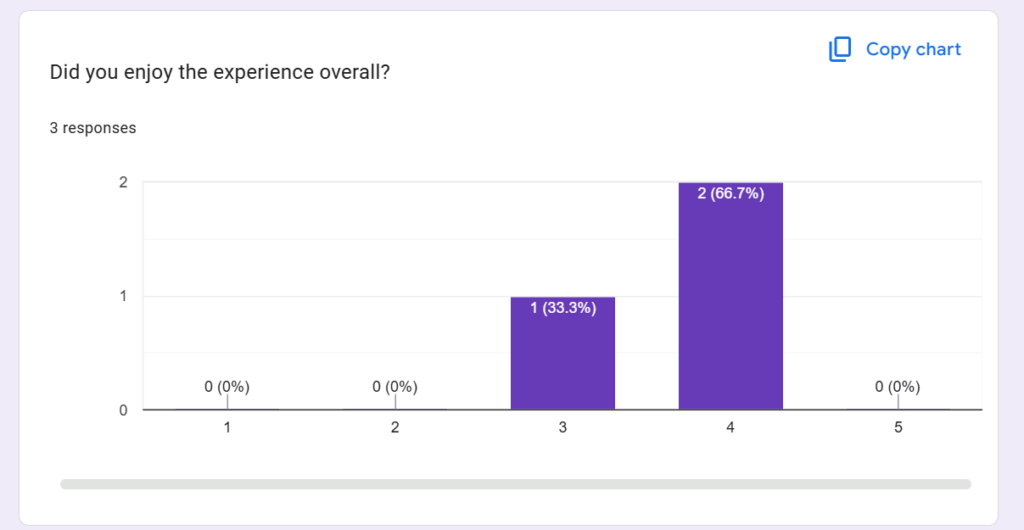
    After they tried our experience, we had some of them fill out a survey, if time permitted. Below, we will share some of the results, but some of the takeaways include:

    1. People enjoyed the aesthetics, both in the way the cards move and in the way the scene looks
    2. People had some discomfort with the glasses, but since the experience didn’t take too long, it was manageable
    3. The programming concepts were enjoyable, and playing hit a good balance between fun and education
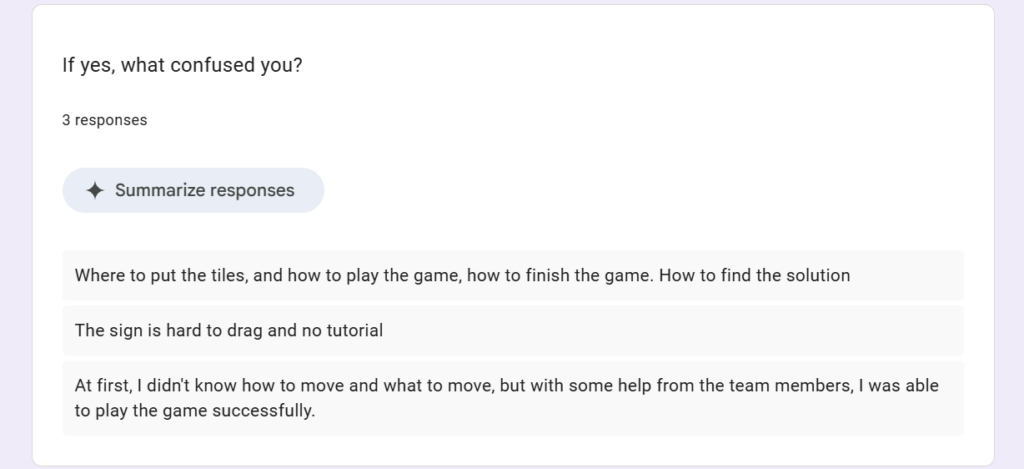
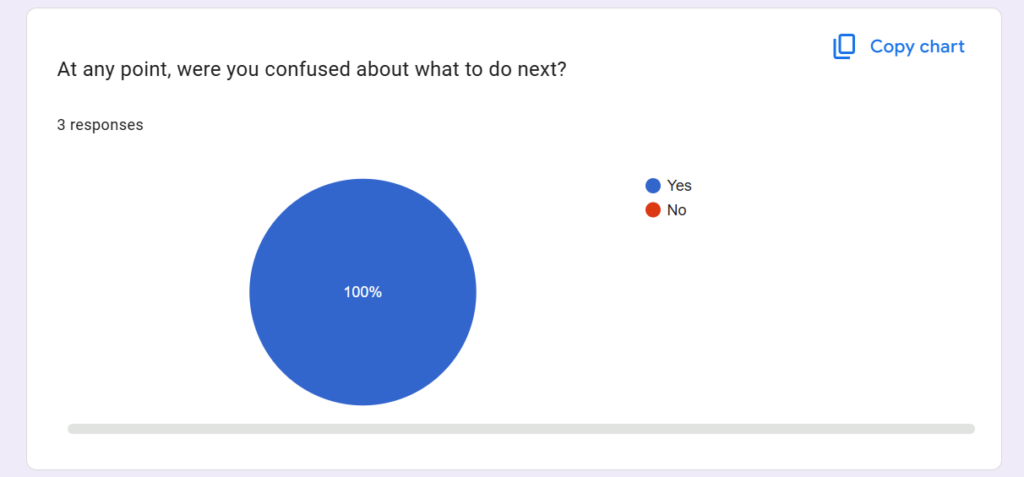
    4. Players were extremely confused, especially during the start of the experience

    So, overall, it was a success. The onboarding problem was one we expected. We tried to give a brief presentation to explain how the game would work, but it was hard to keep kids focused on it for even a minute or two. We already plan on creating a tutorial, and that should smooth out the issue.

    (Future Author’s Note: It did!!)

    Here’s a look at the results. Note that we only had 3 age-group participants fill out this form, although we had more. We also had many playtesters outside our target audience who had similar feedback.

    Next steps are to take our prototype to The Beacon, an after-school program in the city! We will update you next week of the results and what we plan to do next!

  • Week 9

    Coming back from GDC, we planned to prepare for our potential playtest on next Monday, only to learn that the playtest might not work out. While accepting that, we planned to still set our milestone on Thursday, and produce a playable version with correct visual representations.

    In addition to our first level, our programmers have also finished the logic for interactions in other levels: tunnels for changing types, tunnels for adding a number, and loops. Placing all the assets into the scene, it looks so much better than before, and will hopefully work to create a fun and healthy learning environment for children. With almost all these building blocks completed, including both code and art, we hope to construct future levels with more efficiency.

    On Friday, we also gathered some peer playtesters. There are still some problems to be solved. First, the Tilt 5 frequently force quit while people are playing. Something else that’s very important is that the inventories are not clear enough for the players. One player cannot see that the other player also has an inventory. We might need some cloud/fog assets to cover the other player’s inventory so at least the player knows there’s something there. Also, we need marks for locations to hint the players which blocks can have signposts placed on them. 

  • Week 8

    Week 8 was GDC week! Most of our members flew out to San Francisco, so our work was put on hold for the most part. In the meantime, the remaining few members worked on creating more art assets and continued to work on some of our level’s mechanics. Next week, we will be back to work, preparing for our first age group playtests!

  • Week 7

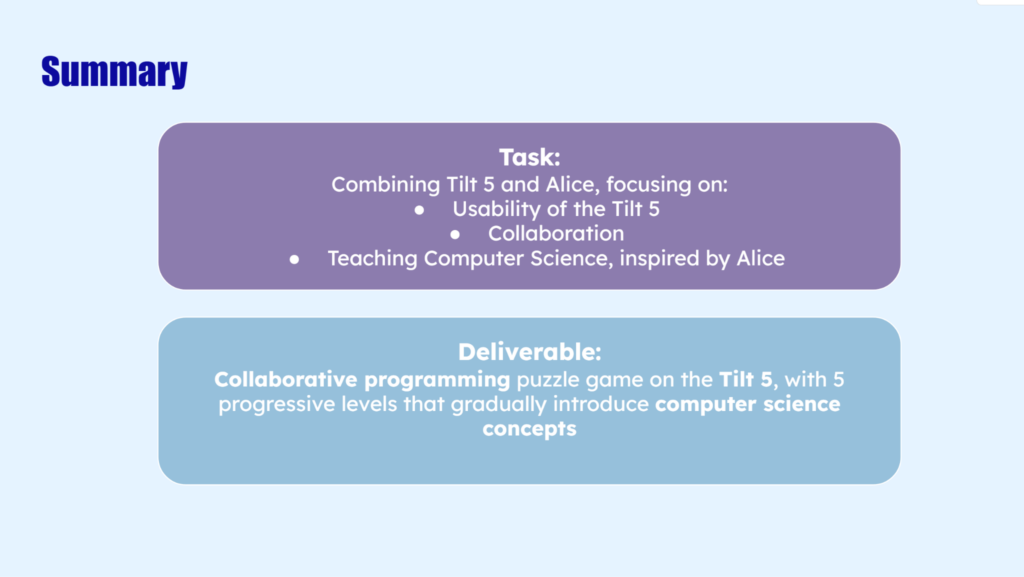
    On Monday this week, we finished our Halves presentation. The 2 major questions for us were:

    • How is it fun for the kids?
    • How does it teach programming?

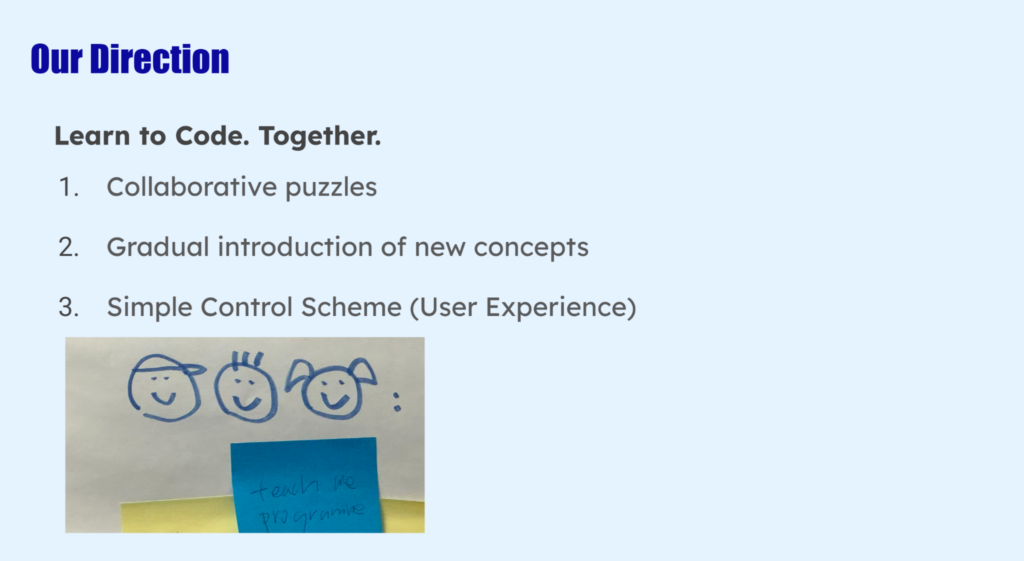
    For the first question, the Tilt 5 and the cooperation it supports would be a large part of the answer – you’re not just learning alone, you’re communicating with another person, building something together that looks cool in 3D. All the visual and sound effects we plan to have will help turn the experience into a whimsical journey.

    For the second question, we embraced the fact that our less-than-15-mins game is probably not gonna teach as much as a programming course, but the whole point of it is not to let the kids take in the knowledge of a whole lecture, but to get them excited about programming, and make the concepts fun and approachable for them, so it encourages them to learn other programming platforms (like Alice) or languages afterwards. In addition, even though our game is not teaching a programming language, it is helping the players understand the logic, which works similarly in all programming languages. If they get familiar with how the logic works by playing that game, they can easily apply this knowledge to real programming languages in the future.

    Moving on, we plan to finish our first level – adding and separating the inventories, writing the logic to place signs on signposts, and replacing the models with our art assets. During our meeting with Dave, we are also recommended to finish the minimally playtestable prototype this week, and hopefully playtest among classmates first.

    Some of the concerns among the halves feedback include:

    • Not enough demonstration of the puzzle gameplay and Tilt Five top-down view in the presentation.
    • Unclear whether Tilt Five is the right platform or meaningfully improves the experience compared to PC/tablet.
    • Concerns about 7–8 year olds using the hardware comfortably and for the planned duration.
    • Sign readability and spatial UI in Tilt Five were not well validated.
    • Too few playtests planned, and no testing with children yet — need more iteration with the target audience.
    • Uncertainty about whether the game is fun and engaging enough (needs more animation, juice, and exciting mechanics).
    • Gap between strong concept art and weaker current 3D implementation.
    • Need clearer explanation of how learning will be measured and evaluated.
    • Questions about multiplayer value and collaboration dynamics.
    • Slides and pacing could be improved; some sections felt rushed or visually underwhelming.
    • Ending connection to programming concepts could be stronger.

    Regarding the questions and concerns about 3D scenes and implementation, we are already fixing the problem by implementing art assets to keep up. Also, our designers’ current focus is to add more to the cooperative aspect according to playtest feedback. Hopefully our progress can answer a lot of these questions.

    We also finished a google form to survey our playtesters, mainly asking them their experience with programming, how they perceive our game, and whether they learned anything. During the meeting with Melanie, she gave us some valuable feedback – it is possible that playtesters, especially our audience, wouldn’t be able to know that they are learning programming even if they are actually getting familiar with the concepts and logic. Another way is just to know their progression by observing how they proceed with levels. Maybe we can design the last level to show that the players grasp the concept if they complete it. In that case, the survey doesn’t have to cover all these questions.

    On the other hand, we can also focus less on whether they actually learn knowledge, just say we are exposing them to concepts. Show our focus on user experience instead – the whole point is to get them excited about being programmers, not to get them to become programmers.

    Moving on with these new suggestions in mind, we plan to improve the survey. We are also considering if we should add audio instructions to the game to teach the players how to start.
  • Week 6

    This was a busy week because it coincided with Pitch Projects, where certain students prepare for their next semester, so we had less development time than normal. When we did have time, most of this week involved preparing our halves presentation! That meant we had to really nail down what we are making, and for who.

    Based on our conversations with Melanie and Daniel last week, we decided to change the walking cards to be four-legged, so they walked with their back facing the audience so it was easier to read.

    Separately, our programmers spent a lot of time working on a demo that we could show during halves. This demo would show pathing and 2 player controls, but it doesn’t function as a puzzle or a level on it’s own. Rather, now that we have these mechanics, we can turn that into a level, but that wouldn’t quite be ready for halves.

    Our artists started work on making final assets for the background environments, which should be added soon. We frequently get positive feedback on the aesthetics of our game, so we are all looking forward to seeing it in-engine.

    We ended up skipping our weekly meeting with our clients to make room for rehearsal for halves, which began on Thursday and continued throughout the weekend.

    Here is a look at our presentation:

    This was a shorter blog due to our busy week with Pitches, but we will be back to our productive selves next week!

  • Week 5

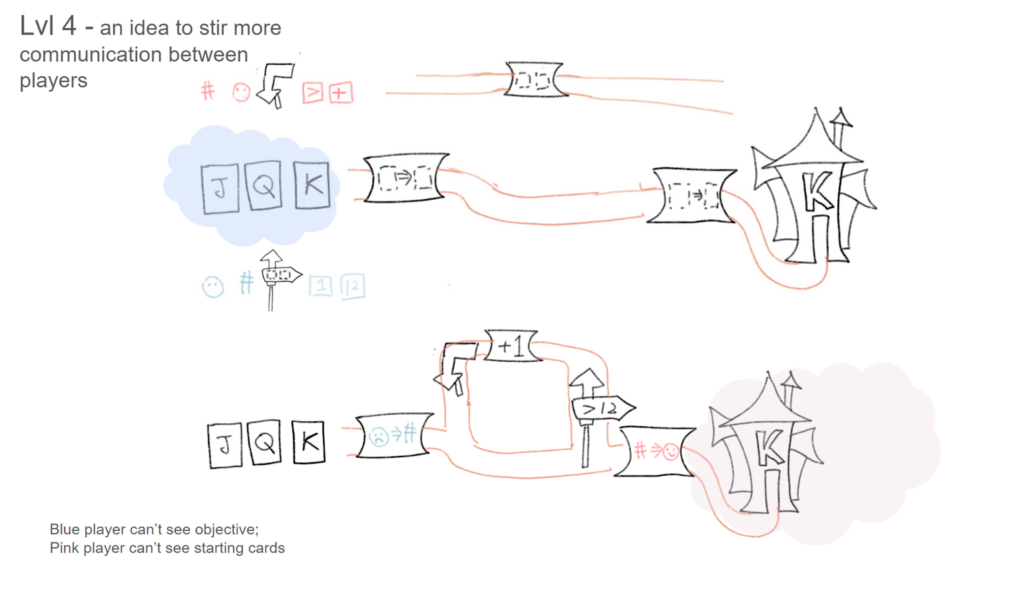
    At the start of this week, our designers started brainstorming about ways to make the existing level designs. We came up with an idea about hidden information: one player can see the starting cards but not the objective; the other player can see the objective but not the starting cards. While we think this idea can definitely incur players’ discussion and communication, we are unsure if it highlights our design goals of teaching programming or if it will cause confusion. 

    Currently, because we don’t have any playable prototypes, we don’t have any clear idea on how the players would communicate, what would be clear, and what might be confusing. We hope to get it playtested, at least by other ETC students, as soon as we have a playable build (hopefully at the end of this week).

    Luckily, our client Melanie will be in Pittsburgh and can attend our weekly meeting in person. During the meeting with Dave, we discussed how to use this opportunity for clearer and better communication, especially showing our progress on the Tilt 5, or even just its general features. We decided to prepare:

    • Pick and existing game to show
    • Show prototype in the progress
    • Art test on Tilt5
    • Paper prototype

    Another thing we discussed with Dave is to have ideas on how to learn from playtester’s feedback. If they are confused, how could we know if that’s because of puzzle design, assumption of programming knowledge, or interface? We should be prepared to analyze feedback to learn from it.

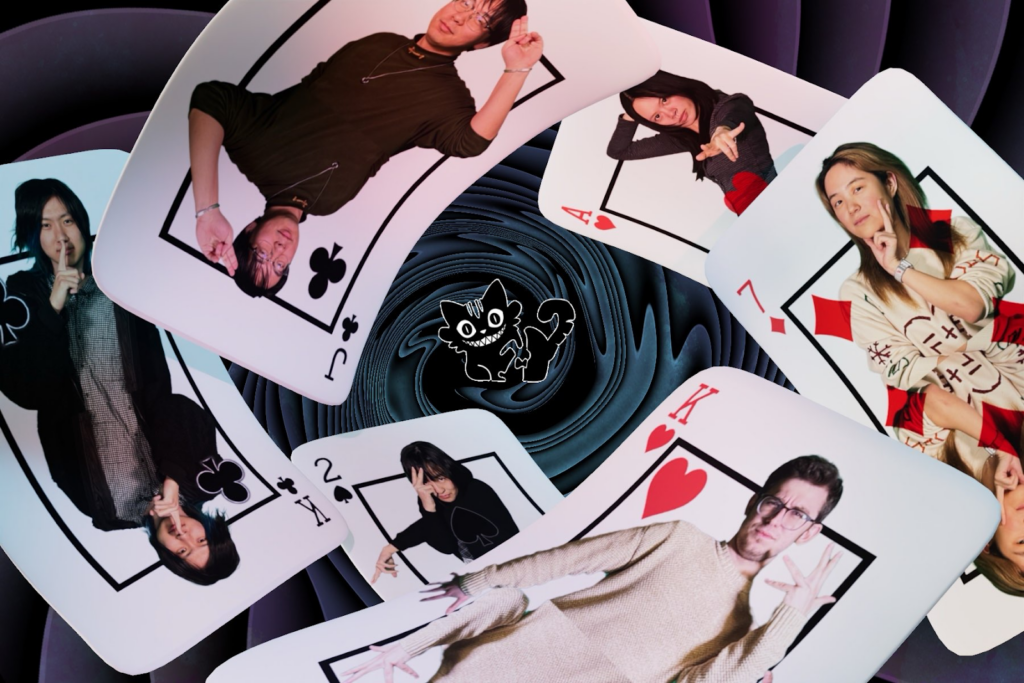
    We also took our group photo on Tuesday, and finished editing it on Wednesday.

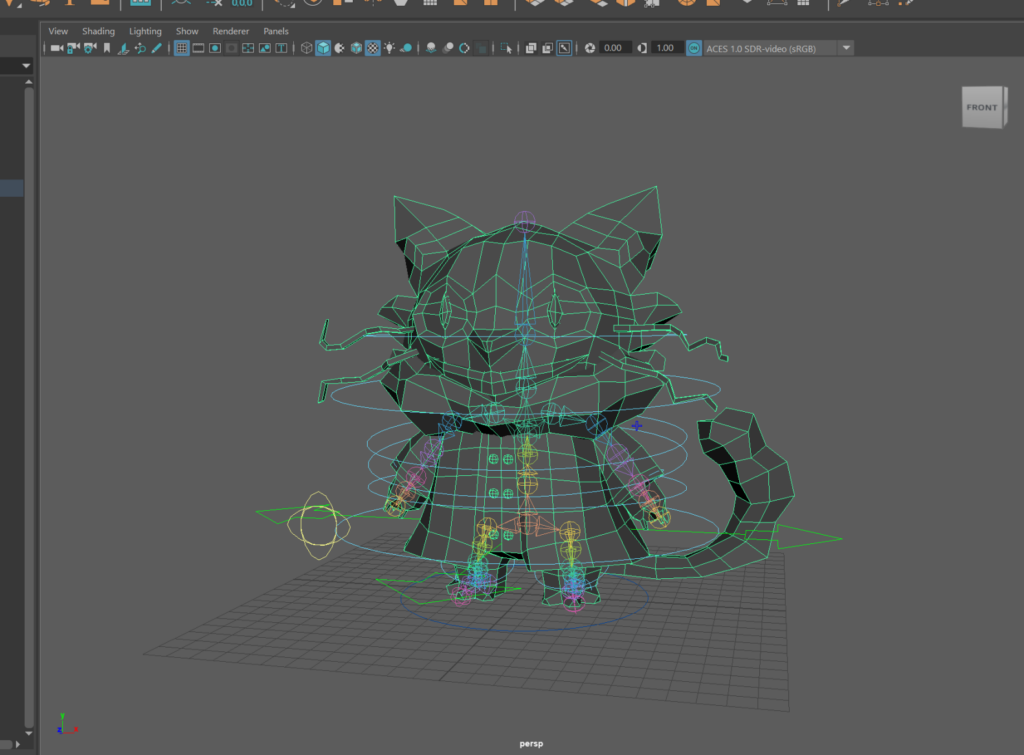
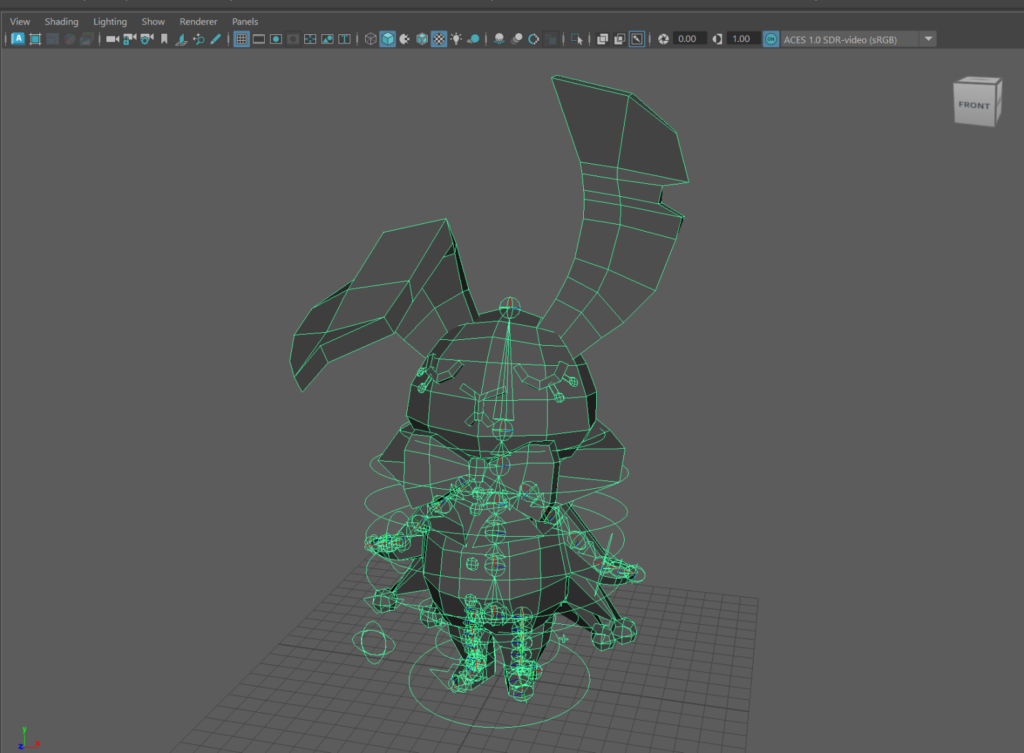
    The artists kept working on assets for the prototype and art test, making great progress:

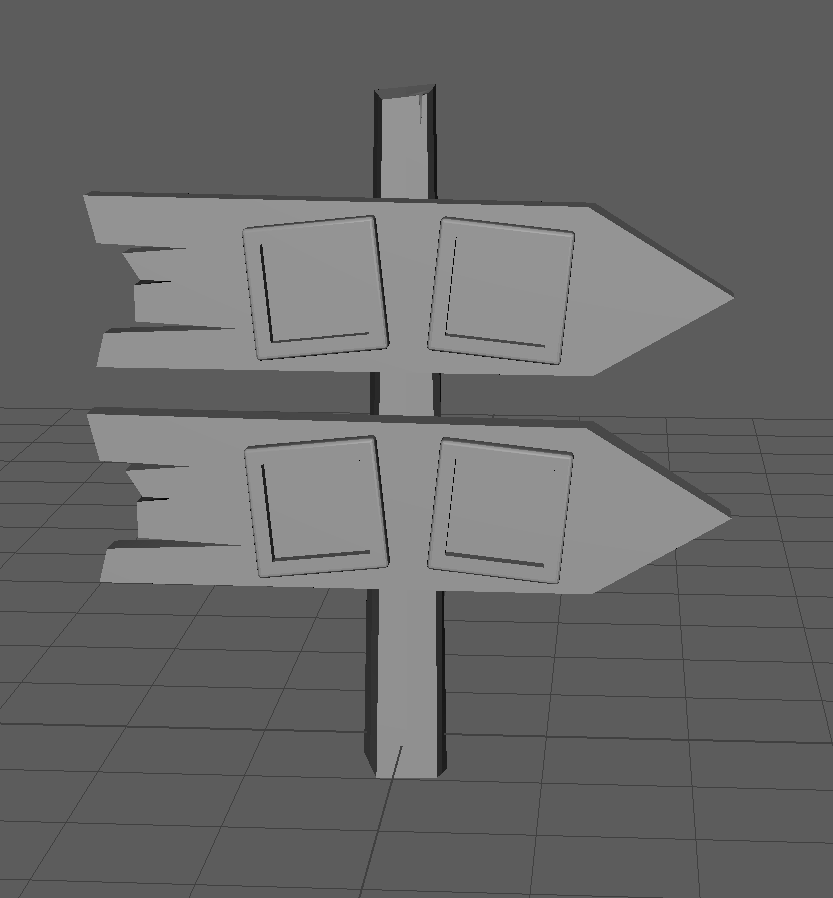
    During our meeting with Melanie, Daniel, and Dave, their major feedback is that the sign posts and card characters are hard to see from the top-down perspective given by the Tilt 5. They suggested other options, including replacing the cards with other types of characters, for example: color and shapes, flowers, beetles, race cars…

    Next week, we hope to hone in more on these design decisions, and make our demo more complete, implementing art assets and ensuring visual clarity.